



Highlights
A free hand-drawn illustration library with 100+ vector elements for websites, videos, and designs, fully customizable in Figma.
Score
50
User Rating
1.0
Free/Trial Support
Supported
Starting Price
--
Last Updated
Aug 04, 2026
Overview
What is Highlights?
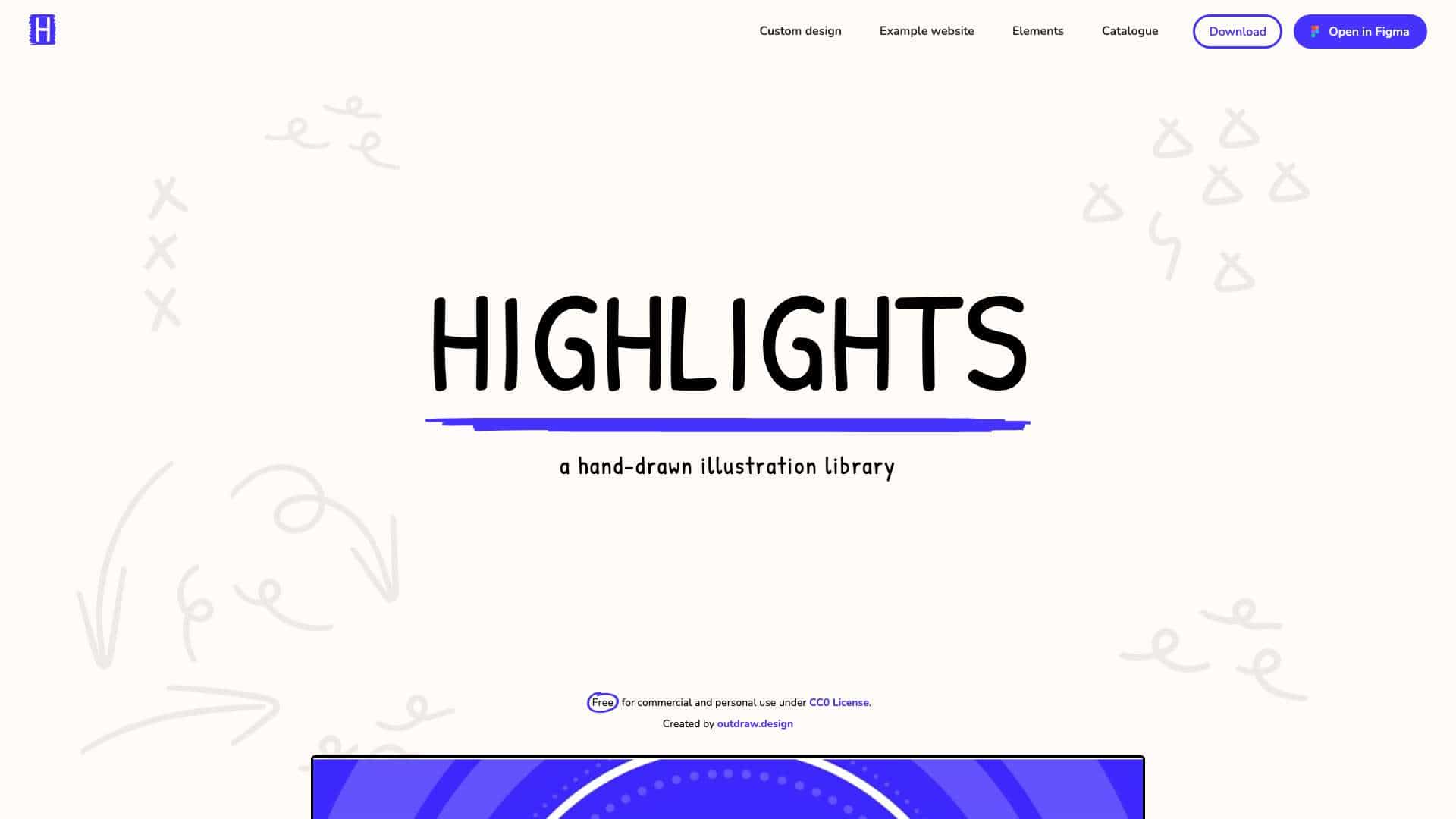
Highlights is a collection of hand-drawn shapes and elements created with unique highlighter brushes, available under CC0 License for commercial and personal use. It includes over 100 vector-based items like blobs, arrows, and loops that can be edited in Figma or as SVGs.
What is Highlights used for?
User Groups
Top Features
- 100+ vector elements
- Fully customizable in Figma
- Adjustable colors
- CC0 License for free use
- Webflow template included
How to use Highlights?
Download the library or open it directly in Figma to use the elements in your projects. Customize colors, mix shapes, and apply them to websites, apps, videos, or illustrations. A free Webflow template is also available for quick website creation.
Alternative Tools
No alternative tools found
Pros & Cons
Pros
- Free for commercial use
- High customizability
- No attribution required
- Suitable for various projects
Cons
- Cannot resell the library
- Limited to vector-based designs
Use Cases
- Website illustrations
- Video animations
- Presentation graphics
- Brand storytelling
Highlights Pricing
Free Plan
No detailed pricing information available
User Reviews
1.0
out of 5
1.0
No reviews yet
Be the first to review this tool!