



GPTBox
AI integration for enhanced productivity in Windows tasks.
Score
60
User Rating
3.0
Free/Trial Support
Supported
Starting Price
--
Last Updated
Aug 14, 2026
Overview
What is GPTBox?
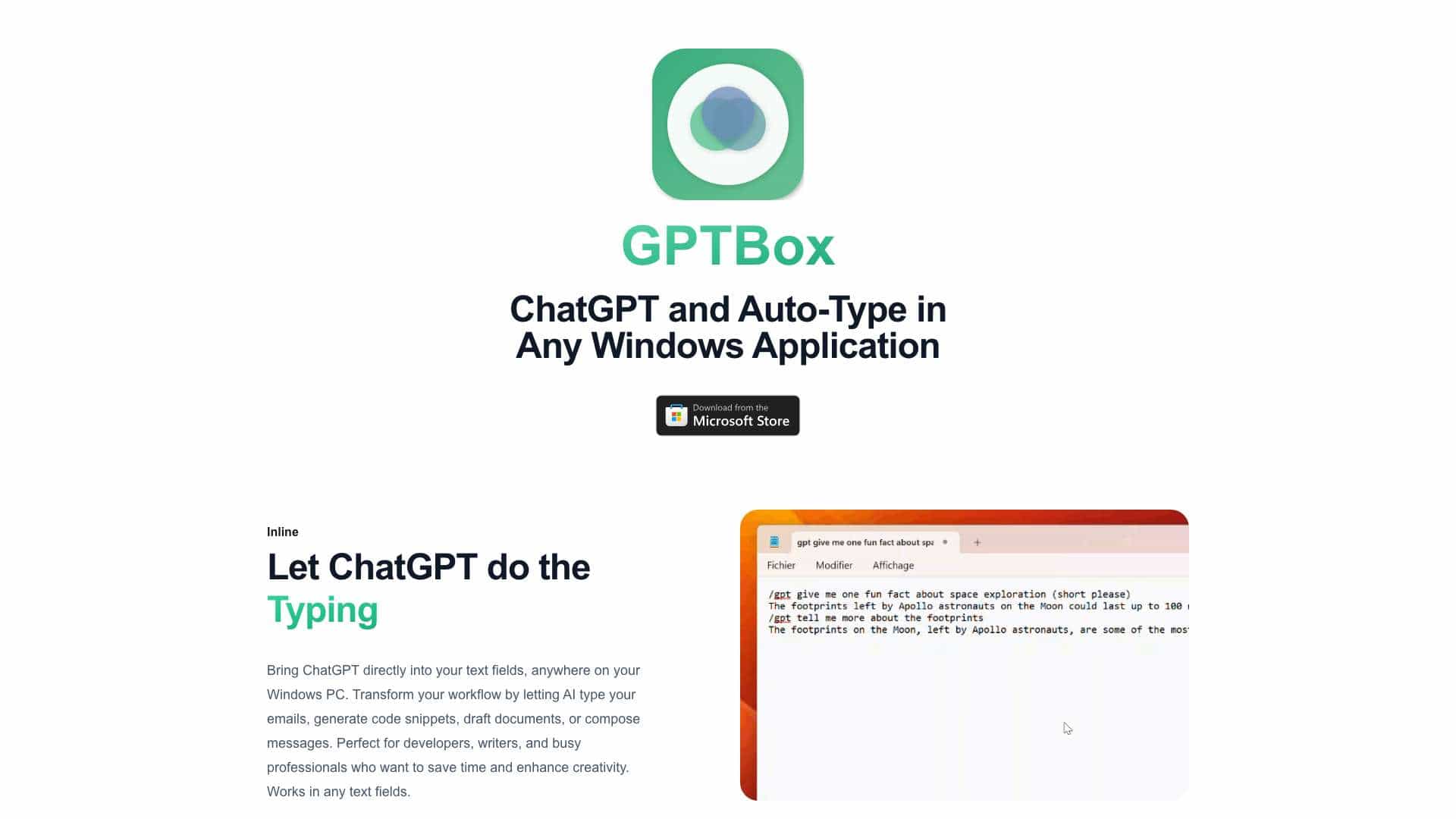
GPTBox is a Windows application that integrates ChatGPT and DeepSeek directly into the Windows taskbar. It allows users to access AI text generation capabilities within any application on their PC, enhancing productivity by enabling AI to type emails, generate code snippets, draft documents, and compose messages. It offers inline typing and global access features, making AI assistance readily available via keyboard shortcuts.
What is GPTBox used for?
Top Features
- ChatGPT and DeepSeek integration in Windows taskbar
- Inline typing in any Windows application
- Global access via keyboard shortcut
- Support for multiple AI models
How to use GPTBox?
After installing GPTBox, you can access ChatGPT and DeepSeek either through inline typing within any text field or via a global keyboard shortcut that brings up a convenient dialog. To use ChatGPT, you need an OpenAI API key, and for DeepSeek, you need a DeepSeek API key, both of which can be entered in the GPTBox settings.
Alternative Tools
No alternative tools found
Pros & Cons
No Data
Use Cases
- Generating emails with AI assistance
- Creating code snippets directly in coding environments
- Drafting documents with AI-powered text generation
- Composing messages quickly and efficiently
GPTBox Pricing
Free PlanSubscription Plan
No detailed pricing information available
User Reviews
3.0
out of 5
3.0
No reviews yet
Be the first to review this tool!