



GPT-Tunnel - Chrome Extension
A browser extension for quick ChatGPT actions on webpages.
Score
60
User Rating
3.0
Free/Trial Support
Supported
Starting Price
--
Last Updated
Aug 14, 2026
Overview
What is GPT-Tunnel?
GPT-Tunnel is a browser extension that provides simple and powerful actions like explaining selected text on a webpage or asking a question about an article. It uses ChatGPT under the hood, making it free for ChatGPT users. It can be accessed via a keyboard shortcut (Command + Shift + X on Mac, Win + Shift + X on Windows).
What is GPT-Tunnel used for?
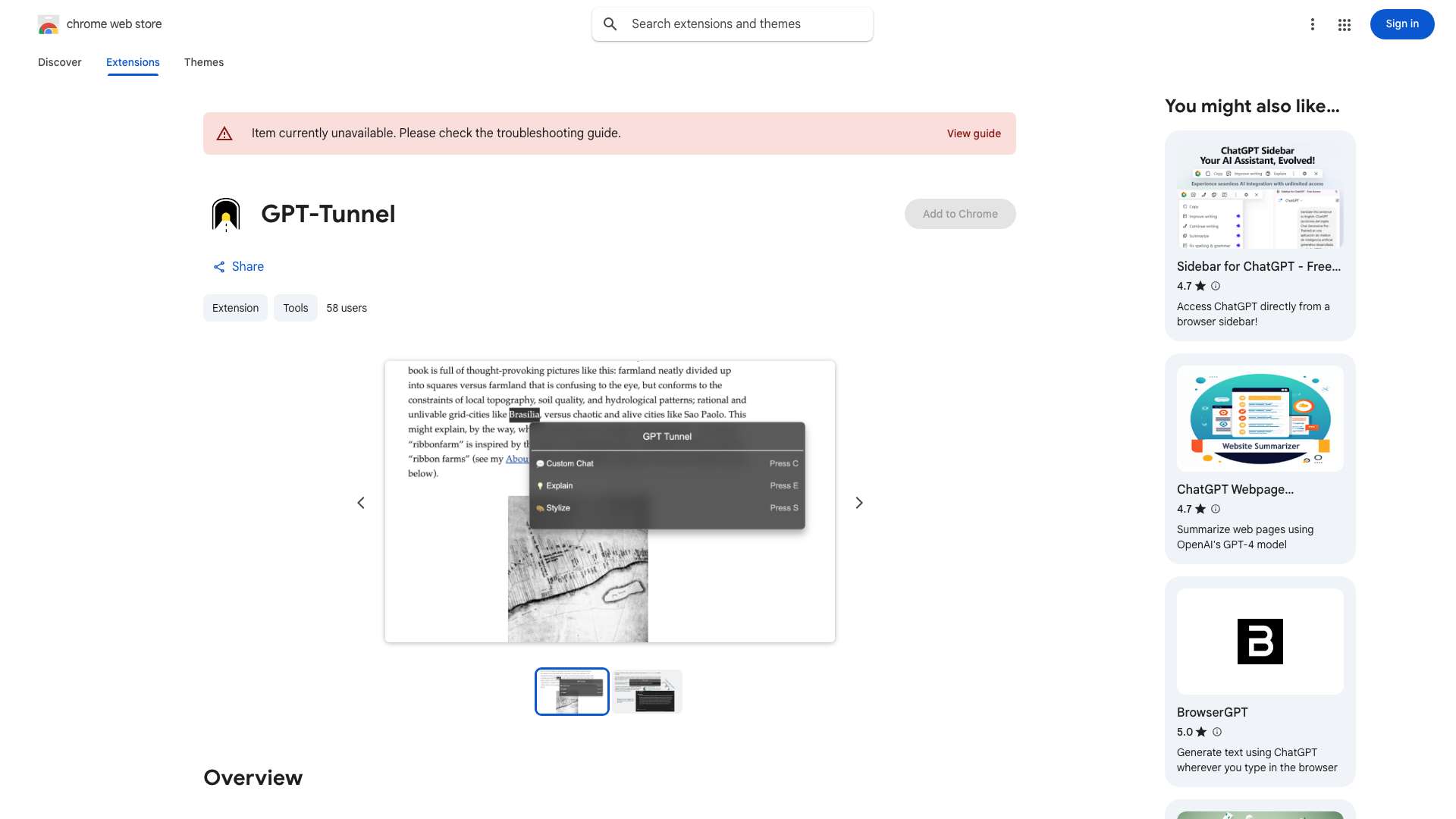
Top Features
- Contextual actions on webpages using ChatGPT
- Custom Chat with selected text or the entire page
- Explain selected text
- Stylize selected text
- Key Points extraction from the entire page
How to use GPT-Tunnel?
Install the GPT-Tunnel extension. Use the keyboard shortcut (Command + Shift + X or Win + Shift + X) to open the command palette. Select text for focused actions, or use it without selection for broader actions.
Alternative Tools
No alternative tools found
Pros & Cons
No Data
Use Cases
- Quickly understand complex text on a webpage.
- Ask questions about an article without leaving the page.
- Re-style selected text to match a specific tone or format.
- Summarize key points of a webpage.
GPT-Tunnel Pricing
Free PlanSubscription Plan
No detailed pricing information available
User Reviews
3.0
out of 5
3.0
No reviews yet
Be the first to review this tool!