



Route Optimizer Button - Chrome Extension
Optimizes Google Maps routes for multiple destinations based on travel time.
Score
60
User Rating
3.0
Free/Trial Support
Supported
Starting Price
--
Last Updated
Aug 14, 2026
Overview
What is Route Optimizer Button?
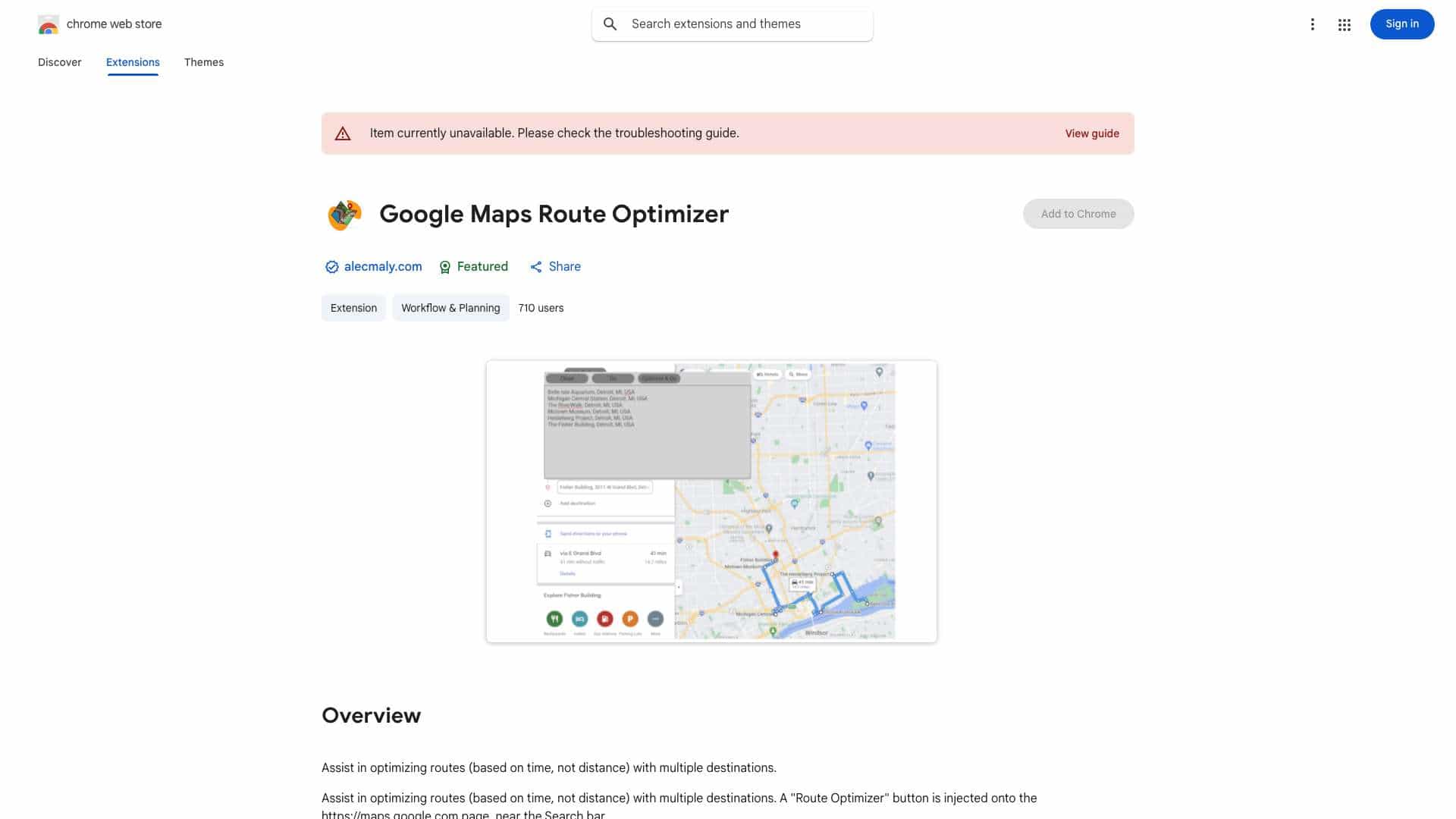
This feature enhances Google Maps by adding a 'Route Optimizer' button near the search bar. It allows users to input multiple destinations and optimizes the route based on travel time, not just distance. This helps users find the fastest way to visit all their desired locations.
What is Route Optimizer Button used for?
Top Features
- Time-based route optimization for multiple destinations
How to use Route Optimizer Button?
After installing the 'Route Optimizer' extension, a button will appear on Google Maps. Enter your destinations as you normally would, then click the 'Route Optimizer' button. The tool will reorder your destinations to minimize travel time.
Alternative Tools
No alternative tools found
Pros & Cons
No Data
Use Cases
- Planning a delivery route with multiple stops to minimize driving time.
- Organizing a sightseeing tour to visit attractions in the most efficient order.
- Scheduling sales calls to multiple clients, optimizing for the least amount of travel time.
Route Optimizer Button Pricing
Free PlanSubscription Plan
No detailed pricing information available
User Reviews
3.0
out of 5
3.0
No reviews yet
Be the first to review this tool!