



GitHub - BetterWorld-Liuser/XiaoChao
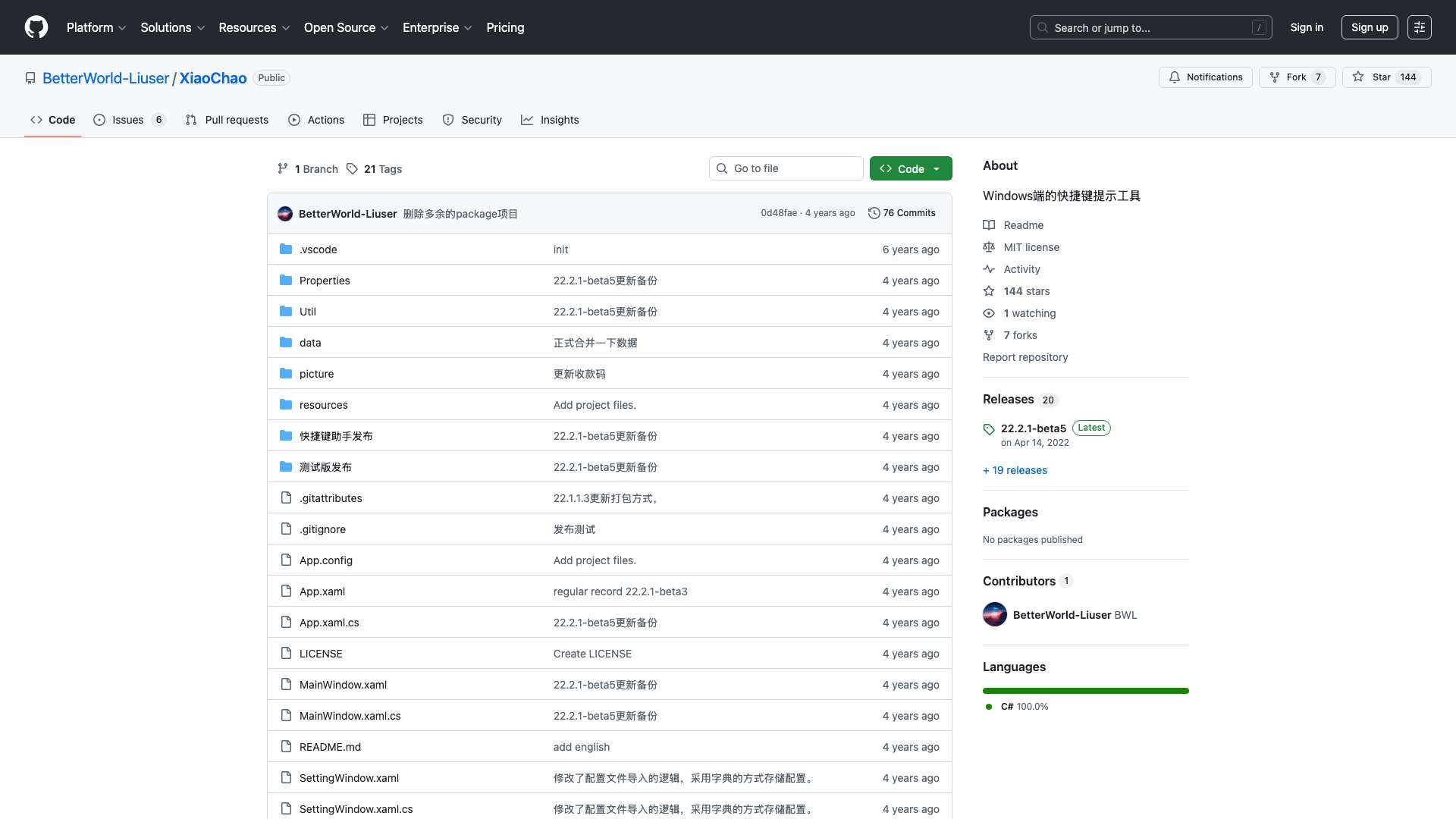
A Windows shortcut hint tool that displays relevant shortcuts based on the active application window.
Score
60
User Rating
3.0
Free/Trial Support
Supported
Starting Price
--
Last Updated
Aug 04, 2026
Overview
What is GitHub - BetterWorld-Liuser/XiaoChao?
XiaoChao is a shortcut hint tool for Windows that automatically adjusts its displayed content based on the currently used application window. It helps users remember and access shortcuts for various software like CAD, Visual Studio, and more.
What is GitHub - BetterWorld-Liuser/XiaoChao used for?
Top Features
- Automatic shortcut display based on active window
- Customizable shortcut data via markdown files
- Dark mode support
- Adjustable transparency and colors
How to use GitHub - BetterWorld-Liuser/XiaoChao?
Extract the files, set it to start on boot via Windows startup manager, and use Alt+S (customizable) to toggle the display. Customize shortcuts by editing markdown files in the data folder.
Alternative Tools
No alternative tools found
Pros & Cons
Pros
- Improves productivity by reducing shortcut memory load
- Highly customizable with user-defined data
- Free and open-source
Cons
- Requires manual entry of shortcut data
- Limited to Windows platform
Use Cases
- Learning new software shortcuts
- Quick reference for developers and designers
- Enhancing workflow efficiency in Windows
GitHub - BetterWorld-Liuser/XiaoChao Pricing
Free Plan
No detailed pricing information available
User Reviews
3.0
out of 5
3.0
No reviews yet
Be the first to review this tool!