



UTM
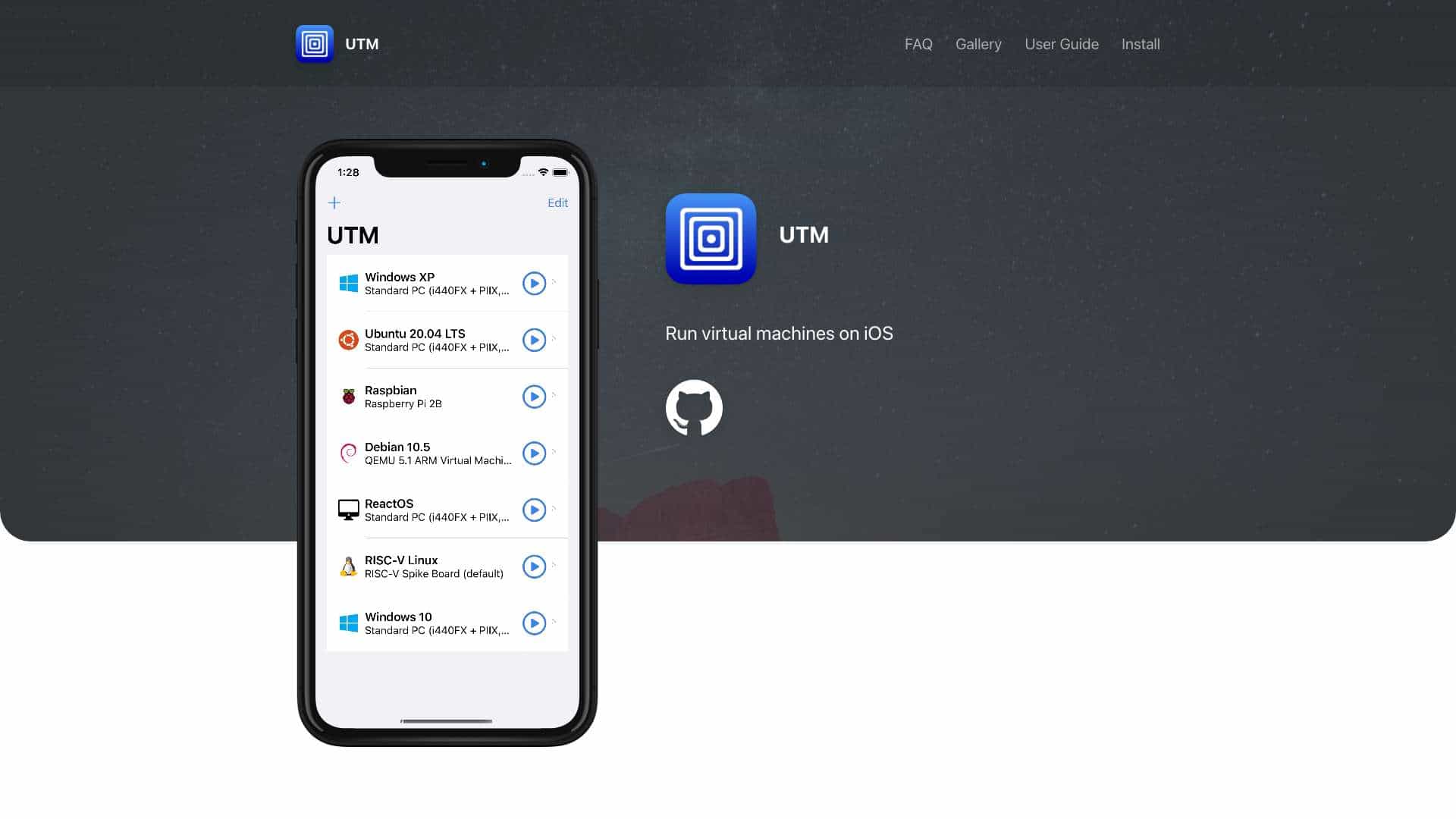
UTM is a free and open-source app for running virtual machines on iOS, supporting emulation of various processors and operating systems without jailbreak.
Score
60
User Rating
3.0
Free/Trial Support
Supported
Starting Price
--
Last Updated
Apr 23, 2026
Overview
What is UTM?
UTM is an iOS application that allows users to run virtual machines on iPhone and iPad, emulating processors like x86_64, ARM64, and RISC-V to run operating systems such as Windows and Linux securely within the app.
What is UTM used for?
Top Features
- Run virtual machines on iOS
- Emulate any processor
- Run any operating system
- Fast emulation with SPICE and JIT
- High compatibility with iOS 11+
- Free and open source
- Easy to use native UI
- Console mode for headless servers
- Sharing capabilities
- Multiple inputs support
How to use UTM?
Install UTM from the App Store, configure your virtual machine using the native UI, and run it to emulate different operating systems on iOS devices with features like shared directories and multiple input support.
Alternative Tools
No alternative tools found
Pros & Cons
Pros
- Free and open source
- No jailbreak needed for iOS 11-13
- Supports a wide range of processors and OS
- User-friendly interface
- High customizability
Cons
- Limited to iOS platform
- May require technical knowledge for advanced setups
Use Cases
- Testing different operating systems on iOS
- Running legacy software in a VM
- Educational purposes for learning about virtualization
UTM Pricing
Free Plan
No detailed pricing information available
User Reviews
3.0
out of 5
3.0
No reviews yet
Be the first to review this tool!