



GetSearchablePDF
Bulk OCR PDFs with high accuracy and support for images and handwriting.
Score
60
User Rating
3.0
Free/Trial Support
Supported
Starting Price
--
Last Updated
Aug 13, 2026
Overview
What is GetSearchablePDF?
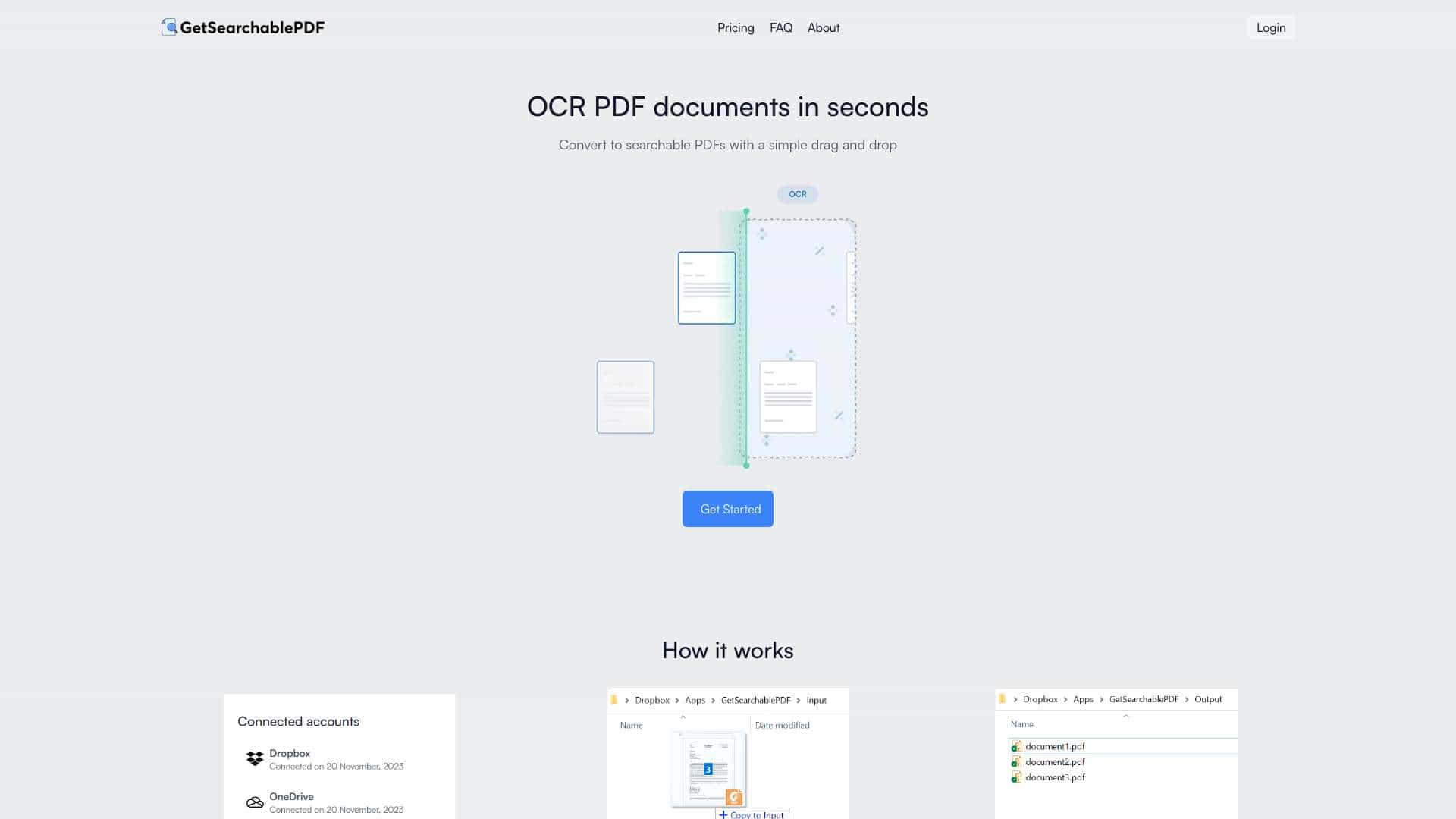
GetSearchablePDF is a service that converts PDF documents into searchable PDFs using OCR (Optical Character Recognition) technology. It allows users to convert scanned documents, screenshots, handwriting, and photos into searchable files. The service emphasizes ease of use, accuracy, and security, automatically deleting files 10 minutes after processing. It offers subscription-based pricing with a free trial of 10 credits.
What is GetSearchablePDF used for?
Tags
Top Features
- Best in class OCR accuracy
- Secure file handling (automatic deletion after 10 minutes)
- Handwriting support
- Converts scanned PDFs, screenshots, handwriting, and photos
How to use GetSearchablePDF?
1. Connect your Dropbox or OneDrive account. 2. Drag and drop (or copy paste) PDF files into the Input folder. 3. Get searchable PDFs!
Alternative Tools
No alternative tools found
Pros & Cons
No Data
Use Cases
- Converting scanned documents to searchable PDFs
- Making screenshots searchable
- Converting handwritten notes to searchable PDFs
- Making photos of documents searchable
GetSearchablePDF Pricing
Free PlanSubscription Plan
No detailed pricing information available
User Reviews
3.0
out of 5
3.0
No reviews yet
Be the first to review this tool!