



Quicker软件 您的指尖工具箱 - Quicker
Quicker is a desktop automation tool that creates shortcuts and automates tasks with mouse and keyboard triggers, boosting productivity.
Score
60
User Rating
3.0
Free/Trial Support
Supported
Starting Price
--
Last Updated
Apr 23, 2026
Overview
What is Quicker软件 您的指尖工具箱 - Quicker?
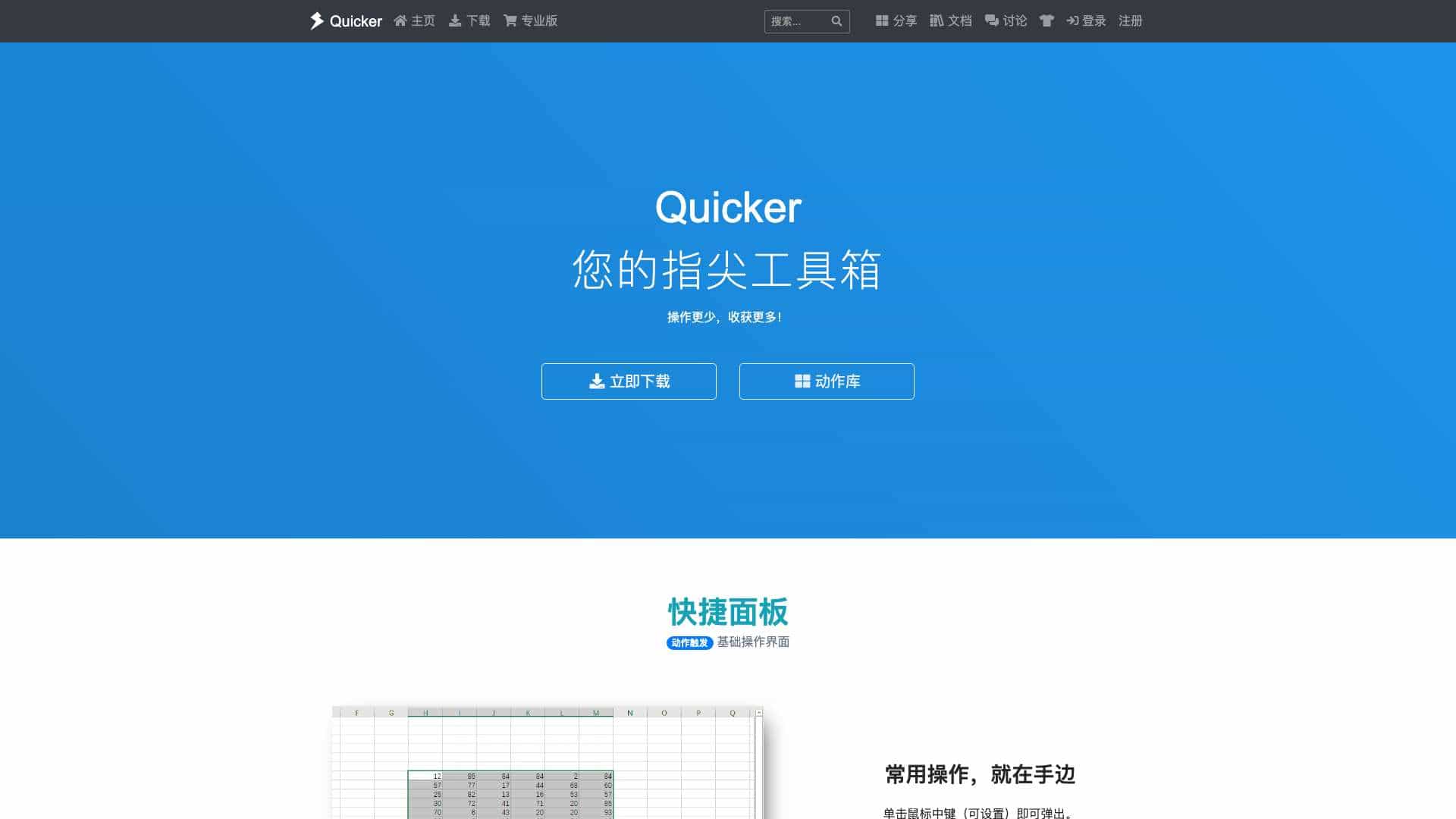
Quicker is a Windows toolbox that allows users to create shortcuts for common operations, automate workflows, and trigger actions via mouse or keyboard. It features a customizable panel, action library, and supports sharing.
What is Quicker软件 您的指尖工具箱 - Quicker used for?
Top Features
- Customizable action panel
- Mouse and keyboard triggers
- Automation workflows
- Action library with sharing
- Text and script shortcuts
How to use Quicker软件 您的指尖工具箱 - Quicker?
Download and install Quicker, then use the middle-click panel to add actions. Create shortcuts for apps, text, or scripts, or build automated workflows by combining modules. Trigger actions with mouse gestures, hotkeys, or text commands.
Alternative Tools
No alternative tools found
Pros & Cons
Pros
- Highly customizable
- Reduces repetitive tasks
- Large community action library
- Supports various trigger methods
Cons
- Windows-only
- Learning curve for advanced automation
Use Cases
- Automating data transfer between apps
- Creating quick access to files and websites
- Building custom OCR or translation tools
Quicker软件 您的指尖工具箱 - Quicker Pricing
Free PlanSubscription Plan
No detailed pricing information available
User Reviews
3.0
out of 5
3.0
No reviews yet
Be the first to review this tool!