



Files • Home
A sleek, open-source file explorer for Windows, designed to organize files and folders with modern features like tabs, dual pane, and cloud integration.
Score
60
User Rating
3.0
Free/Trial Support
Supported
Starting Price
--
Last Updated
Apr 23, 2026
Overview
What is Files • Home?
Files is an open-source file explorer built for Windows, offering a modern interface with features such as tabbed browsing, dual pane view, file tagging, cloud drive integration, Git support, and customizable themes to enhance file management productivity.
What is Files • Home used for?
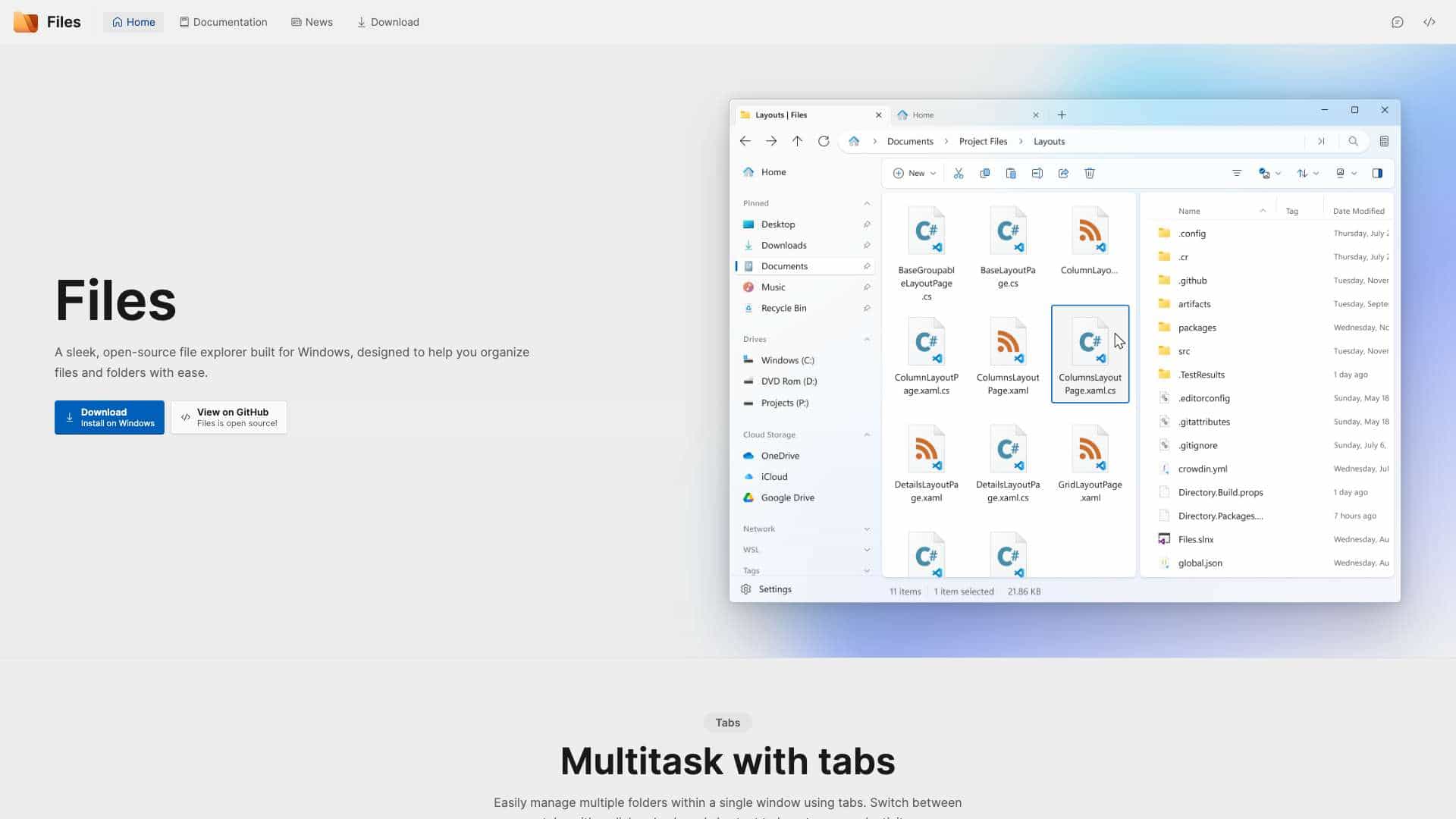
Top Features
- Multitask with tabs
- Dual pane view
- Tag files and folders
- Column view navigation
- View and edit archives
- Seamless cloud integration
- Preview pane for files
- Git integration
- Command Palette
- Customizable themes
How to use Files • Home?
Download and install Files on Windows, then use tabs to manage multiple folders, dual pane for side-by-side viewing, tag files for organization, integrate cloud drives, preview files without opening, and customize themes via settings or community contributions.
Alternative Tools
No alternative tools found
Pros & Cons
Pros
- Open-source and free
- Modern UI with tabs and dual pane
- High customizability with themes
- Strong community support
- Integrates with cloud services and Git
Cons
- Limited to Windows platform
- Requires external tools for advanced previews like QuickLook
Use Cases
- Organizing personal files on Windows
- Managing development projects with Git
- Using cloud storage integration for file access
- Customizing file explorer interface for productivity
Files • Home Pricing
Free Plan
No detailed pricing information available
User Reviews
3.0
out of 5
3.0
No reviews yet
Be the first to review this tool!