



Figr
AI design agent for product teams to streamline UX workflows, build prototypes, and ship faster with product-aware AI.
Score
30
User Rating
3.0
Free/Trial Support
Supported
Starting Price
--
Last Updated
Aug 04, 2026
Overview
What is Figr?
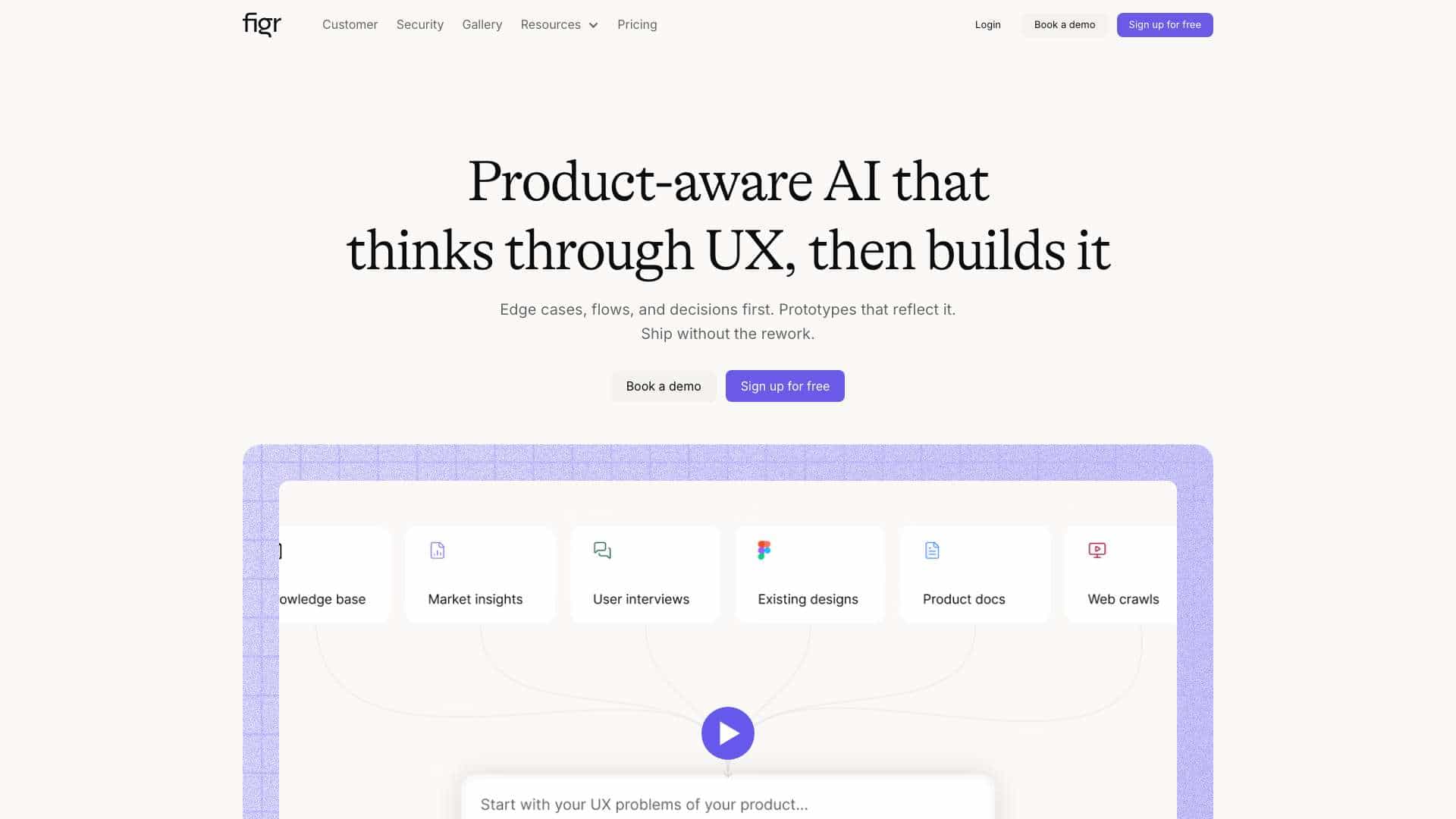
Figr is an AI-powered design agent that helps product teams think through UX decisions, map user flows, identify edge cases, and create high-fidelity prototypes. It integrates product context to automate design tasks and reduce rework.
What is Figr used for?
Tags
User Groups
Top Features
- Product-aware AI for UX decisions
- Edge case identification and mapping
- High-fidelity prototyping
- Figma export
- Accessibility checks
- User flow and test case generation
How to use Figr?
Sign up for free, input screenshots or data, use AI actions like brainstorm-research or map-user-flow, and export designs to Figma. It assists in prototyping, testing, and accessibility checks.
Alternative Tools
No alternative tools found
Pros & Cons
Pros
- Speeds up design process
- Reduces rework with early edge case detection
- Integrates with existing tools like Figma
- Supports accessibility and design system enforcement
Cons
- May require learning curve for AI features
- Limited to web platform
Use Cases
- Designing network degradation states for Zoom
- Adding soft mute features for X.com
- Testing card freeze flows for Wise
- Redesigning checkout setups for Shopify
Figr Pricing
Free PlanSubscription Plan
No detailed pricing information available
User Reviews
3.0
out of 5
3.0
No reviews yet
Be the first to review this tool!