



EmailWhiz
Advanced email management tool powered by Google's Vertex AI technology.
Score
60
User Rating
3.0
Free/Trial Support
Supported
Starting Price
--
Last Updated
Aug 14, 2026
Overview
What is EmailWhiz?
EmailWhiz for Gmail is a Google Workspace add-on that enhances Gmail functionality by leveraging Google's Vertex AI PaLM. It offers features such as summarizing emails, suggesting replies, creating follow-up tasks, and extracting key details and contact information from emails, saving users time and improving workflow efficiency.
What is EmailWhiz used for?
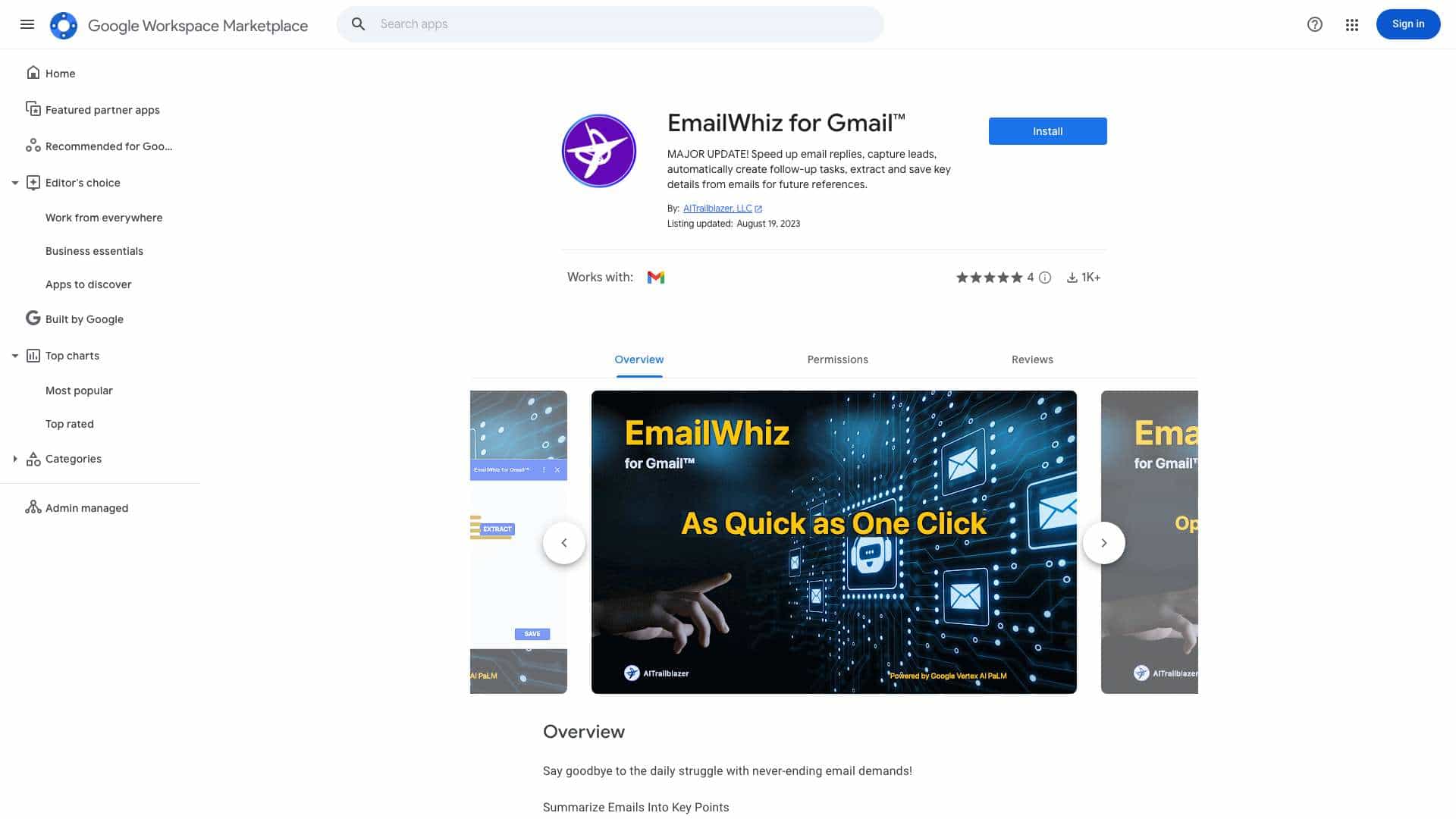
Top Features
- Summarize emails into key points
- Suggest email replies
- Create follow-up tasks instantly
- Extract contact information from emails
- Save key details to Google Sheets
How to use EmailWhiz?
1. Open an email in Gmail. 2. Click the EmailWhiz icon in the right sidebar. 3. Review automatically populated key points, suggested replies, and follow-up tasks. Edit and save as needed. 4. To extract contact info, copy the text from the email body, paste it into the input field, and click 'Extract Contact Info'. 5. Edit the parsed contact details and save to your spreadsheet.
Alternative Tools
No alternative tools found
Pros & Cons
No Data
Use Cases
- Quickly respond to emails with suggested replies
- Automatically create tasks based on email content
- Extract and save contact information from email signatures
- Summarize lengthy email threads to identify key action items
- Save important dates and decisions from emails for future reference
EmailWhiz Pricing
Free PlanSubscription Plan
No detailed pricing information available
User Reviews
3.0
out of 5
3.0
No reviews yet
Be the first to review this tool!