


Offline AI Art Generator in a Whiteboard - DrawingPics
Offline AI art generator for creating delightful images
User Rating
3.0
Score
60
Free/Trial Support
Supported
Features
6 Features
Last Updated
Jan 29, 2026
What is Offline AI Art Generator in a Whiteboard - DrawingPics?
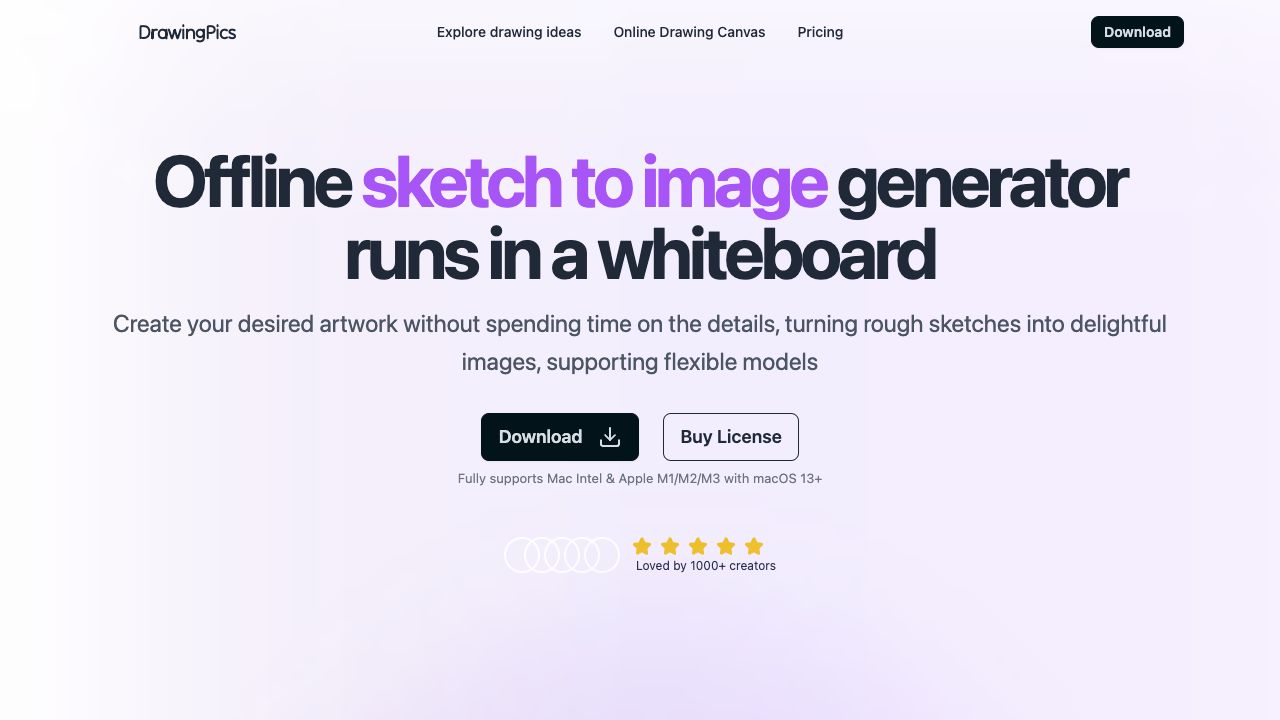
DrawingPics is an offline AI art generator that runs in a whiteboard environment. It allows users to create unlimited images from various stable diffusion finetuned models and LoRAs locally on their computers. It turns rough sketches into delightful images without spending time on the details, supporting flexible models. The application fully supports Mac Intel & Apple M1/M2/M3 with macOS 13+.
How to use Offline AI Art Generator in a Whiteboard - DrawingPics?
Download the DrawingPics desktop app, which supports macOS ARM and Intel chips. Once installed, you can create images by drawing on the whiteboard and using stable diffusion models and LoRAs. The app runs offline after setup.
Top Features
- Offline image generation
- Support for Stable Diffusion models and LoRAs
- Sketch to image conversion
- Precision control mode
- Model download manager
- Parameter control
Pros & Cons
No Data
Use Cases
- Creating AI art from rough sketches
- Generating images using custom models and LoRAs
- Improving drawings through iterative generation
- Experimenting with different art styles and parameters
User Groups
No Data
Offline AI Art Generator in a Whiteboard - DrawingPics Pricing
Free PlanSubscription Plan
No detailed pricing information available


Cover Preview
OFFLINE AI ART GENERATOR IN A WHITEBOARD - DRAWINGPICS Features
- Image to Image functionalityImage to Image
- AI Art Generator functionalityAI Art Generator
- AI Image Generator functionalityAI Image Generator
- AI Drawing functionalityAI Drawing
- AI Sketch Generator functionalityAI Sketch Generator
- Whiteboard AI functionalityWhiteboard AI