



ChatGPT Alation Extension - Chrome Extension
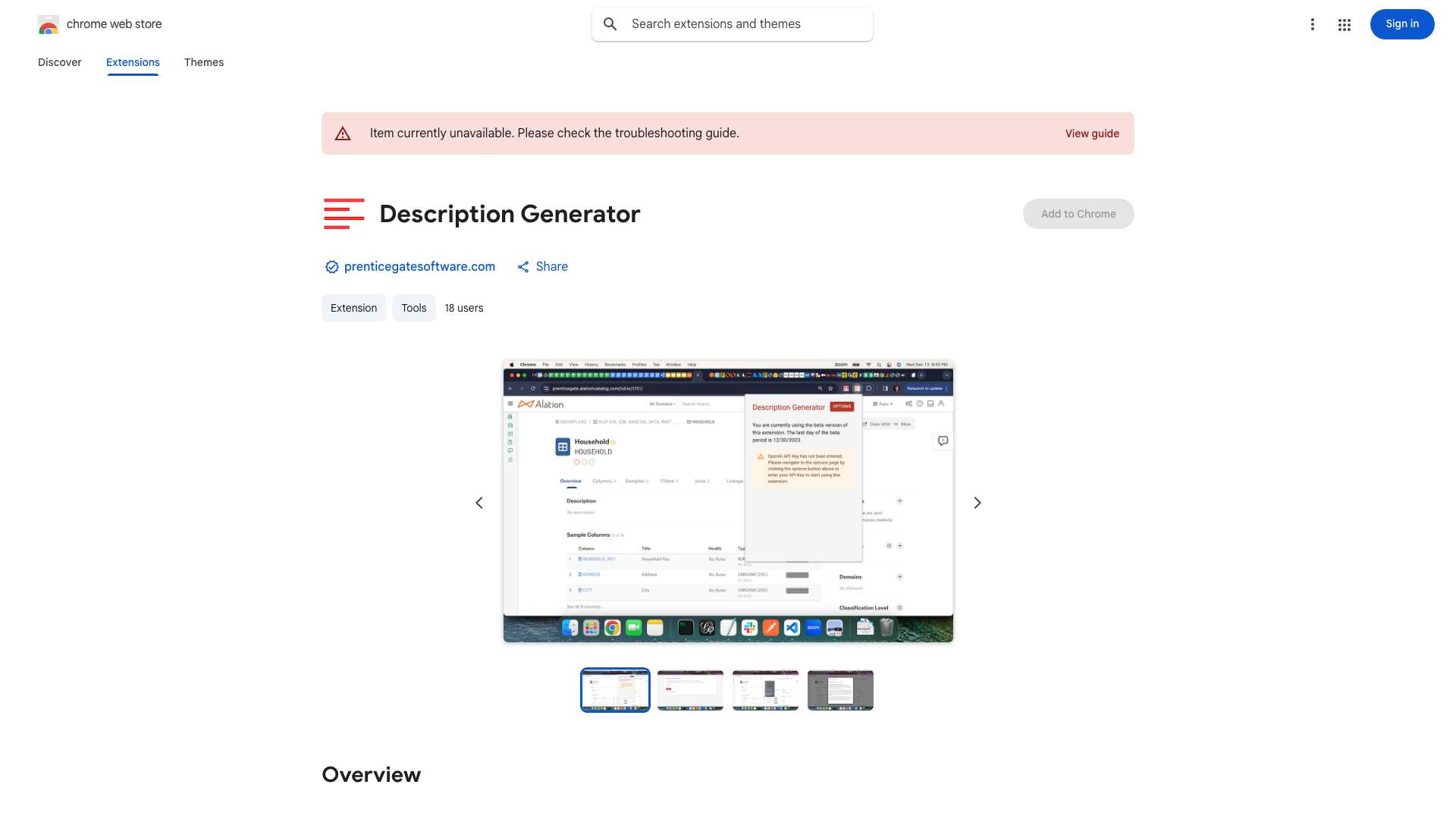
Chrome extension to auto-generate Alation catalog descriptions using ChatGPT.
Score
60
User Rating
3.0
Free/Trial Support
Supported
Starting Price
--
Last Updated
Aug 14, 2026
Overview
What is ChatGPT Alation Extension?
This Chrome extension helps Alation users automatically generate descriptions for schemas, tables, columns, terms, policies, and queries using ChatGPT. It simplifies the process of documenting assets in the Alation catalog by providing suggested descriptions, reducing the manual effort required.
What is ChatGPT Alation Extension used for?
Tags
Top Features
- Automatic description generation for Alation catalog assets using ChatGPT
- Right-click integration for easy access
- Support for schemas, tables, columns, terms, policies, and queries
- Generates up to three sample descriptions
- Works with both on-prem and managed cloud Alation configurations
How to use ChatGPT Alation Extension?
1. Download and load the unpacked extension in Chrome. 2. Pin the extension. 3. Sign up for the beta and verify your account via the extension options. 4. Add your OpenAI API key. 5. Log out and back into Alation or refresh the page. 6. Navigate to a schema, table, column, term, policy, or query page. 7. Click the extension icon to generate three descriptions. 8. Copy and paste the desired description into the Alation catalog.
Alternative Tools
No alternative tools found
Pros & Cons
No Data
Use Cases
- Quickly populate Alation catalog descriptions to improve data governance and understanding
- Reduce the time and effort required to document data assets
- Encourage more users to contribute to the Alation catalog
ChatGPT Alation Extension Pricing
Free PlanSubscription Plan
No detailed pricing information available
User Reviews
3.0
out of 5
3.0
No reviews yet
Be the first to review this tool!