



Dell Design System
A unified design system by Dell for creating accessible, inclusive digital experiences across web platforms.
Score
60
User Rating
3.0
Free/Trial Support
Supported
Starting Price
--
Last Updated
Apr 24, 2026
Overview
What is Dell Design System?
The Dell Design System (DDS) is a comprehensive design language and component library that provides foundations, components, patterns, and data visualization tools to ensure consistency and accessibility in Dell's digital products.
What is Dell Design System used for?
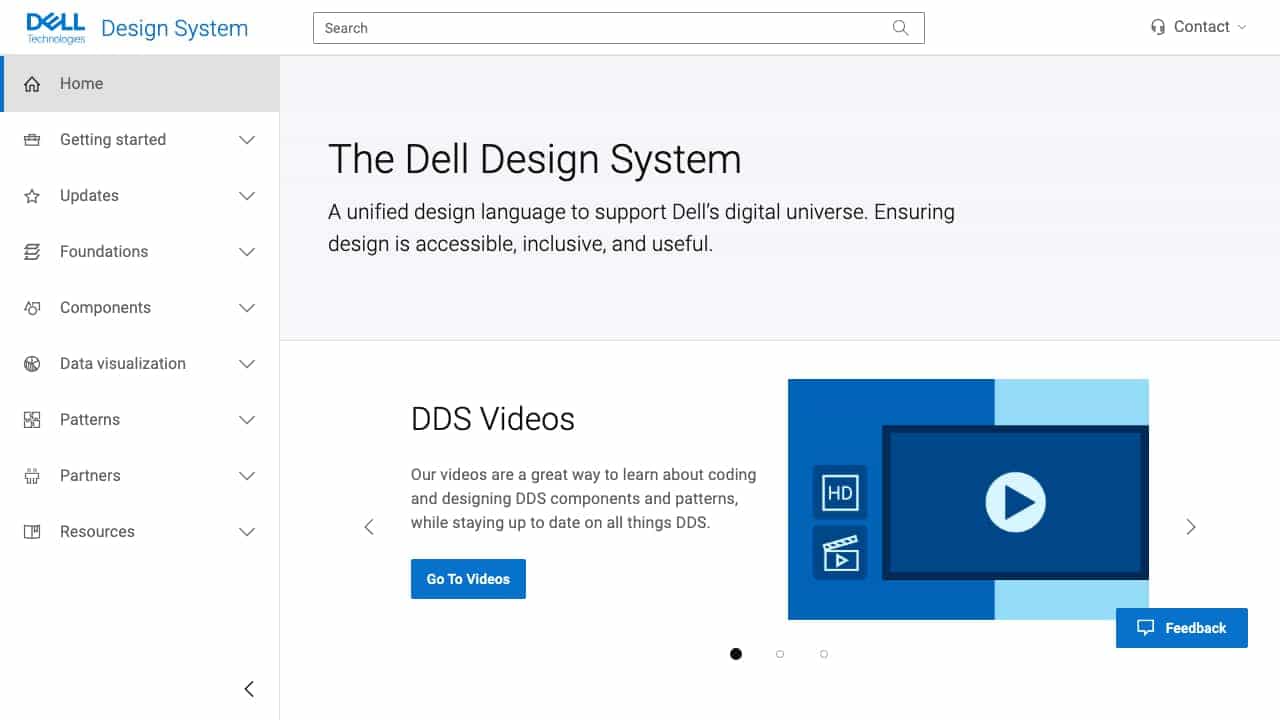
Top Features
- Figma libraries for designers
- Vanilla/Angular/React components for developers
- Accessibility-focused design
- Data visualization components
- Patterns and best practices
How to use Dell Design System?
Designers can access Figma libraries, while developers use Vanilla, Angular, or React components from the documentation. It includes resources like videos, updates, and community feedback via Microsoft Teams.
Alternative Tools
No alternative tools found
Pros & Cons
Pros
- Promotes consistency across products
- Strong accessibility compliance
- Comprehensive documentation and support
- Regular updates and community engagement
Cons
- Primarily for Dell internal use
- May have a learning curve for new users
Use Cases
- Building scalable web applications
- Ensuring accessible design standards
- Maintaining brand consistency in digital interfaces
Dell Design System Pricing
Free Plan
No detailed pricing information available
User Reviews
3.0
out of 5
3.0
No reviews yet
Be the first to review this tool!