



CueCam
Video calls with enhanced content and functionality.
Score
60
User Rating
3.0
Free/Trial Support
Supported
Starting Price
--
Last Updated
Aug 13, 2026
Overview
What is CueCam?
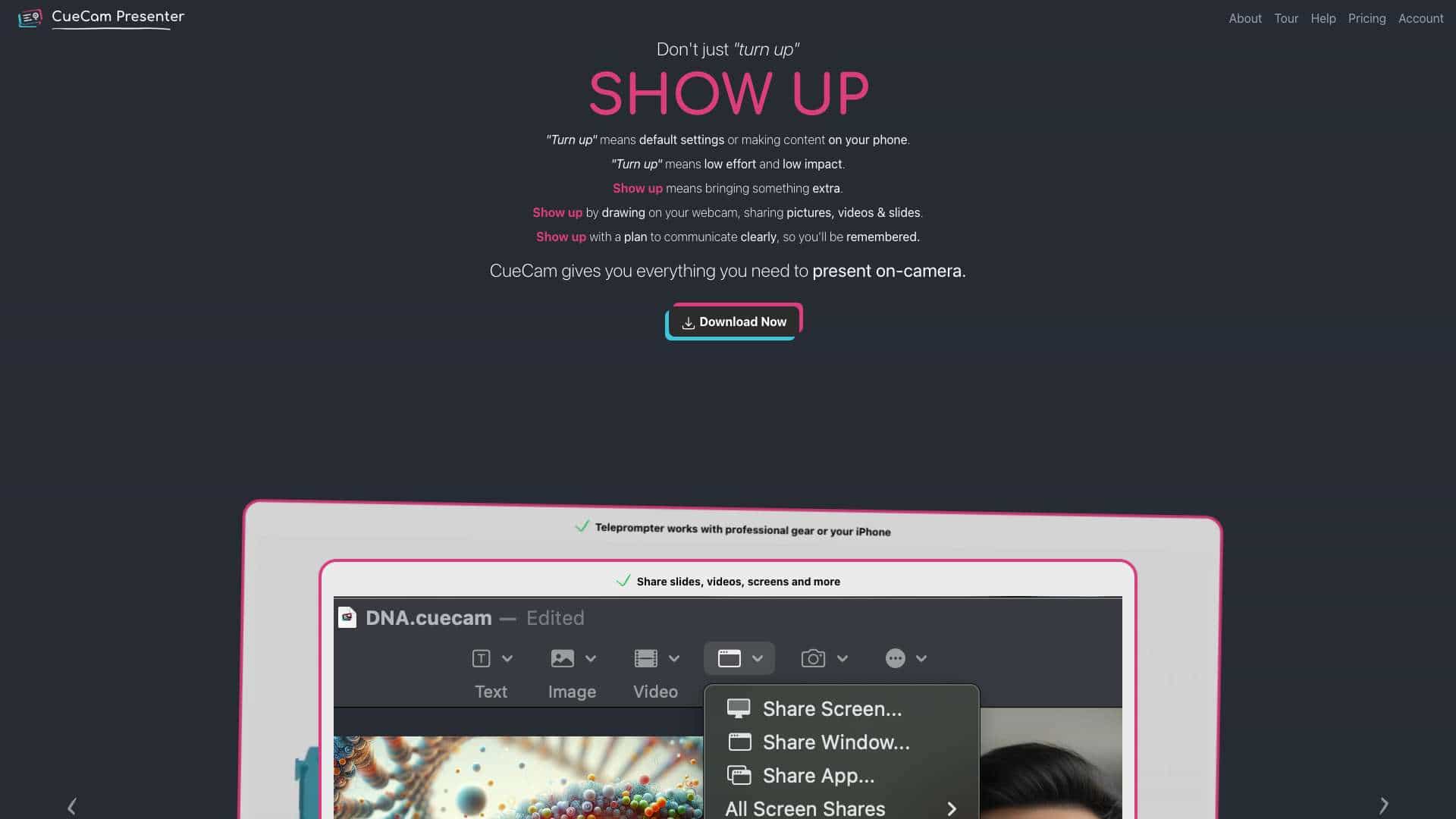
CueCam lets you bring content into your video calls by giving your Mac a new virtual camera and mic. It connects to your iPhone and iPad to add drawing, cameras and extra screens. Smart scripts power your teleprompter and breeze through high quality demos. CueCam Presenter is a Mac app that lets you share anything on your webcam. Use your iPhone as a camera, teleprompter and extra screen. Use your iPad to draw on anything.
What is CueCam used for?
Top Features
- Virtual camera and mic for Mac
- iPhone and iPad connectivity for additional features
- Teleprompter with smart scripts
- Live annotation with iPad
- Screen sharing
How to use CueCam?
Download the CueCam Presenter app on your Mac. Connect your iPhone and iPad to add cameras, drawing capabilities, and extra screens. Use smart scripts for teleprompting and high-quality demos.
Alternative Tools
No alternative tools found
Pros & Cons
No Data
Use Cases
- Present dynamically in remote calls, YouTube streams, and lessons
- Annotate live during presentations
- Integrate video seamlessly into remote communications
- Demonstrating Music Gear
- Presenting An Architectural Plan
- Teaching Genetics
- Coaching Your Team & Inspiring Them To Victory
- Sales Calls and Software Demos
CueCam Pricing
Free PlanSubscription Plan
No detailed pricing information available
User Reviews
3.0
out of 5
3.0
No reviews yet
Be the first to review this tool!