



CmdKay - Chrome Extension
Get quick webpage responses with CmdKay.
Score
60
User Rating
3.0
Free/Trial Support
Supported
Starting Price
--
Last Updated
Sep 07, 2026
Overview
What is CmdKay?
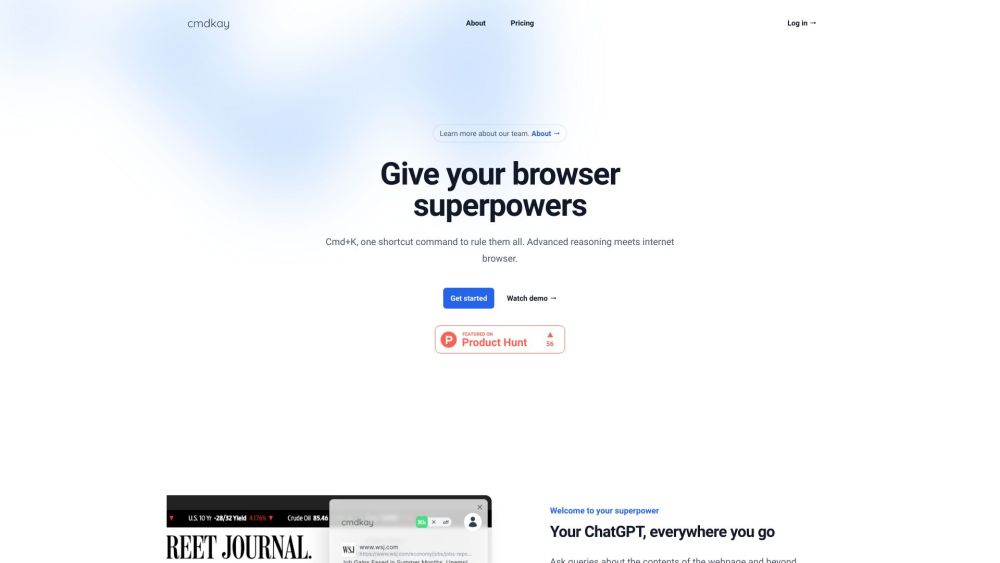
CmdKay is a tool that gives your browser superpowers by allowing you to ask questions about the current webpage and beyond using a Cmd/Ctrl+K shortcut. It uses advanced reasoning and AI to understand stream-of-thought keywords as your query, providing lightning-quick responses.
What is CmdKay used for?
Tags
Top Features
- AI-powered question answering about webpage content
- Stream-of-thought query understanding
- Knowledge beyond the current webpage
- Cmd/Ctrl+K shortcut activation
How to use CmdKay?
Use the Cmd/Ctrl+K shortcut to open CmdKay. Type in stream-of-thought keywords related to your query and press Enter. CmdKay will understand the context and provide a response.
Alternative Tools
No alternative tools found
Pros & Cons
No Data
Use Cases
- Quickly find information on a webpage without reading the entire content.
- Ask questions about topics related to the webpage content.
- Get summaries of long articles or documents.
CmdKay Pricing
Free PlanSubscription Plan
No detailed pricing information available
User Reviews
3.0
out of 5
3.0
No reviews yet
Be the first to review this tool!