



Chippy - Chrome Extension
AI browser assistant for writing, searching, and productivity.
Score
60
User Rating
3.0
Free/Trial Support
Supported
Starting Price
--
Last Updated
Aug 14, 2026
Overview
What is Chippy?
Chippy is an AI browser assistant designed to enhance productivity on any website. It leverages AI writing and GPT capabilities to assist with tasks such as answering queries, responding to emails, and generating ideas. Chippy can be activated by pressing ctrl or cmd + j, providing seamless AI-driven interactions directly within your browser.
What is Chippy used for?
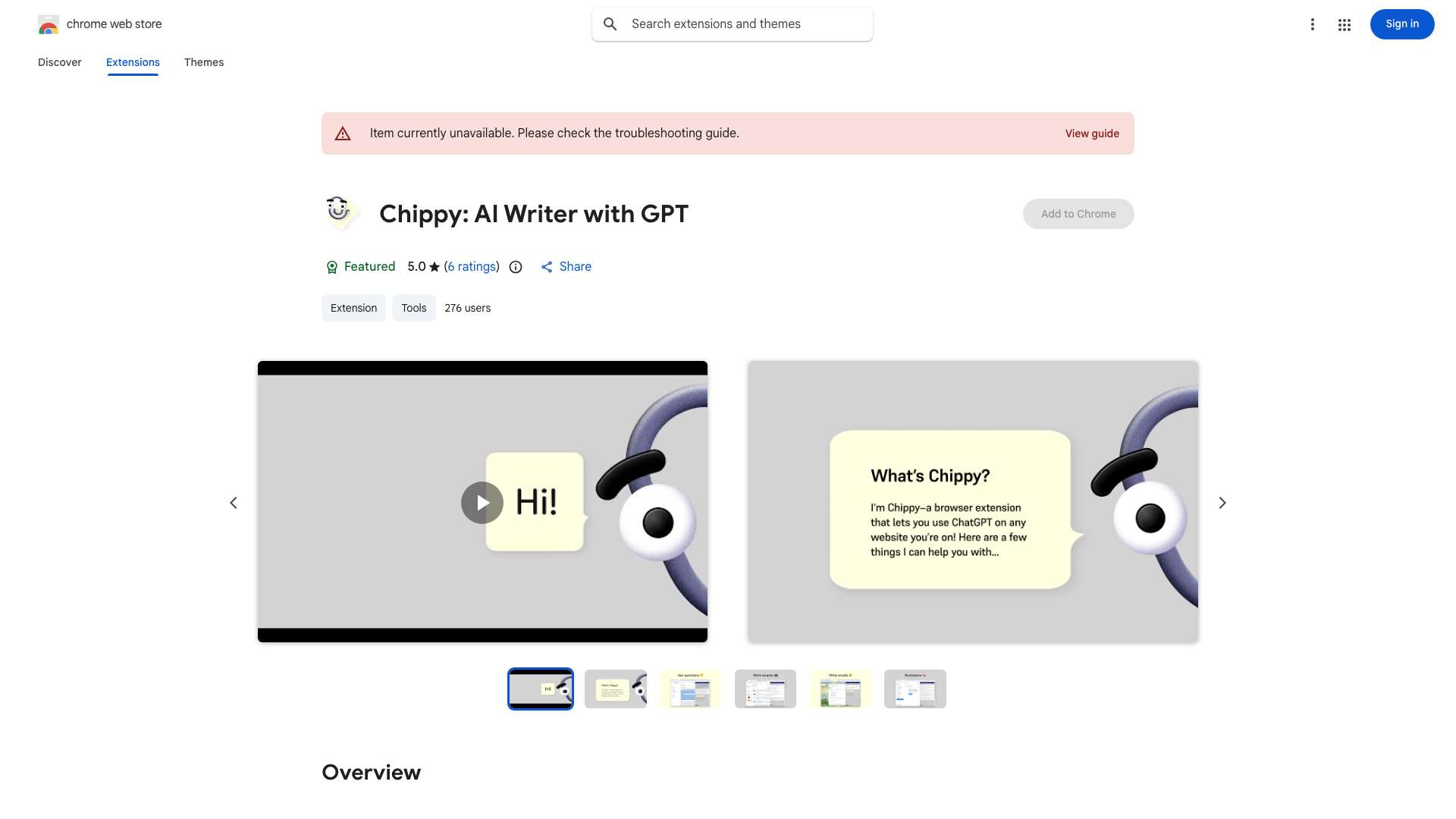
Top Features
- AI Writer
- On-Page Search
- Effortless Input
- Suggested Prompts
- Productivity Boosting
- Programmer Sidekick
- Translation Helper
- Privacy-Centric
How to use Chippy?
Press ctrl or cmd + j to activate Chippy. Select text on the page, and use Chippy's features for writing, searching, summarizing, or translating.
Alternative Tools
No alternative tools found
Pros & Cons
No Data
Use Cases
- Content creation on any webpage
- Summarizing articles for quick understanding
- Debugging code with AI assistance
- Translating text within the browser
- Finding specific information on a webpage
Chippy Pricing
Free PlanSubscription Plan
No detailed pricing information available
User Reviews
3.0
out of 5
3.0
No reviews yet
Be the first to review this tool!