



Cherry Studio AI
Multi-model AI desktop client for efficiency in work and learning.
Score
60
User Rating
3.0
Free/Trial Support
Supported
Starting Price
--
Last Updated
Aug 14, 2026
Overview
What is Cherry Studio AI?
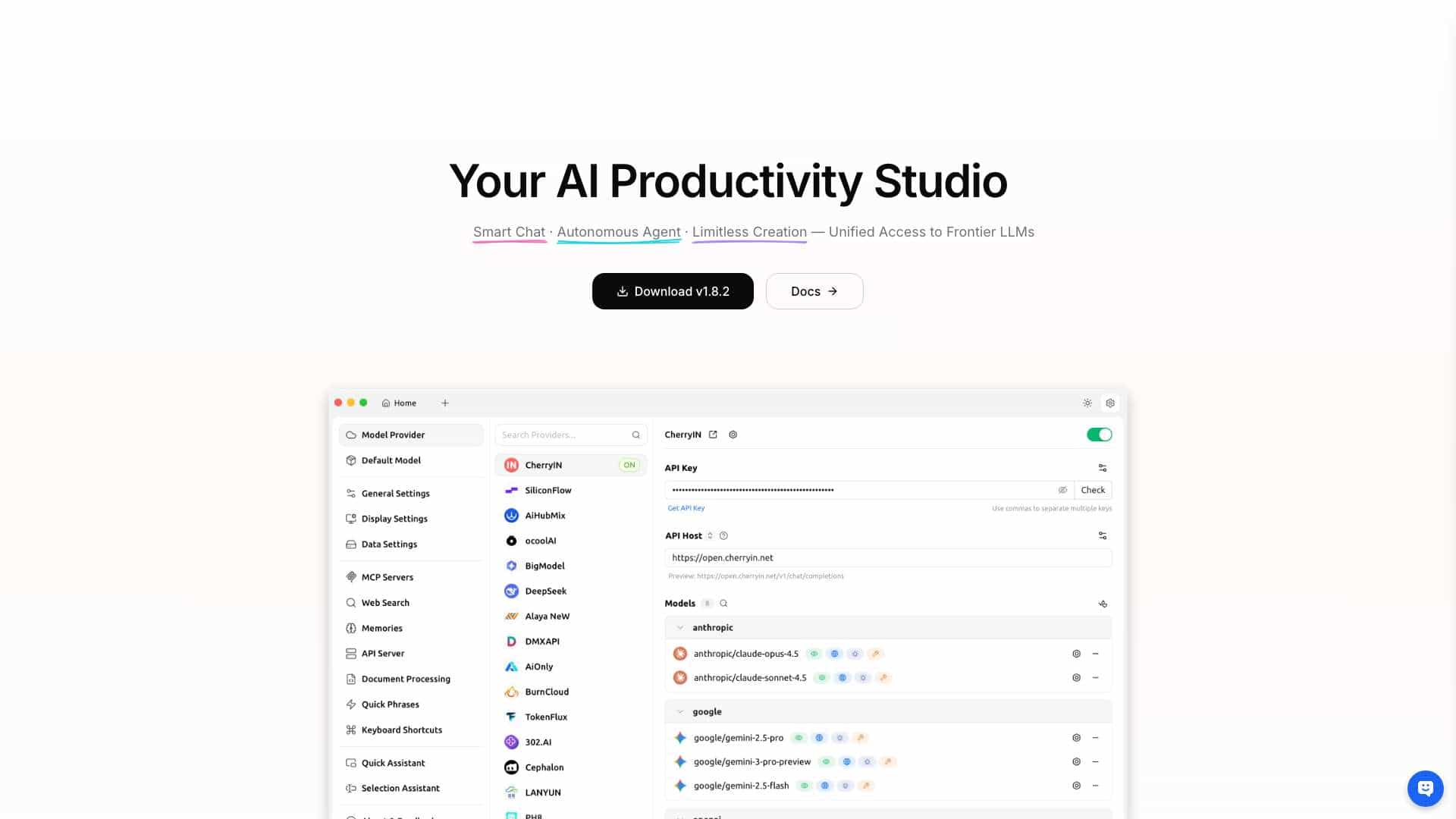
Cherry Studio AI is a multi-model AI desktop client available on iOS, macOS, Windows, and Linux. It allows users to quickly switch between multiple advanced LLM models to improve work and learning efficiency. It supports integration with various service providers and offers features like local data storage for privacy, personalized knowledge bases, AI drawing, AI translation, and a library of built-in assistants.
What is Cherry Studio AI used for?
Tags
Top Features
- Multi-model AI support
- Cross-platform availability (iOS, macOS, Windows, Linux)
- Local data storage for privacy
- Personalized knowledge base integration
- AI drawing
- AI translation
- Built-in AI assistants
How to use Cherry Studio AI?
Download the Cherry Studio AI client for your operating system (iOS, macOS, Windows, or Linux). After installation, you can integrate API keys from various service providers. Then, you can start using the AI models for tasks like AI conversation, document or image interaction, AI drawing, AI translation, and building a personalized knowledge base.
Alternative Tools
No alternative tools found
Pros & Cons
No Data
Use Cases
- Improving work and learning efficiency with AI assistance
- Creating AI-generated images
- Translating text
- Building a personalized AI knowledge base from local files and web pages
Cherry Studio AI Pricing
Free PlanSubscription Plan
No detailed pricing information available
User Reviews
3.0
out of 5
3.0
No reviews yet
Be the first to review this tool!