



Ollama Chat - Chrome Extension
Run open-source LLMs locally with ease.
Score
60
User Rating
3.0
Free/Trial Support
Supported
Starting Price
--
Last Updated
Aug 14, 2026
Overview
What is Ollama Chat?
Ollama allows you to run open-source large language models (LLMs) locally. It bundles model weights, configuration, and dependencies into a single package, making it easy to get started. Ollama supports a wide range of models and provides a simple command-line interface for interacting with them. It's designed to be accessible to developers and researchers who want to experiment with LLMs without relying on cloud-based services.
What is Ollama Chat used for?
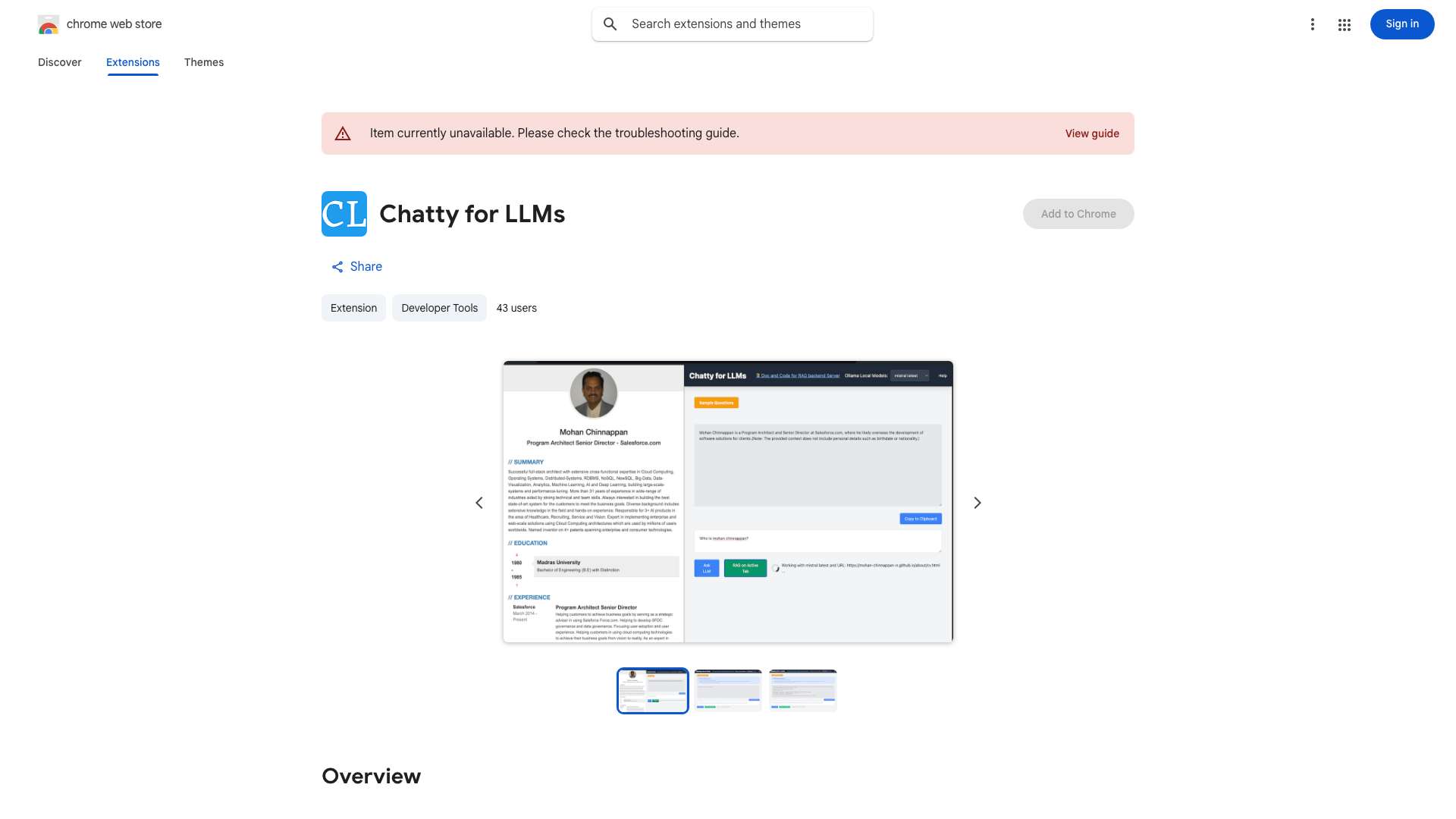
Top Features
- Local LLM execution
- Model bundling and management
- Simple command-line interface
- Support for various open-source models
How to use Ollama Chat?
First, download and install Ollama from the official website. Then, use the command line to download a model (e.g., `ollama pull llama2`). Finally, run the model using `ollama run llama2` and start chatting.
Alternative Tools
No alternative tools found
Pros & Cons
No Data
Use Cases
- Chatting with LLMs locally
- Experimenting with different LLMs
- Developing applications that use LLMs without internet access
- Researching LLM behavior and capabilities
Ollama Chat Pricing
Free PlanSubscription Plan
No detailed pricing information available
User Reviews
3.0
out of 5
3.0
No reviews yet
Be the first to review this tool!