



ChatScreen AI Assistant
AI chat for on-screen content on iOS
Score
60
User Rating
3.0
Free/Trial Support
Supported
Starting Price
--
Last Updated
Aug 14, 2026
Overview
What is ChatScreen AI Assistant?
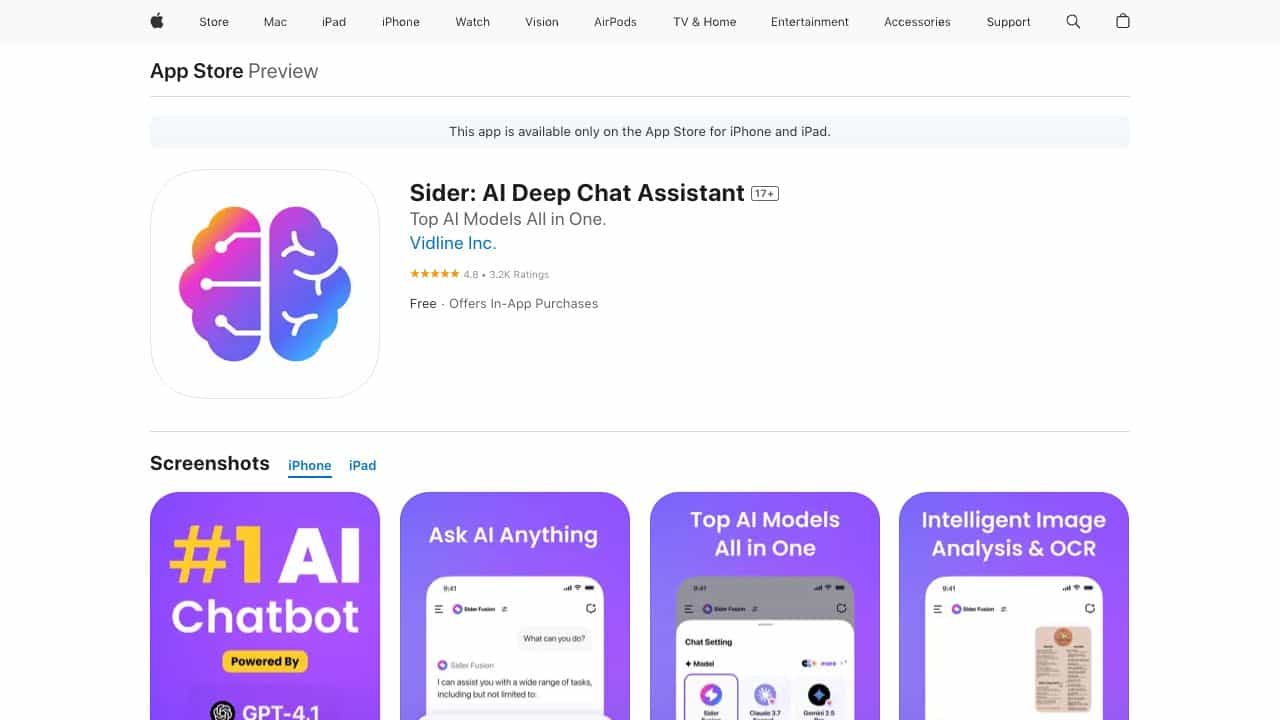
Sider is an AI Chatbot & Assistant available on the App Store that transforms your screen into a dynamic interactive hub, powered by leading AI technologies such as ChatGPT, Claude, and Gemini. It allows users to seamlessly access and interact with top AI models, files, and images—all in one app. With the ChatScreen feature, users can directly engage with on-screen content by using a simple double-tap or a customizable screenshot gesture. Sider can analyze and summarize information, or extract text from screenshots effortlessly, serving as a work copilot and school tool.
What is ChatScreen AI Assistant used for?
Tags
User Groups
Top Features
- Chat with anything on your screen using a double-tap gesture.
- Access multiple AI models like ChatGPT, Claude, and Gemini in one chatbot.
- Interact with various file formats (PDF, DOC, images, etc.).
- Quick prompt access and real-time web access.
- Writing assistance features (rewrite content, expand sentences, adjust tones).
How to use ChatScreen AI Assistant?
Use a simple double-tap gesture or a customizable screenshot gesture to activate the ChatScreen feature. Then, interact with the AI to analyze, summarize, or extract text from the content on your screen. You can also upload files and images to chat with them.
Alternative Tools
No alternative tools found
Pros & Cons
No Data
Use Cases
- Analyze and summarize information on your screen.
- Extract text from screenshots.
- Chat with PDFs, documents, and presentations.
- Enhance writing with AI assistance.
- Solve math problems and get homework help.
ChatScreen AI Assistant Pricing
Free PlanSubscription Plan
No detailed pricing information available
User Reviews
3.0
out of 5
3.0
No reviews yet
Be the first to review this tool!