



ChatGPTalk Sidebar - Chrome Extension
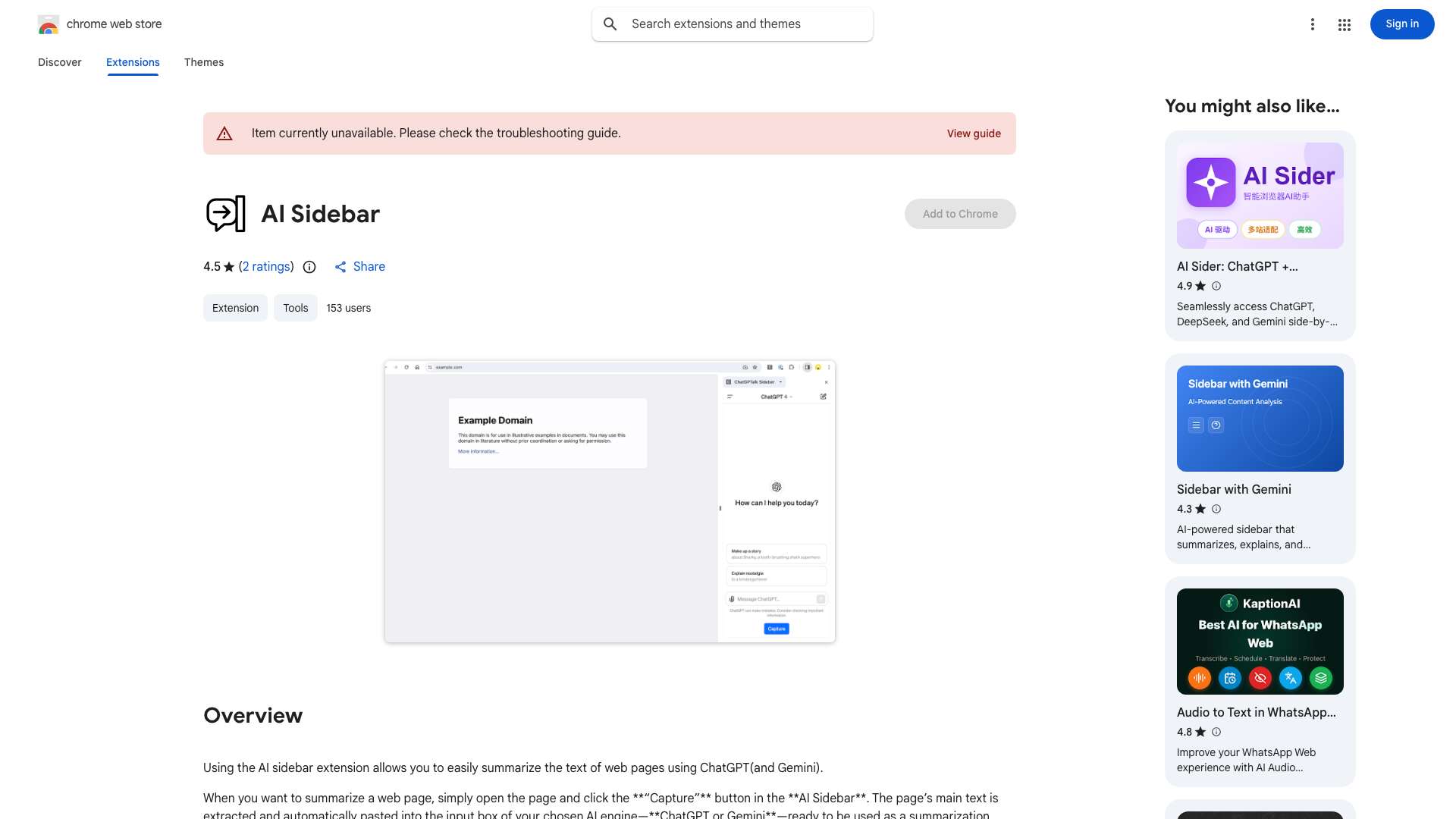
ChatGPT integration in a sidebar for easy text capture and interaction.
Score
60
User Rating
3.0
Free/Trial Support
Supported
Starting Price
--
Last Updated
Aug 14, 2026
Overview
What is ChatGPTalk Sidebar?
The ChatGPTalk Sidebar extension enhances web browsing by integrating ChatGPT directly into a convenient sidebar. It allows users to capture text from web pages or YouTube subtitles and automatically paste it into the ChatGPT input field for summarization or other interactions. The extension also includes prompt templates and intelligent text splitting for handling lengthy documents.
What is ChatGPTalk Sidebar used for?
Tags
Top Features
- ChatGPT Integration
- Text Capture
- Prompt Templates
- YouTube Transcriptions
- Intelligent Text Splitting
How to use ChatGPTalk Sidebar?
Install the ChatGPTalk Sidebar extension. Open a web page or YouTube video. Click the 'Capture' button in the sidebar to extract text or subtitles. The text is automatically pasted into the ChatGPT input field with a preset prompt template. Interact with ChatGPT as needed.
Alternative Tools
No alternative tools found
Pros & Cons
No Data
Use Cases
- Summarizing web content quickly
- Engaging with YouTube video content through transcriptions
- Interacting with ChatGPT without switching tabs
ChatGPTalk Sidebar Pricing
Free PlanSubscription Plan
No detailed pricing information available
User Reviews
3.0
out of 5
3.0
No reviews yet
Be the first to review this tool!