
Toolidx
HomeSavedTagsGroups
AIDesignDataGeneralDevLegalMedicine
  • Home
  • All Categories
  • Top Tools
Toolidx
  1. Home
  2. AI Chatbot
  3. ChatGPTable
  • AI Chatbot
  • AI Productivity Tools
  • AI Assistant
  • AI Workflow
ChatGPTable

Join our newsletter

Get the latest updates on new tools and in-depth comparisons delivered to your inbox.

By subscribing, you agree to our Privacy Policy

AI Tool Deck Logo

On a mission to help you work smarter with the right tools. Helping you to choose the right tools for your job, your company & your needs with over 10+ years experience.

Company

  • About
  • Contact
  • Terms of Use
  • Privacy Policy

Top Reads

  • Best Project Management Tools
  • Best AI Daily Planning Software
  • Best AI Meeting Tools
  • Best CRM Software for Teams
  • Best AI Note-Taking Software
  • Best AI Email Management Tools
  • Best Productivity Tools for ADHD

Featured Tool

© 2026 Tool IDX. All rights reserved.

Notion

Notion

A new tool that blends your everyday work apps into one. It's the all-in-one workspace for you and your team.

Sponsored
Back to Home|
  1. Home
  2. AI Chatbot
  3. ChatGPTable - Chrome Extension
ChatGPTable

ChatGPTable - Chrome Extension

Chrome extension to convert ChatGPT HTML tables to markdown.

Update Tool
Visit Website
Score
60
User Rating
1.0
Free/Trial Support
Supported
Starting Price
--
Last Updated
Aug 13, 2026
OverviewTop featuresHow to usePros & consWho usesUse casesPricingAlternative toolsUser reviews0

Overview

What is ChatGPTable?

ChatGPTable is a Chrome extension designed to simplify the process of converting HTML tables from ChatGPT responses into markdown syntax and images. It allows users to easily copy the table part of a ChatGPT response and paste it anywhere they need a markdown table.

What is ChatGPTable used for?
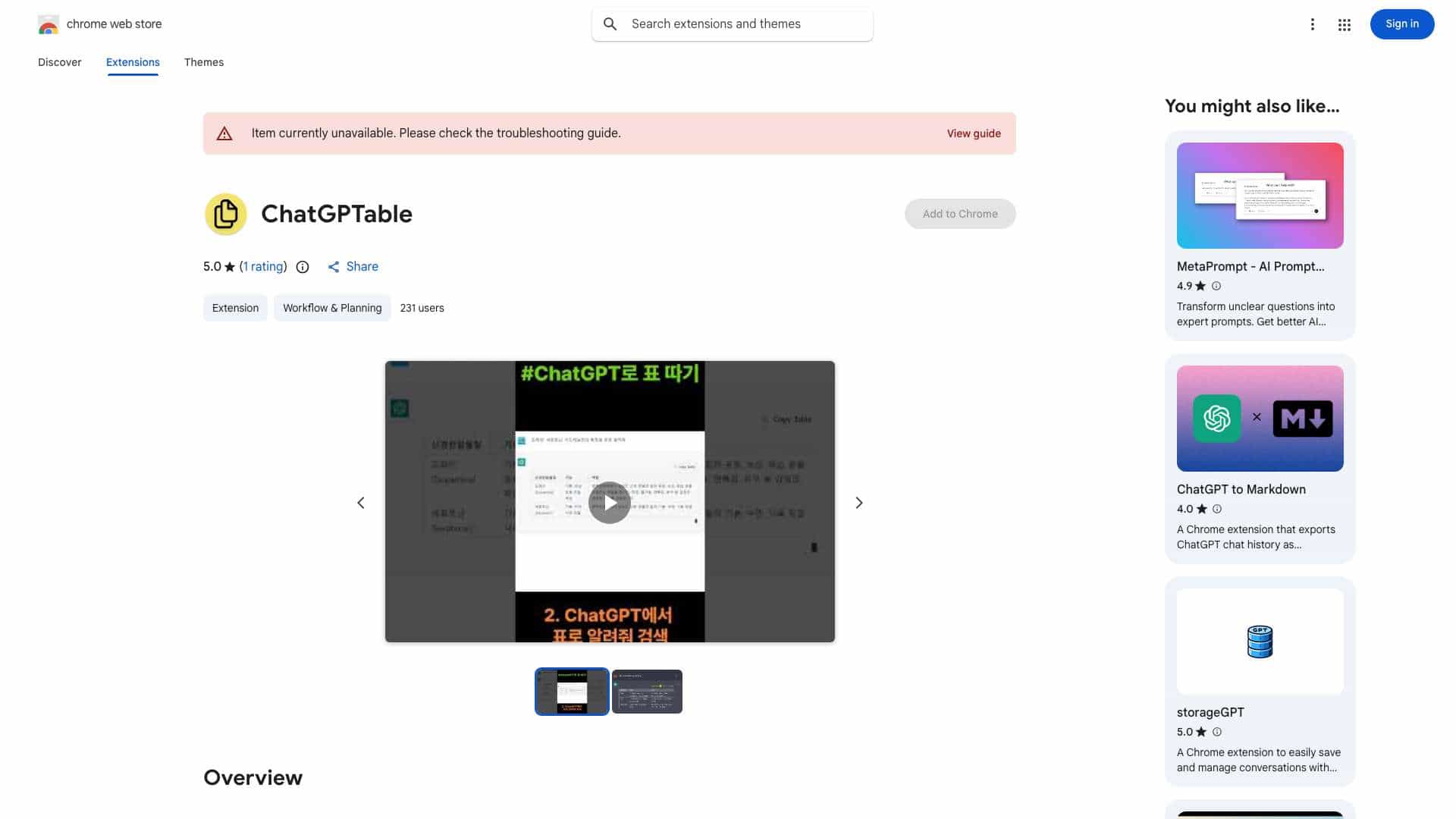
AI ChatbotAI Productivity ToolsAI AssistantAI Workflow

Tags

Chrome ExtensionChatGPTMarkdownTableConversionProductivity

User Groups

DevelopersWritersResearchersAnalystsContent CreatorsStudentsProfessionals
ChatGPTable cover

Top Features

  • Converts HTML tables from ChatGPT responses to markdown syntax
  • Provides a \"Table copy\" button for easy conversion

How to use ChatGPTable?

1. Click the \"Table copy\" button to convert the HTML table from a ChatGPT response to markdown. 2. Paste the copied markdown table wherever you need it.

Alternative Tools

No alternative tools found

Pros & Cons

No Data

Use Cases

  • Quickly convert ChatGPT-generated tables into markdown for documentation, reports, or other applications.

ChatGPTable Pricing

Free PlanSubscription Plan
No detailed pricing information available

User Reviews

1.0
out of 5
1.0

No reviews yet

Be the first to review this tool!