



ChatGPT Sidebar with GPT-4 Vision & Image & Gemini by AITOPIA - Chrome Extension
Chrome extension for easy access to GPT-3.5, GPT-4, Gemini, and AI image tools.
Score
60
User Rating
3.0
Free/Trial Support
Supported
Starting Price
--
Last Updated
Aug 14, 2026
Overview
What is ChatGPT Sidebar with GPT-4 Vision & Image & Gemini by AITOPIA?
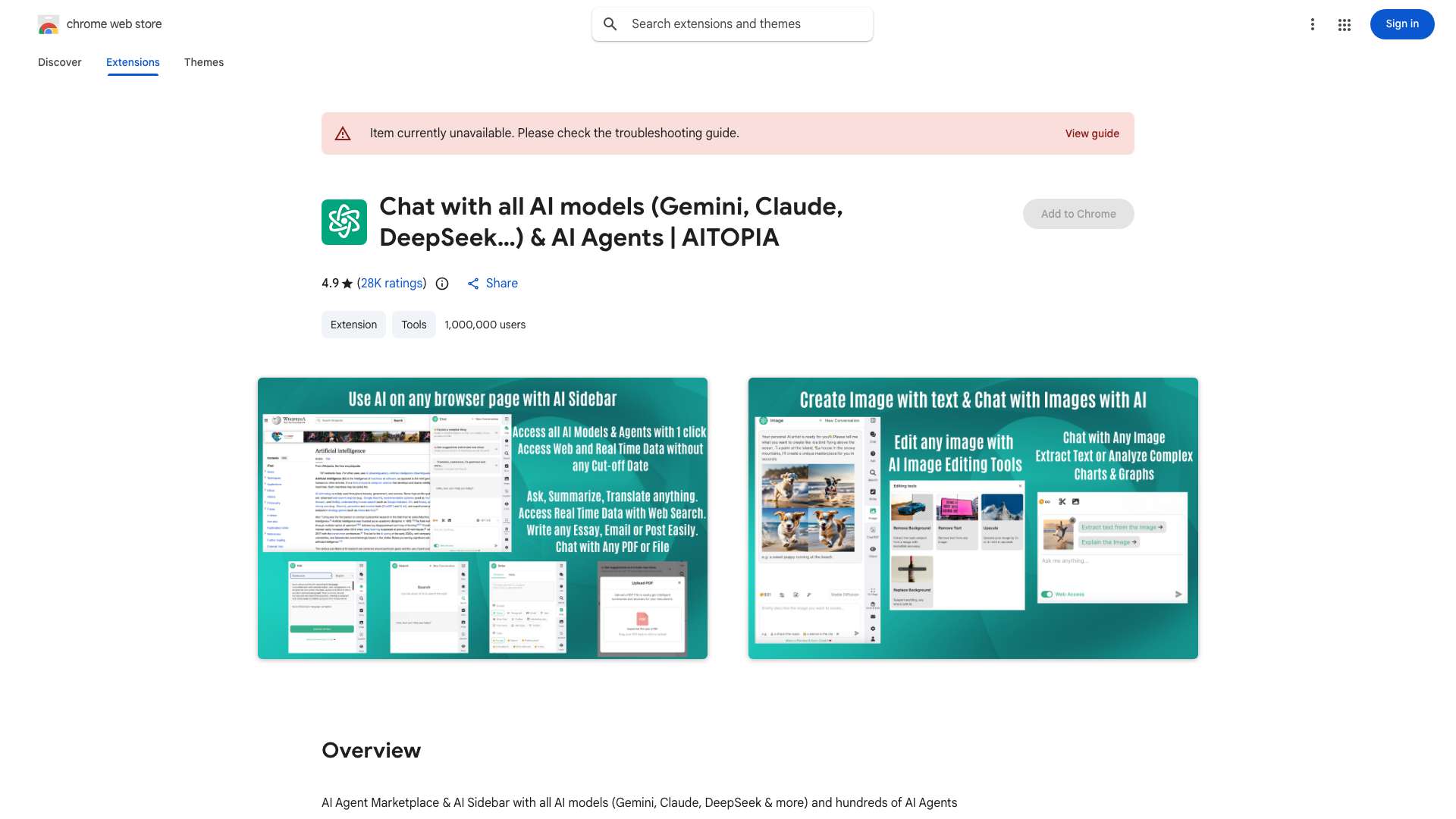
ChatGPT Sidebar & GPT-4 Vision & Gemini by AITOPIA is a Chrome extension that provides a convenient sidebar for accessing GPT-3.5, GPT-4, and Gemini AI models while browsing. It allows users to interact with these models on any webpage for tasks like summarization, translation, explanation, rewriting, grammar check, and code explanation. It also supports image analysis with GPT-4 Vision, file uploading for document analysis, and real-time data access via web access feature. Additionally, it offers AI image generation capabilities.
What is ChatGPT Sidebar with GPT-4 Vision & Image & Gemini by AITOPIA used for?
Tags
Top Features
- Sidebar access to GPT-3.5, GPT-4, and Gemini
- File uploading and analysis
- GPT-4 Vision for image analysis
- AI image generation
- Web access for real-time data
- Integration with search engines
How to use ChatGPT Sidebar with GPT-4 Vision & Image & Gemini by AITOPIA?
Install the Chrome extension, and a sidebar will appear on any webpage. Use the sidebar to input text or upload files/images, then select the desired AI model (GPT-3.5, GPT-4, or Gemini) and task (summarization, translation, etc.). For image generation, use the provided tools and prompts.
Alternative Tools
No alternative tools found
Pros & Cons
No Data
Use Cases
- Summarizing articles and blog posts
- Translating text on webpages
- Explaining complex concepts
- Rewriting content for clarity
- Checking grammar and spelling
- Explaining code snippets
- Analyzing graphs and charts
- Generating images from text prompts
ChatGPT Sidebar with GPT-4 Vision & Image & Gemini by AITOPIA Pricing
Free PlanSubscription Plan
No detailed pricing information available
User Reviews
3.0
out of 5
3.0
No reviews yet
Be the first to review this tool!