



ChatGPT Delete All Chats - Chrome Extension
Chrome extension for bulk deleting or archiving ChatGPT chats.
Score
60
User Rating
3.0
Free/Trial Support
Supported
Starting Price
--
Last Updated
Aug 13, 2026
Overview
What is ChatGPT Delete All Chats?
ChatGPT Delete All Chats is a Chrome extension designed to help users easily manage their ChatGPT dialogues. It allows for bulk deletion or archiving of chats, keeping conversation history clean and organized. The extension simplifies the process of removing or archiving multiple conversations, saving time and effort.
What is ChatGPT Delete All Chats used for?
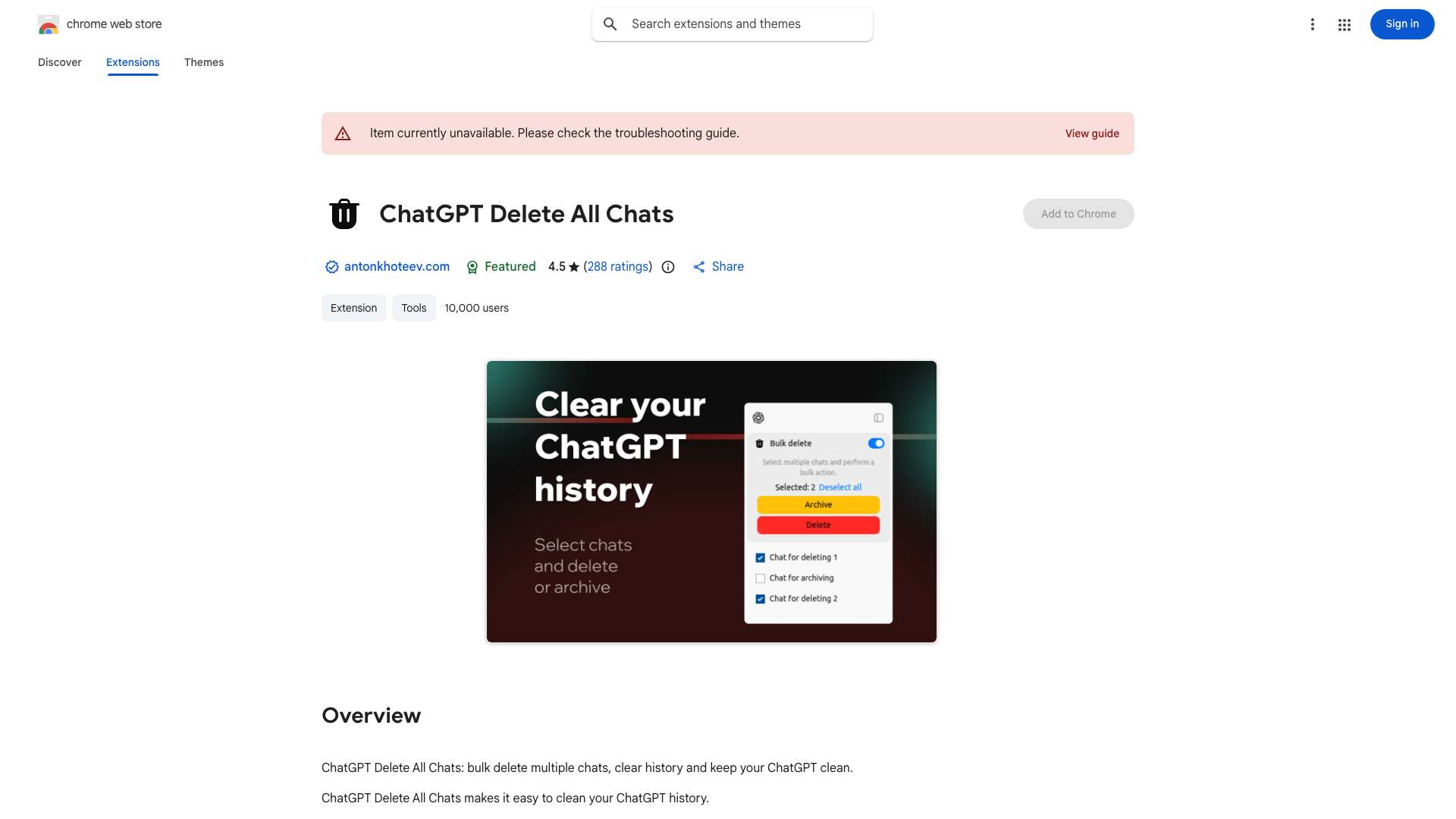
Top Features
- Bulk Delete
- Mass Archive
- Easy Multi-Selection Chats for Bulk actions
How to use ChatGPT Delete All Chats?
1. Install the extension from the Chrome Web Store. 2. Open ChatGPT. 3. Enable the \"All Chats Actions\" switch. 4. Select chats using the \"Select All\" button. 5. Delete or archive the selected conversations.
Alternative Tools
No alternative tools found
Pros & Cons
No Data
Use Cases
- Active ChatGPT users can keep their dialogue history tidy.
- Students and researchers can simplify research by managing relevant conversations.
- Professionals can manage hundreds of ChatGPT sessions with ease.
ChatGPT Delete All Chats Pricing
Free PlanSubscription Plan
No detailed pricing information available
User Reviews
3.0
out of 5
3.0
No reviews yet
Be the first to review this tool!