



Blender AI Assistant - Chrome Extension
A tool to check if a GPU is supported by Blender.
Score
60
User Rating
3.0
Free/Trial Support
Supported
Starting Price
--
Last Updated
Aug 14, 2026
Overview
What is Blender AI Assistant?
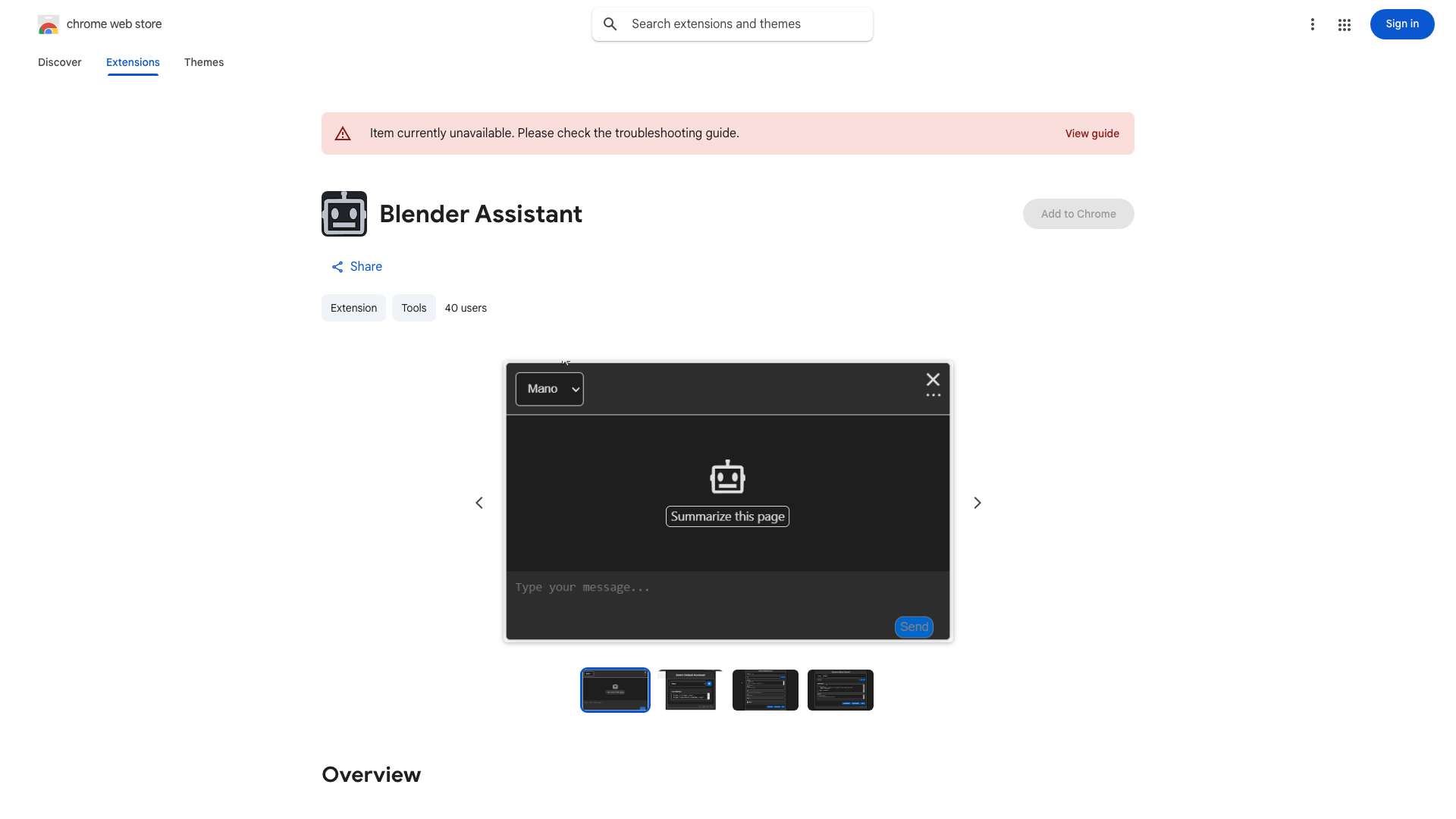
The GPU Checker tool is designed to help Blender users determine if their GPU (Graphics Processing Unit) is supported by Blender. It provides information on GPU compatibility, which is crucial for optimal performance and stability when using Blender's rendering and viewport features. This tool assists users in avoiding potential issues related to unsupported GPUs, such as crashes, rendering errors, or poor performance.
What is Blender AI Assistant used for?
User Groups
Top Features
- GPU compatibility check for Blender
- Provides information on supported GPU models
How to use Blender AI Assistant?
To use the GPU Checker, simply invoke the `/gpu_checker` command. The tool will then analyze your system's GPU and provide information on its compatibility with Blender.
Alternative Tools
No alternative tools found
Pros & Cons
No Data
Use Cases
- Verifying GPU compatibility before installing or upgrading Blender
- Troubleshooting performance issues related to the GPU
- Determining if a new GPU is suitable for Blender use
Blender AI Assistant Pricing
Free PlanSubscription Plan
No detailed pricing information available
User Reviews
3.0
out of 5
3.0
No reviews yet
Be the first to review this tool!