



Biings
A design system with assets and guidelines for building consistent user experiences across Biings products, including UI components and icons.
Score
50
User Rating
1.0
Free/Trial Support
Supported
Starting Price
--
Last Updated
Oct 24, 2026
Overview
What is Biings?
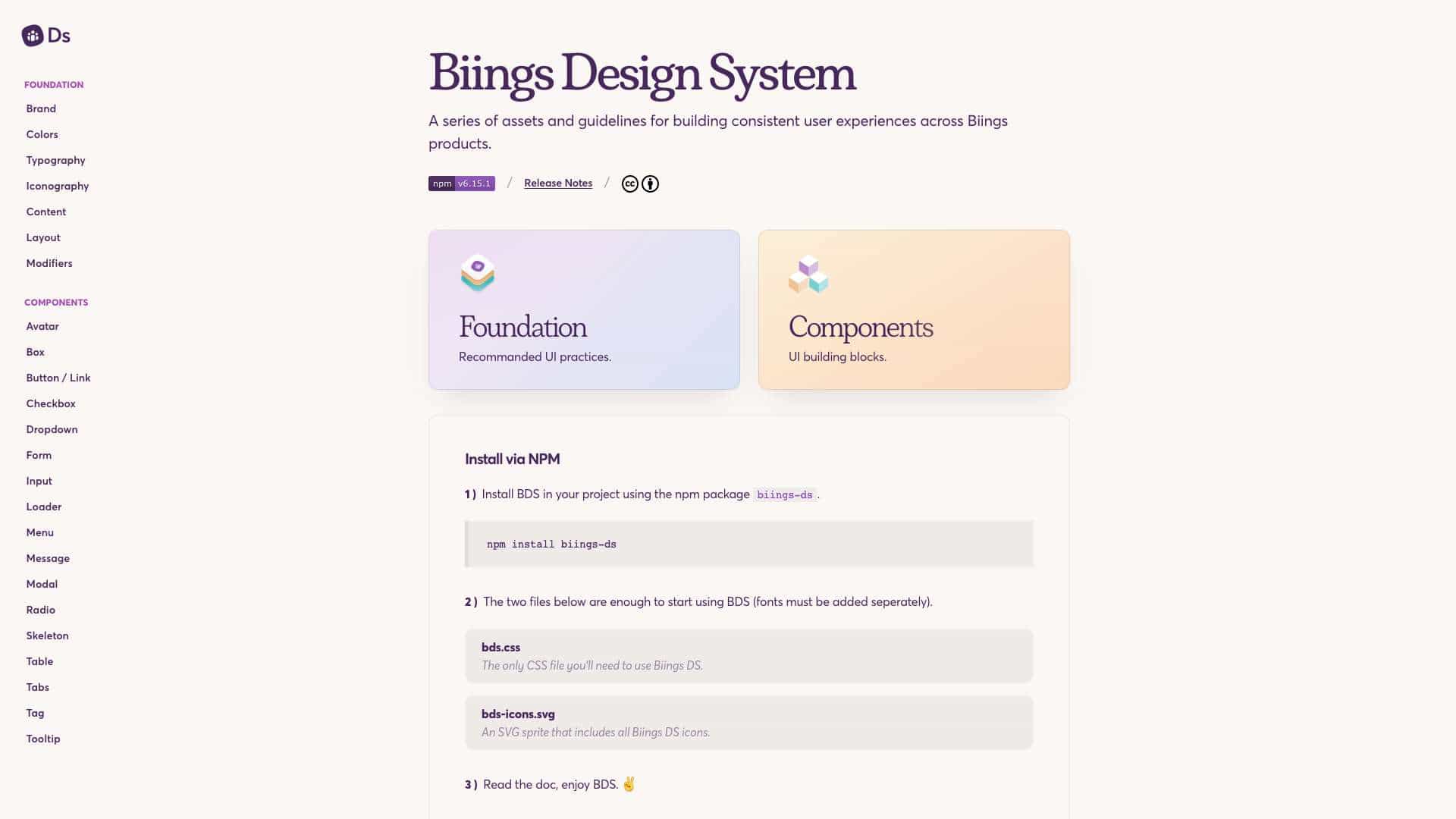
Biings Design System is a collection of assets and guidelines that provide consistent user experience standards for Biings products, featuring UI components, icons, and recommended practices.
What is Biings used for?
Top Features
- UI components
- Icons library
- CSS file
- Guidelines and best practices
- Open source under CC BY 4.0 license
How to use Biings?
Install via NPM using 'npm install biings-ds', include bds.css and bds-icons.svg files, and refer to the documentation to start using the design system in your projects.
Alternative Tools
No alternative tools found
Pros & Cons
Pros
- Promotes consistency
- Easy to install via NPM
- Free to use
- Supports contributions from designers and developers
Cons
- Requires separate font installation
- Limited to web platforms
Use Cases
- Building consistent UIs for Biings products
- Rapid prototyping with pre-built components
- Educational resource for design systems
Biings Pricing
Free Plan
No detailed pricing information available
User Reviews
1.0
out of 5
1.0
No reviews yet
Be the first to review this tool!