


AVCLabs AI
AI tools for enhancing video and photo quality
User Rating
3.0
Score
60
Free/Trial Support
Supported
Features
10 Features
Last Updated
Feb 05, 2026
What is AVCLabs AI?
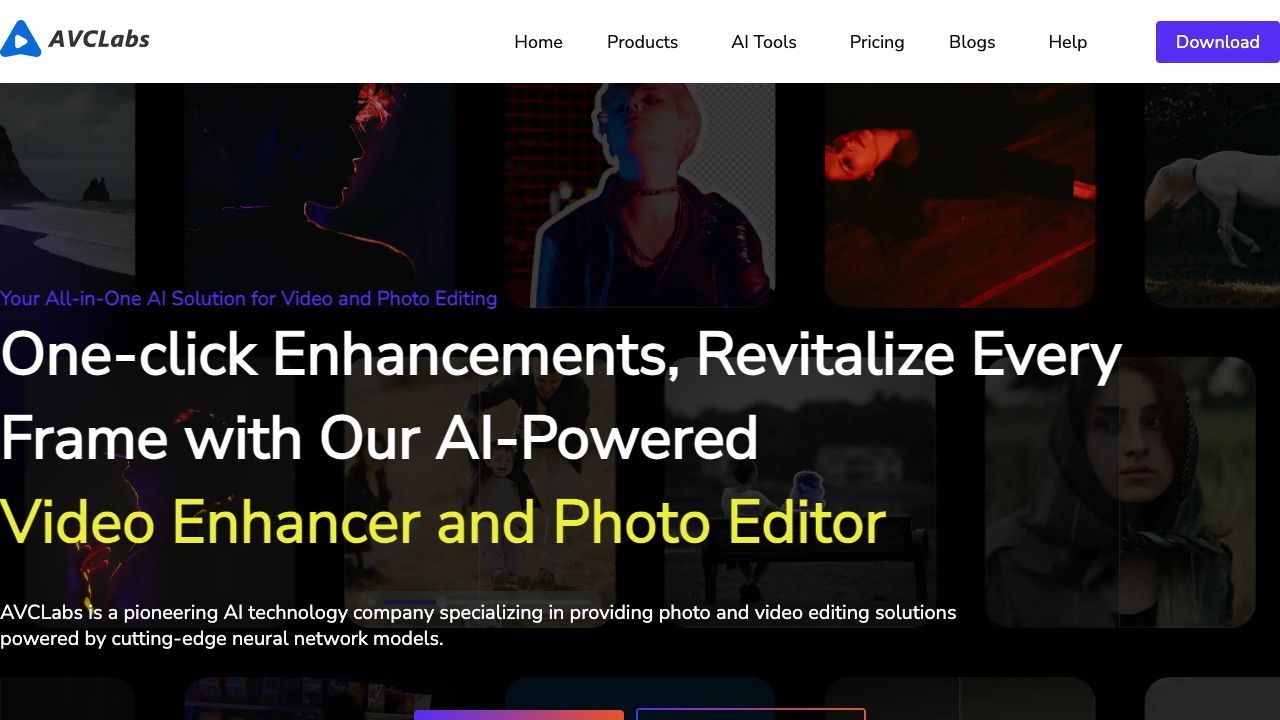
AVCLabs is an AI solutions provider specializing in video and photo quality enhancement. Their product lineup includes AI Video Enhancer, AI Photo Enhancer, AI Photo Editor, and Video Blur AI, designed to deliver superior results effortlessly. They offer both desktop software and online AI tools for various image and video editing tasks.
How to use AVCLabs AI?
AVCLabs offers both downloadable software and online tools. For software, download and install the desired product (e.g., Video Enhancer AI). Follow the in-app tutorials or online guides to enhance your videos or photos. For online tools, simply upload your media to the website and use the provided features.
Top Features
- AI Video Enhancement
- AI Photo Enhancement
- AI Video Upscaling
- AI Photo Editing
- AI Object Removal
- AI Background Removal
- AI Image Colorization
- AI Video Blurring
Pros & Cons
No Data
Use Cases
- Enhance low-resolution videos to HD, 4K, or 8K.
- Restore old photos by removing scratches, stains, and noise.
- Blur faces or backgrounds in videos to protect privacy.
- Improve product displays by enhancing texture and details.
- Remove unwanted objects from photos.
- Colorize black and white photos.
User Groups
No Data
AVCLabs AI Pricing
Free PlanSubscription Plan
No detailed pricing information available


Cover Preview
AVCLABS AI Features
- AI Image Enhancer functionalityAI Image Enhancer
- AI Photo Enhancer functionalityAI Photo Enhancer
- AI Photo Restoration functionalityAI Photo Restoration
- AI Background Remover functionalityAI Background Remover
- AI Video Editor functionalityAI Video Editor
- AI Video Enhancer functionalityAI Video Enhancer
- AI Colorize functionalityAI Colorize
- AI Photo Editor functionalityAI Photo Editor
- AI Image Upscaler functionalityAI Image Upscaler
- AI Video Upscaler functionalityAI Video Upscaler