



Ask The Page - Chrome Extension
Browser extension for easy interaction between web content and AI tools.
Score
60
User Rating
3.0
Free/Trial Support
Supported
Starting Price
--
Last Updated
Aug 14, 2026
Overview
What is Ask The Page?
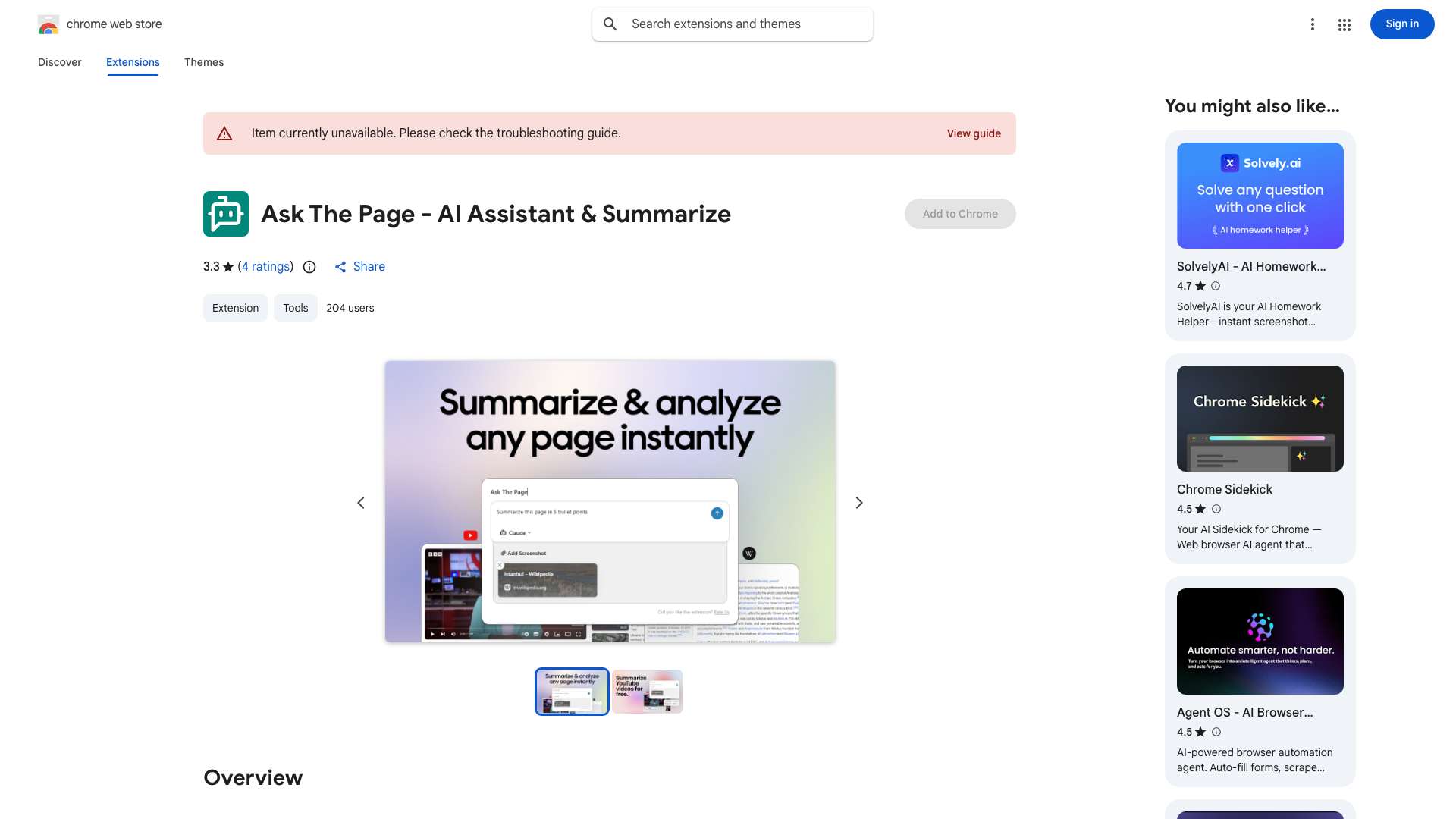
Ask The Page is a browser extension designed to streamline the interaction between web content and AI tools like ChatGPT, Claude, Google Gemini, and Mistral AI. It allows users to quickly summarize webpages, capture screenshots, and send content to AI chat applications with a single click, eliminating the need for manual copying and pasting.
What is Ask The Page used for?
Top Features
- Summarize webpages and YouTube videos with one click.
- Capture and send screenshots to AI tools.
- Seamless integration with multiple websites.
- Free to use.
- Keyboard shortcut (ALT + Q) for quick access.
How to use Ask The Page?
Install the Ask The Page extension. Use the ALT + Q shortcut or click the extension icon to send content to your chosen AI tool. Summarize pages, capture screenshots, and send prompts with ease.
Alternative Tools
No alternative tools found
Pros & Cons
No Data
Use Cases
- Summarizing lengthy content for quick understanding.
- Analyzing visual data by sending screenshots to AI tools.
- Processing and summarizing large datasets for research.
Ask The Page Pricing
Free PlanSubscription Plan
No detailed pricing information available
User Reviews
3.0
out of 5
3.0
No reviews yet
Be the first to review this tool!