



AI Video Cut
Transform long videos into engaging short clips for social media.
Score
60
User Rating
3.0
Free/Trial Support
Supported
Starting Price
--
Last Updated
Aug 14, 2026
Overview
What is AI Video Cut?
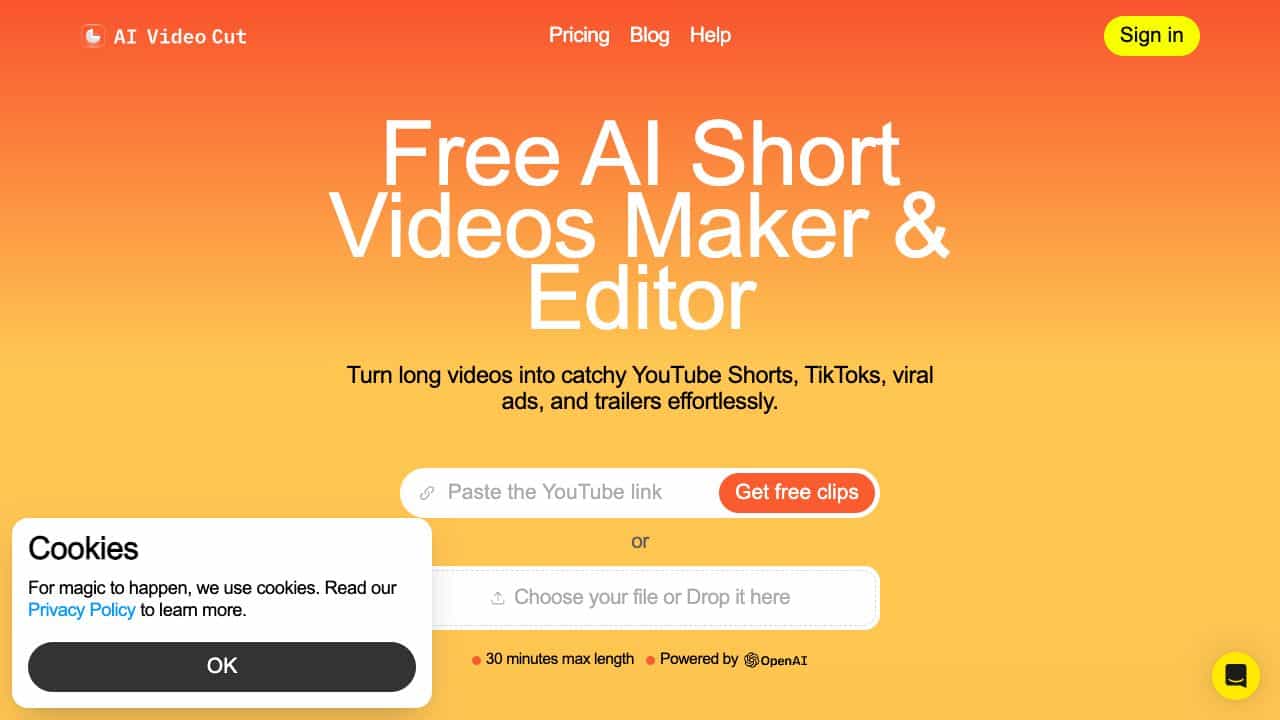
AI Video Cut is an online tool that transforms lengthy videos into viral YouTube Shorts, TikToks, or Ads effortlessly using AI. It offers features like AI video cutting, ready-to-use prompts, smart crop & face detection, video captions, multilingual content support, accurate transcripts, adaptable aspect ratios, flexible length options, and branded video options.
What is AI Video Cut used for?
Tags
Top Features
- AI Video Cut
- Ready-to-Use Prompts
- Smart Crop & Face Detection
- Video Captions
- Multilingual Content Support
- Accurate Transcripts
- Adaptable Aspect Ratios
- Flexible Length Options
- Branded Videos (Soon)
- Convenient Telegram Bot (Soon)
How to use AI Video Cut?
1. Import: Upload your video from a local file or paste a YouTube link. 2. Tailor: Choose a prompt to turn your longer video into a short teaser, review, product ad, tutorial, or generate a few clips in bulk. 3. Customize: Set the length, choose 9:16, 1:1 or 16:9 aspect ratio and style captions. 4. Publish: Preview, download and share your short video on Instagram, YouTube Shorts, TikTok, X and other platforms.
Alternative Tools
No alternative tools found
Pros & Cons
No Data
Use Cases
- Transform lengthy videos into viral YouTube shorts, TikToks, or Ads.
- Repurpose videos from events, conferences, or webinars into fun promo content.
- Show off product highlights with captivating product videos and ads.
AI Video Cut Pricing
Free PlanSubscription Plan
No detailed pricing information available
User Reviews
3.0
out of 5
3.0
No reviews yet
Be the first to review this tool!