



ScreenToGif - Record your screen, edit and save as a gif, video or other formats
Free screen recorder tool. Record, edit and save as a gif or video.
คะแนน
60
คะแนนผู้ใช้
3.0
การสนับสนุนฟรี/ทดลองใช้
รองรับ
ราคาเริ่มต้น
--
อัปเดตล่าสุด
เม.ย. 23, 2026
ภาพรวม
ScreenToGif - Record your screen, edit and save as a gif, video or other formats คืออะไร?
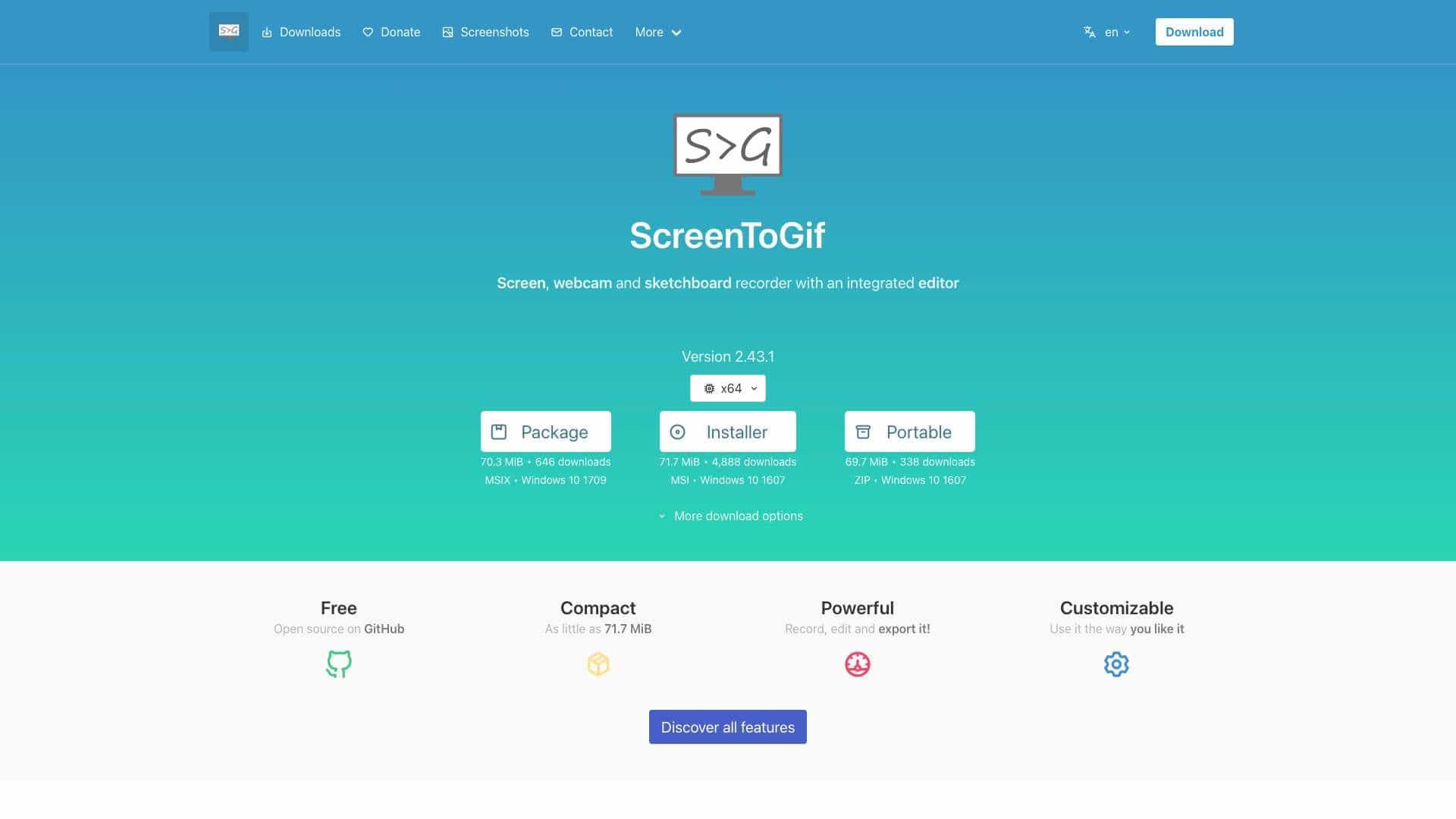
ScreenToGif is a Windows application that allows users to record their screen, webcam, or sketchboard, edit the recordings, and export them in formats like GIF, APNG, video, images, project files, or PSD. It features customizable recording options and an editor for trimming, adding effects, and more.
ScreenToGif - Record your screen, edit and save as a gif, video or other formats ใช้สำหรับอะไร?
คุณสมบัติหลัก
- Screen recording
- Webcam recording
- Sketchboard recording
- Integrated editor
- Export to GIF, APNG, video, images, project, PSD
- Customizable recording options
- Portable version available
- Open source
วิธีใช้ ScreenToGif - Record your screen, edit and save as a gif, video or other formats?
Download and install the app on Windows, then use the recorder UI to select an area or window to capture. After recording, edit the content in the integrated editor to trim frames, add text, or apply effects, and export to your desired format such as GIF or video.
เครื่องมือทางเลือก
ไม่พบเครื่องมือทางเลือก
ข้อดี & ข้อเสีย
ข้อดี
- Free and open-source
- Lightweight and compact
- Powerful editing tools
- High customizability
- Supports multiple export formats
ข้อเสีย
- Windows-only
- Requires .NET 8 Runtime for some versions
- Add-ons need separate download
กรณีการใช้งาน
- Creating tutorial GIFs
- Recording software demos
- Making educational content
- Producing marketing videos
- Personal screen captures
ราคา ScreenToGif - Record your screen, edit and save as a gif, video or other formats
แผนฟรี
ไม่มีข้อมูลราคาโดยละเอียด
รีวิวผู้ใช้
3.0
จาก 5
3.0
ยังไม่มีรีวิว
เป็นคนแรกที่รีวิวเครื่องมือนี้!