



Smart Mockups
Smartmockups를 사용하면 여러 장치에 걸쳐 하나의 인터페이스 내에서 브라우저 내에서 바로 멋진 고해상도 모형을 만들 수 있습니다.
점수
50
사용자 평가
1.0
무료/체험 지원
지원됨
시작 가격
--
마지막 업데이트
9월 29, 2026
개요
Smart Mockups이란?
Smartmockups를 사용하면 여러 장치에 걸쳐 하나의 인터페이스 내에서 브라우저 내에서 바로 멋진 고해상도 모형을 만들 수 있습니다.
Smart Mockups은 무엇에 사용되나요?
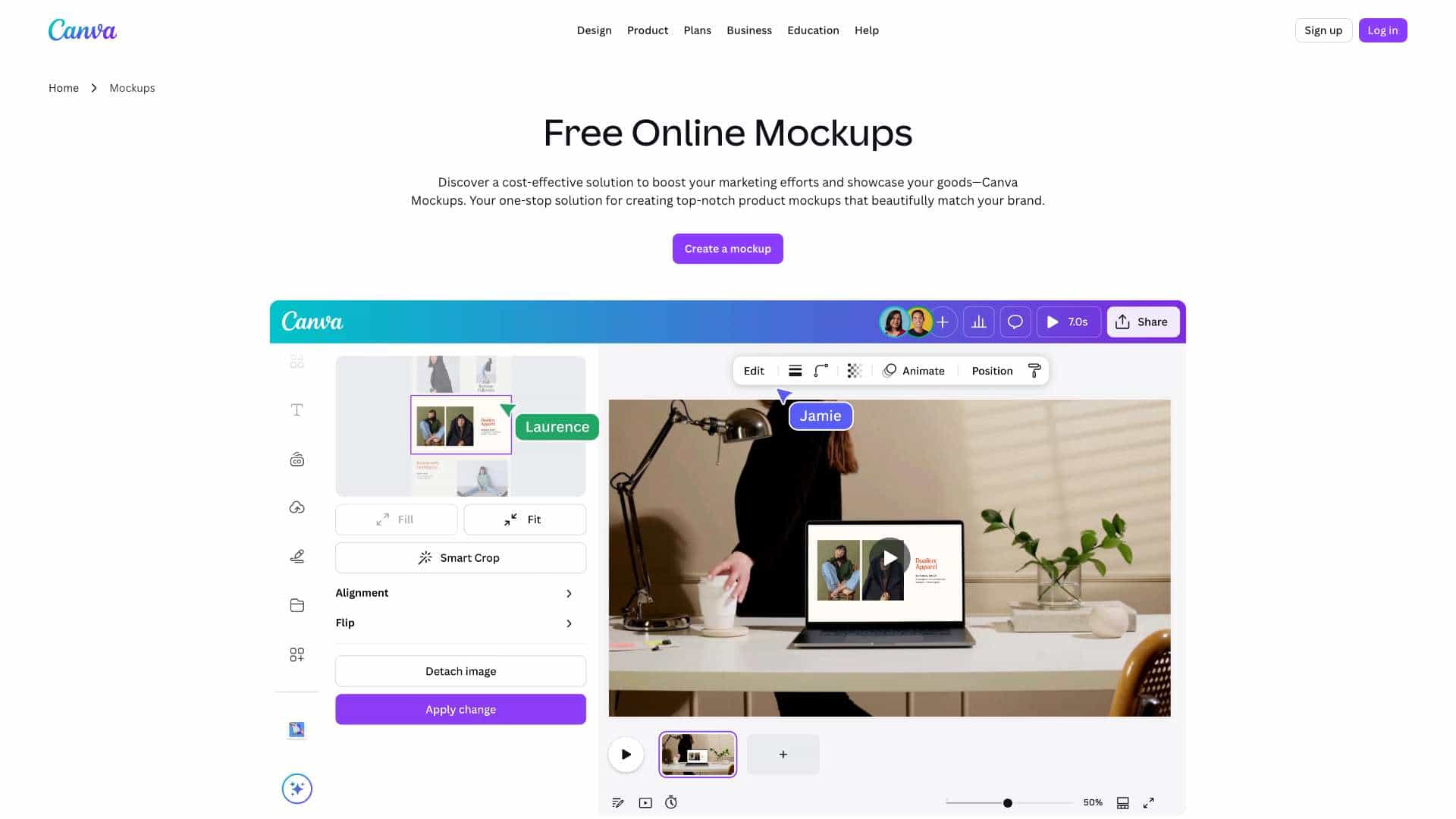
주요 기능
- Large library of product and device mockups
- Browser-based editing
- Upload custom designs and images
- Customizable templates
- Quick download and export
Smart Mockups 사용 방법은?
Open the Smart Mockups website, choose a mockup template from the library, upload your design or image, adjust positioning and effects, then download the finished mockup for use in portfolios, product pages, or marketing materials.
대안 도구
대안 도구를 찾을 수 없습니다
장점 & 단점
장점
- Easy to use with no design software required
- Wide variety of mockup templates
- Fast workflow for creating product visuals
- Works directly in the browser
단점
- Limited advanced editing compared to full design suites
- Some templates may require a paid plan
- Internet connection required
사용 사례
- Creating product mockups for e-commerce listings
- Designing portfolio presentations
- Making social media marketing visuals
- Previewing branding on merchandise
Smart Mockups 가격
무료 플랜구독 플랜
상세 가격 정보가 없습니다
사용자 리뷰
1.0
5점 만점
1.0
아직 리뷰가 없습니다
이 도구의 첫 번째 리뷰어가 되세요!