



JPEG Compress - Ekstensi Chrome
JPEG Compress menawarkan alat kompresor PNG, GIF, SVG, WEBP, dan Jpeg online gratis untuk mengurangi ukuran file secara efektif sekaligus mengoptimalkan kualitas gambar.
Skor
50
Peringkat Pengguna
1.0
Dukungan Gratis/Uji Coba
Didukung
Harga Mulai
--
Terakhir Diperbarui
Sep 29, 2026
Ringkasan
Apa itu JPEG Compress?
JPEG Compress menawarkan alat kompresor PNG, GIF, SVG, WEBP, dan Jpeg online gratis untuk mengurangi ukuran file secara efektif sekaligus mengoptimalkan kualitas gambar.
Untuk apa JPEG Compress digunakan?
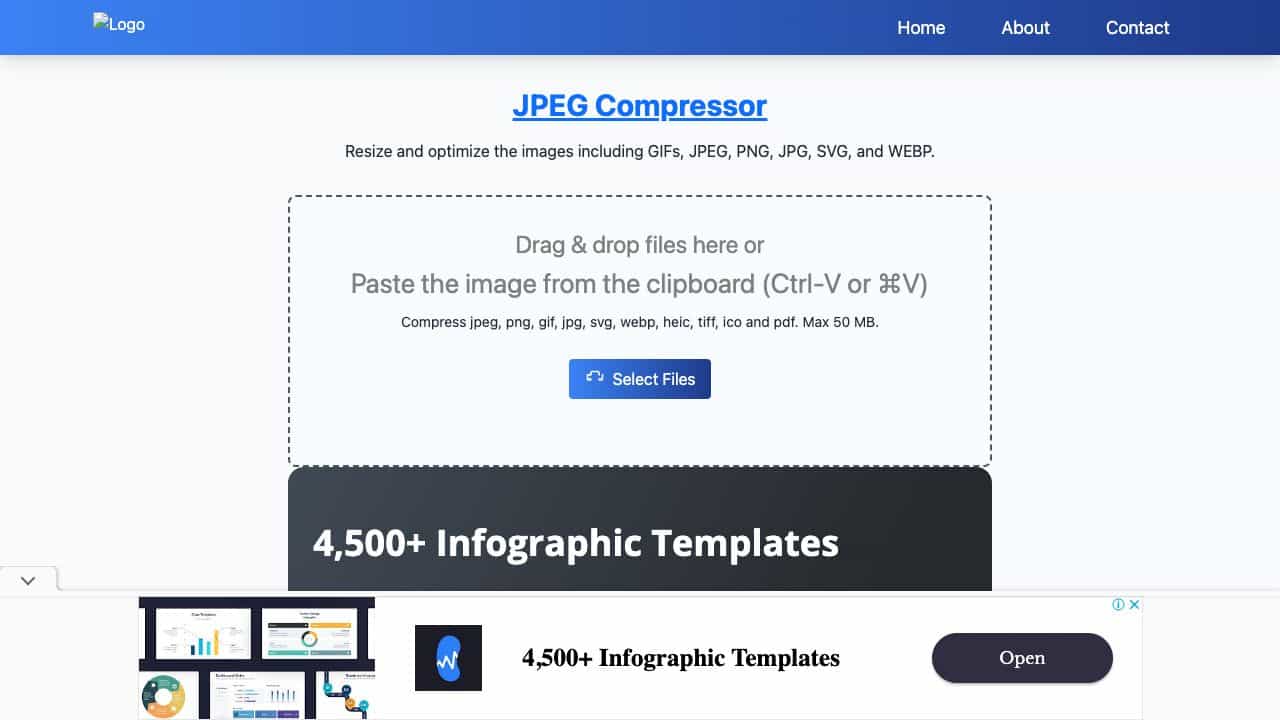
Fitur Unggulan
- Batch compress unlimited images up to 250 MB at once
- Supports JPEG, PNG, JPG, WebP, HEIC, GIF
- 100% client-side processing for privacy
- Two-stage encoding with live preview and quality slider
- Compress to exact target size (KB, MB, or percentage)
- Convert between JPEG, PNG, and WebP
- Resize images with custom width and height
- Rename files with prefix, suffix, or sequential numbering
- Remove or preserve image metadata
- Progressive JPEG and chroma subsampling for extra savings
- Guaranteed smaller output for same-format compression
- No sign-up, no daily caps, works offline after page load
Bagaimana cara menggunakan JPEG Compress?
Drag and drop images or paste from clipboard (Ctrl-V/⌘V), or select files from your device, Google Drive, Dropbox, or URL. Choose a compression preset (High, Medium, Low) or fine-tune with the quality slider (1-100) and live preview. Optionally set a target file size, convert format, resize, rename, or remove metadata. Click Compress to process the batch. Download individual images or all at once. Works on Chrome, Safari, Firefox, Edge, and mobile browsers.
Alat Alternatif
Tidak ada alat alternatif ditemukan
Kelebihan & Kekurangan
Kelebihan
- Free and unlimited with no account required
- Fast client-side processing ensures privacy
- High customizability with quality slider and target size
- Supports multiple formats including HEIC
- Batch processing saves time
- Live preview helps achieve desired quality
Kekurangan
- Requires a modern browser with WebAssembly support
- Maximum file size per batch is 250 MB
- Cross-format conversion may not always reduce size
Kasus Penggunaan
- Web developers optimizing images for faster page load and Core Web Vitals
- Designers preparing images for client delivery
- E-commerce managers reducing product photo sizes
- Bloggers and content creators compressing images for posts
- Social media managers meeting upload size limits
- Individuals compressing photos for email attachments
- Photographers batch processing images for online portfolios
Harga JPEG Compress
Paket Gratis
Tidak ada informasi harga terperinci
Ulasan Pengguna
1.0
dari 5
1.0
Belum ada ulasan
Jadilah yang pertama mengulas alat ini!