



JPEG Compress - Extensión de Chrome
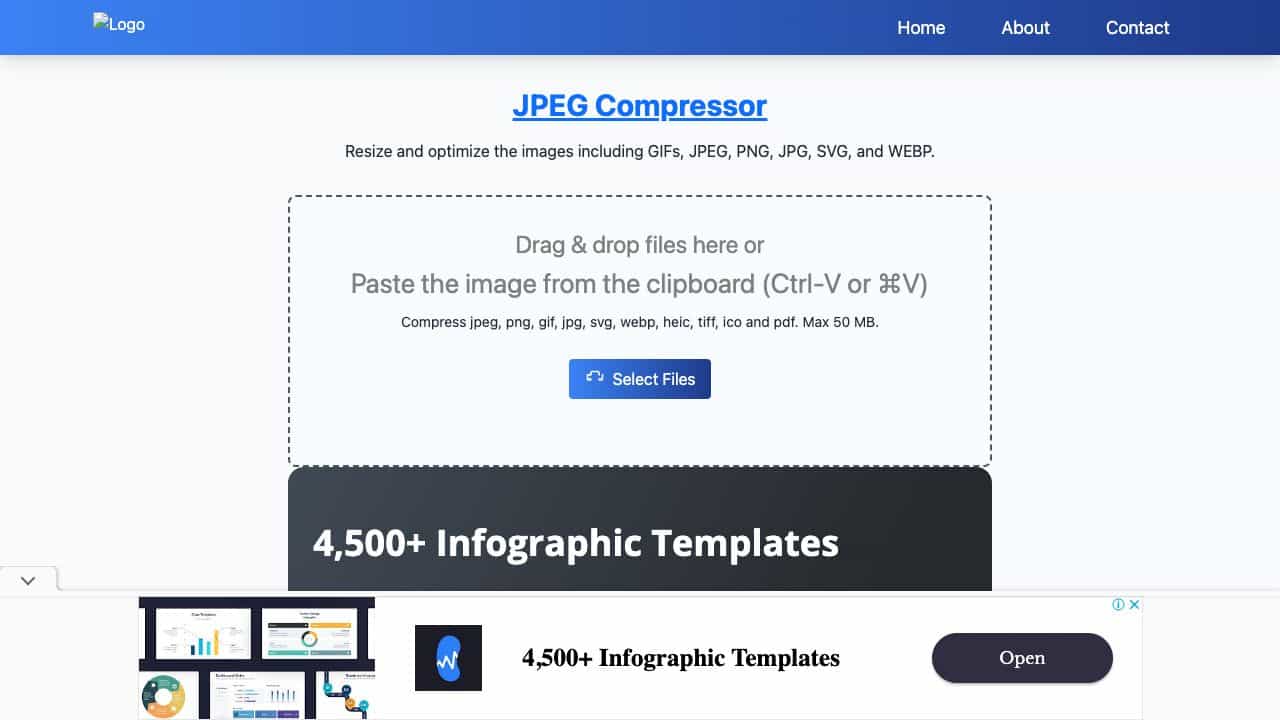
JPEG Compress ofrece una herramienta gratuita de compresión de archivos PNG, GIF, SVG, WEBP y Jpeg en línea para reducir eficazmente el tamaño de los archivos y optimizar la calidad de la imagen.
Puntuación
50
Calificación de Usuario
1.0
Soporte Gratuito/Prueba
Soportado
Precio Inicial
--
Última Actualización
sep 29, 2026
Resumen
¿Qué es JPEG Compress?
JPEG Compress ofrece una herramienta gratuita de compresión de archivos PNG, GIF, SVG, WEBP y Jpeg en línea para reducir eficazmente el tamaño de los archivos y optimizar la calidad de la imagen.
¿Para qué se usa JPEG Compress?
Características Principales
- Batch compress unlimited images up to 250 MB at once
- Supports JPEG, PNG, JPG, WebP, HEIC, GIF
- 100% client-side processing for privacy
- Two-stage encoding with live preview and quality slider
- Compress to exact target size (KB, MB, or percentage)
- Convert between JPEG, PNG, and WebP
- Resize images with custom width and height
- Rename files with prefix, suffix, or sequential numbering
- Remove or preserve image metadata
- Progressive JPEG and chroma subsampling for extra savings
- Guaranteed smaller output for same-format compression
- No sign-up, no daily caps, works offline after page load
¿Cómo usar JPEG Compress?
Drag and drop images or paste from clipboard (Ctrl-V/⌘V), or select files from your device, Google Drive, Dropbox, or URL. Choose a compression preset (High, Medium, Low) or fine-tune with the quality slider (1-100) and live preview. Optionally set a target file size, convert format, resize, rename, or remove metadata. Click Compress to process the batch. Download individual images or all at once. Works on Chrome, Safari, Firefox, Edge, and mobile browsers.
Herramientas Alternativas
No se encontraron herramientas alternativas
Pros & Contras
Pros
- Free and unlimited with no account required
- Fast client-side processing ensures privacy
- High customizability with quality slider and target size
- Supports multiple formats including HEIC
- Batch processing saves time
- Live preview helps achieve desired quality
Contras
- Requires a modern browser with WebAssembly support
- Maximum file size per batch is 250 MB
- Cross-format conversion may not always reduce size
Casos de Uso
- Web developers optimizing images for faster page load and Core Web Vitals
- Designers preparing images for client delivery
- E-commerce managers reducing product photo sizes
- Bloggers and content creators compressing images for posts
- Social media managers meeting upload size limits
- Individuals compressing photos for email attachments
- Photographers batch processing images for online portfolios
Precios de JPEG Compress
Plan Gratuito
No hay información detallada de precios disponible
Reseñas de Usuarios
1.0
de 5
1.0
Aún no hay reseñas
¡Sé el primero en reseñar esta herramienta!