


Email Contact Extractor
¿Qué es Email Contact Extractor?
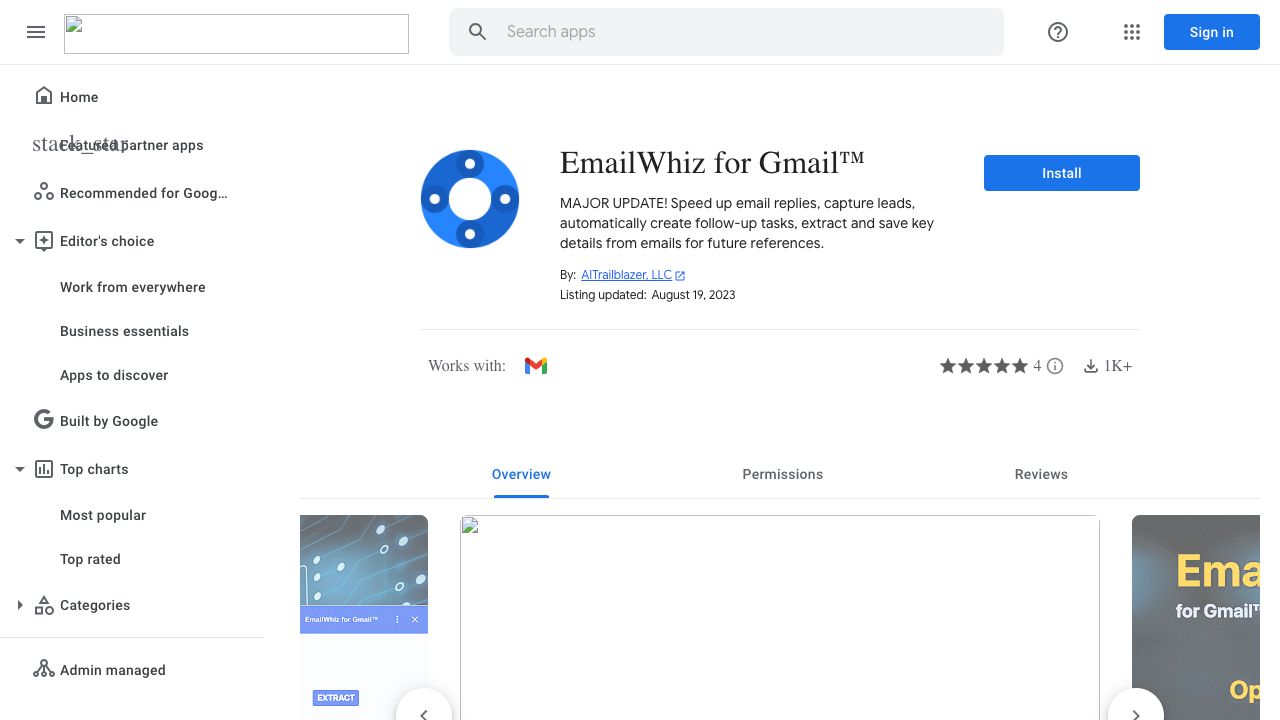
EmailWhiz for Gmail™ is a Google Workspace Marketplace app that helps users manage their emails more efficiently. It offers features such as summarizing emails into key points, suggesting email replies, creating follow-up tasks, and extracting contact information from email messages. The app is powered by Google Vertex AI PaLM and aims to save users time and improve their workflow.
¿Cómo usar Email Contact Extractor?
1. Open an email in Gmail. 2. Click the EmailWhiz icon in the right sidebar. 3. The app automatically populates key points, suggested replies, and follow-up tasks. 4. To extract contact information, copy the text containing contact information from the email body, and paste it into the input field located above the \"Extract Contact Info\" button. Click the \"Extract Contact Info\" button. The parsed contact components will appear in separate fields that can be edited. 5. Click the \"Save\" button to add the new contact to your spreadsheet.
Características Principales
- Summarize emails into key points
- Suggest email replies
- Create follow-up tasks
- Extract contact information from email messages
Pros & Contras
Sin Datos
Casos de Uso
- Quickly understand the main points of lengthy emails
- Generate reply suggestions to save time
- Create follow-up tasks to stay organized
- Automatically extract and save contact information from emails
Grupos de Usuarios
Sin Datos
Precios de Email Contact Extractor


Vista Previa de Portada
Características de EMAIL CONTACT EXTRACTOR
- Funcionalidad de IA ResumidorIA Resumidor
- Funcionalidad de IA Asistente de emailIA Asistente de email
- Funcionalidad de IA Generador de respuestasIA Generador de respuestas
- Funcionalidad de IA Generación de leadsIA Generación de leads
- Funcionalidad de IA Gestión de tareasIA Gestión de tareas