


Trancy for Chrome
User Rating
3.0
Score
80
Free/Trial Support
Supported
Features
8 Features
Last Updated
Feb 05, 2026
What is Trancy for Chrome?
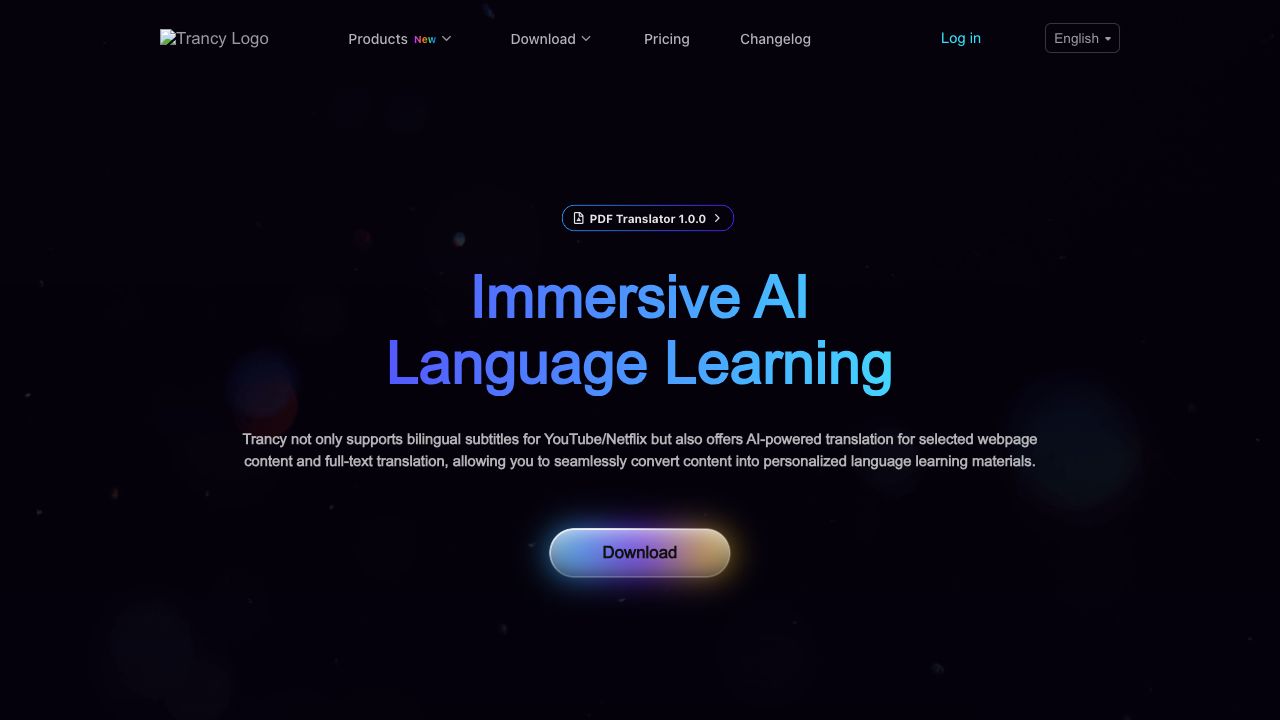
Trancy is a language learning assistant that helps users turn YouTube and Netflix into personalized study materials. It provides bilingual subtitles, AI-powered translation for web pages, and tools to improve vocabulary, grammar, listening, and speaking skills. Trancy supports platforms like YouTube, Netflix, Udemy, Disney+, TED, edX, Coursera, and Kehan.
How to use Trancy for Chrome?
Install the Trancy extension, select your target language, and then use it on supported platforms like YouTube and Netflix to access bilingual subtitles and other language learning tools. For web pages, simply browse and use the AI-powered translation features.
Top Features
- Bilingual subtitles for YouTube and Netflix
- AI-powered word and sentence translation
- Full-text immersive translation for web pages
- Vocabulary and grammar tools
- Listening and speaking practice
- PDF AI Translator
Pros & Cons
No Data
Use Cases
- Learning a new language by watching videos with bilingual subtitles
- Improving reading comprehension of foreign language articles with AI translation
- Building vocabulary and grammar skills through personalized study materials
User Groups
No Data
Trancy for Chrome Pricing
Free PlanSubscription Plan
No detailed pricing information available


Cover Preview
TRANCY FOR CHROME Features
- AI Translate functionalityAI Translate
- AI Speech Recognition functionalityAI Speech Recognition
- AI Grammar Checker functionalityAI Grammar Checker
- AI PDF functionalityAI PDF
- AI Text-to-Speech functionalityAI Text-to-Speech
- AI Language Learning functionalityAI Language Learning
- AI Subtitle Generator functionalityAI Subtitle Generator
- AI YouTube functionalityAI YouTube