


Riki AI
Unlock ChatGPT as your bot on any app or website.
What is Riki AI?
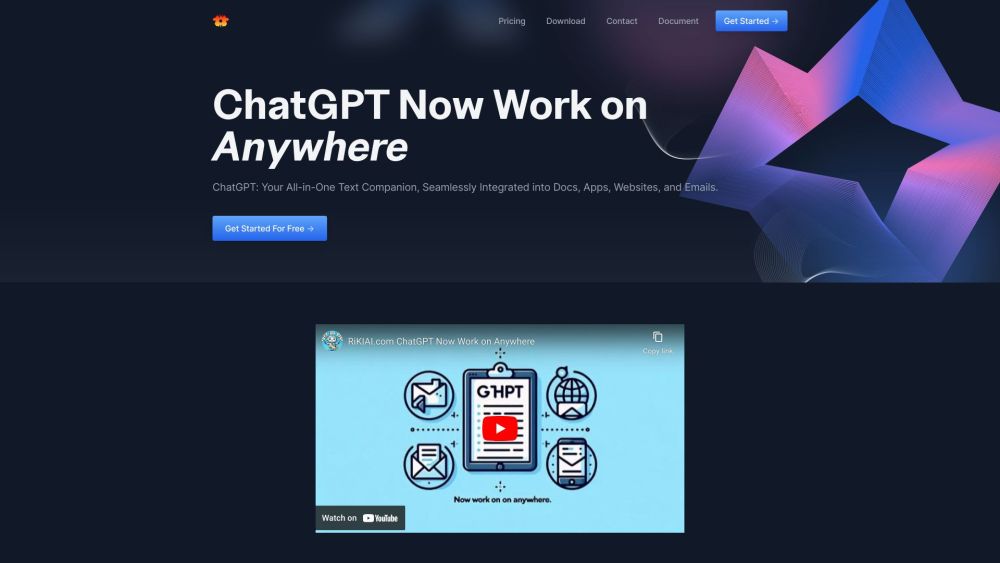
Riki AI is an AI copilot that integrates ChatGPT into your workflow across various apps and webpages. It allows users to write, edit, rephrase, summarize, translate, or respond to text with a single click, eliminating the need for copy-pasting. It supports various applications, documents, and websites, providing AI assistance wherever you type or select text. Riki AI offers features like instant creative inspiration, smart programming assistance, and email efficiency tools.
How to use Riki AI?
Use Riki AI by selecting text on any app or webpage and clicking to write, improve, paraphrase, summarize, translate, explain, or reply. Alternatively, press Alt+1 to access the AI copilot or Alt+` for shortcut commands.
Top Features
- ChatGPT integration across apps and webpages
- One-click text manipulation (write, edit, rephrase, summarize, translate, respond)
- AI-powered assistance for writing, coding, and email
- Shortcut commands for quick actions
Pros & Cons
No Data
Use Cases
- Drafting emails efficiently
- Brainstorming blog posts
- Debugging code with AI assistance
- Summarizing lengthy documents
- Translating text in real-time
User Groups
No Data
Riki AI Pricing


Cover Preview
RIKI AI Features
- AI Translate functionalityAI Translate
- AI Summarizer functionalityAI Summarizer
- AI Writing Assistants functionalityAI Writing Assistants
- AI Code Assistant functionalityAI Code Assistant
- AI Email Assistant functionalityAI Email Assistant
- AI Assistant functionalityAI Assistant
- AI Copilot functionalityAI Copilot
- AI Paraphraser functionalityAI Paraphraser