


User Rating
3.0
Score
60
Free/Trial Support
Supported
Features
5 Features
Last Updated
Feb 05, 2026
What is inBuild?
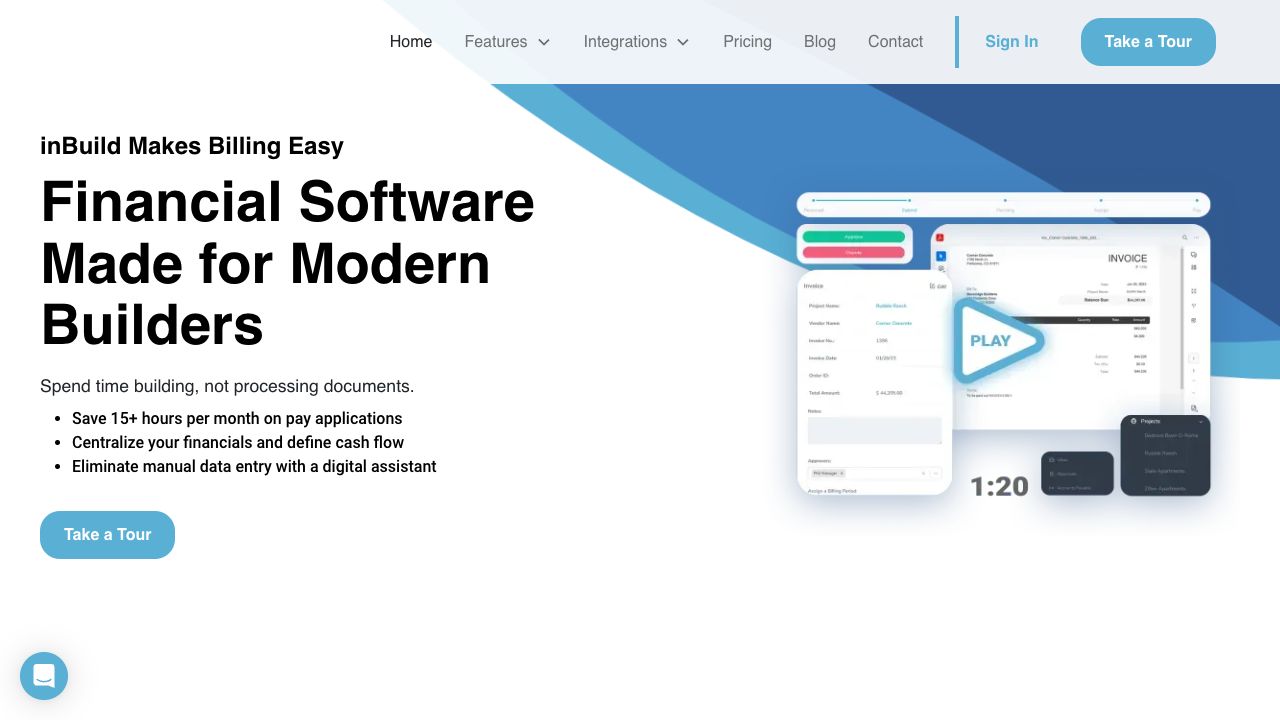
inBuild uniquely employs AI to identify all documents from incoming emails, extract key data, route for approval, process payments, and reconcile expenses with project budgets. It's a construction financial software that leverages AI for managing invoices and accounts payable, reducing processing time, saving money, and increasing accuracy.
How to use inBuild?
Documents are automatically uploaded and processed from your email. The system extracts key details, routes for approval, processes payments, and reconciles expenses with project budgets.
Top Features
- Automatic document processing
- Job cost tracking
- Pay application creation
- Review and approval workflows
- Electronic filing cabinet
- Contract, change order, and lien management
- Financial platform integrations
- Mobile app for document upload
Pros & Cons
No Data
Use Cases
- Centralizing construction financials and defining cash flow
- Eliminating manual data entry with a digital assistant
- Managing project financials from the field
- Simplifying invoicing workflows
- Tracking job costs accurately
- Creating and exporting pay applications
- Managing contracts, change orders, and liens
- Syncing with other financial platforms
User Groups
No Data
inBuild Pricing
Free PlanSubscription Plan
No detailed pricing information available


Cover Preview
INBUILD Features
- AI Contract Management functionalityAI Contract Management
- AI Document Extraction functionalityAI Document Extraction
- AI Assistant functionalityAI Assistant
- AI For Finance functionalityAI For Finance
- AI Accounting functionalityAI Accounting