


User Rating
3.0
Score
80
Free/Trial Support
Supported
Features
5 Features
Last Updated
Feb 05, 2026
What is Email Assistant?
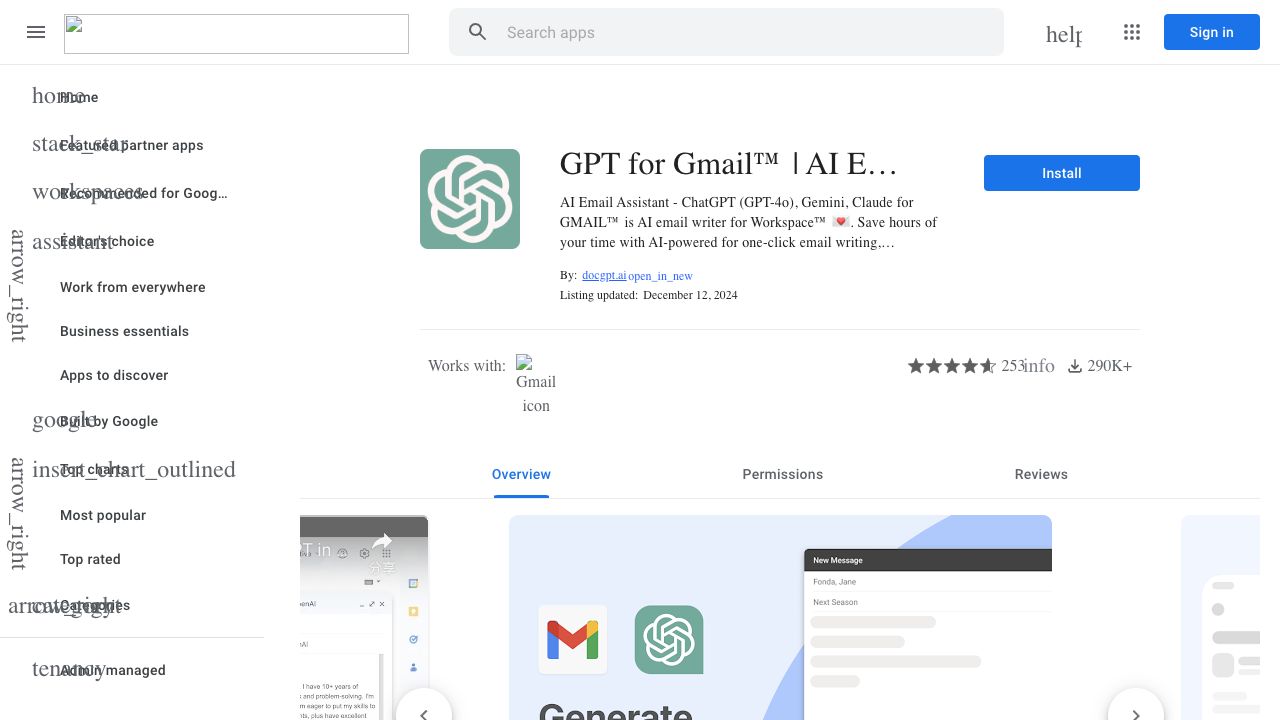
GPT for GMAIL™ is a ChatGPT and Bard™ AI-enhanced assistant designed to streamline your email communication. It allows users to rephrase, translate, improve, and reply to emails in one click. It supports over 30 languages and offers both free and premium features.
How to use Email Assistant?
Install the add-on from the Google Workspace Marketplace. After installation, compose a new email in Gmail, tap the GPT for Gmail™ icon in the bottom right, input a prompt, select a tone, and integrate the generated draft into your email.
Top Features
- Rephrase emails
- Generate replies in one click
- Email templates (HR, CV, interview, etc.)
- Support for 40+ languages and dialects
- Improve email text
- Simplify explanations
- Translate emails
Pros & Cons
No Data
Use Cases
- Emailing clients, partners, or prospects
- Sending out periodic newsletters
- Extending wishes for holidays or special occasions
- Sending invitations for events and tracking responses
- Job hunting and application tracking
- Crafting personalized thank-you emails
- Running effective cold emailing or follow-up campaigns
- Managing PR campaigns
User Groups
No Data
Email Assistant Pricing
Free PlanSubscription Plan
No detailed pricing information available


Cover Preview
EMAIL ASSISTANT Features
- AI Translate functionalityAI Translate
- AI Email Writer functionalityAI Email Writer
- AI Email Assistant functionalityAI Email Assistant
- AI Email Generator functionalityAI Email Generator
- AI Reply functionalityAI Reply