


User Rating
3.0
Score
60
Free/Trial Support
Supported
Features
6 Features
Last Updated
Feb 05, 2026
What is CRM Chat?
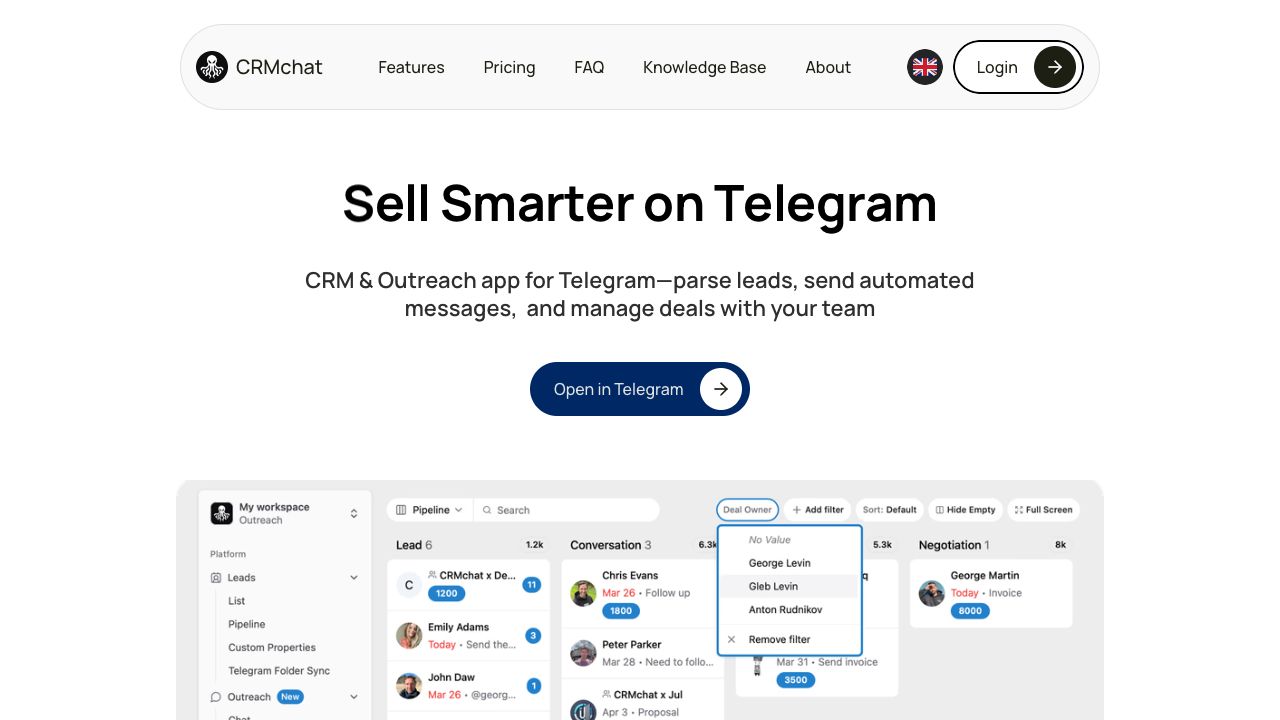
CRM Chat is a platform that allows users to manage and interact with their CRM data via a conversational interface. It integrates with popular CRMs like Pipedrive, HubSpot, and Salesforce, and works on various platforms including WhatsApp, Telegram, SMS, Web, and iOS. It enables users to create and retrieve CRM data using chat and voice, automate Telegram sales, parse leads, send automated messages, and manage deals with their team.
How to use CRM Chat?
Users can connect their existing CRM accounts (HubSpot, Pipedrive, Salesforce) to CRM Chat. Then, they can use chat or voice commands within supported platforms (Telegram, WhatsApp, etc.) to update CRM data, retrieve information, assign tasks, and automate sales outreach.
Top Features
- CRM data management via chat and voice
- Integration with HubSpot, Pipedrive, and Salesforce
- Telegram sales automation
- Lead parsing and automated messaging
- Team collaboration features
- Folder Sync for auto-adding contacts and groups
- Daily task summaries
- Image recognition for lead capture
- Workspaces for team organization
Pros & Cons
No Data
Use Cases
- Updating CRM data on the go using voice memos.
- Retrieving CRM data instantly by asking a bot.
- Automating sales outreach on Telegram.
- Scanning Telegram QR codes to send leads directly to CRMchat.
- Turning social profile screenshots into leads automatically.
- Assigning tasks to team members directly within Telegram groups.
User Groups
No Data
CRM Chat Pricing
Free PlanSubscription Plan
No detailed pricing information available


Cover Preview
CRM CHAT Features
- AI Lead Generation functionalityAI Lead Generation
- AI Chatbot functionalityAI Chatbot
- Web3 functionalityWeb3
- AI Sales Assistant functionalityAI Sales Assistant
- AI Sales functionalityAI Sales
- AI CRM functionalityAI CRM