



Smart Mockups
Mit Smartmockups können Sie beeindruckende hochauflösende Mockups direkt in Ihrem Browser über eine Benutzeroberfläche auf mehreren Geräten erstellen.
Punktzahl
50
Benutzerbewertung
1.0
Kostenlos/Test-Support
Unterstützt
Startpreis
--
Zuletzt Aktualisiert
Sep. 29, 2026
Überblick
Was ist Smart Mockups?
Mit Smartmockups können Sie beeindruckende hochauflösende Mockups direkt in Ihrem Browser über eine Benutzeroberfläche auf mehreren Geräten erstellen.
Wofür wird Smart Mockups verwendet?
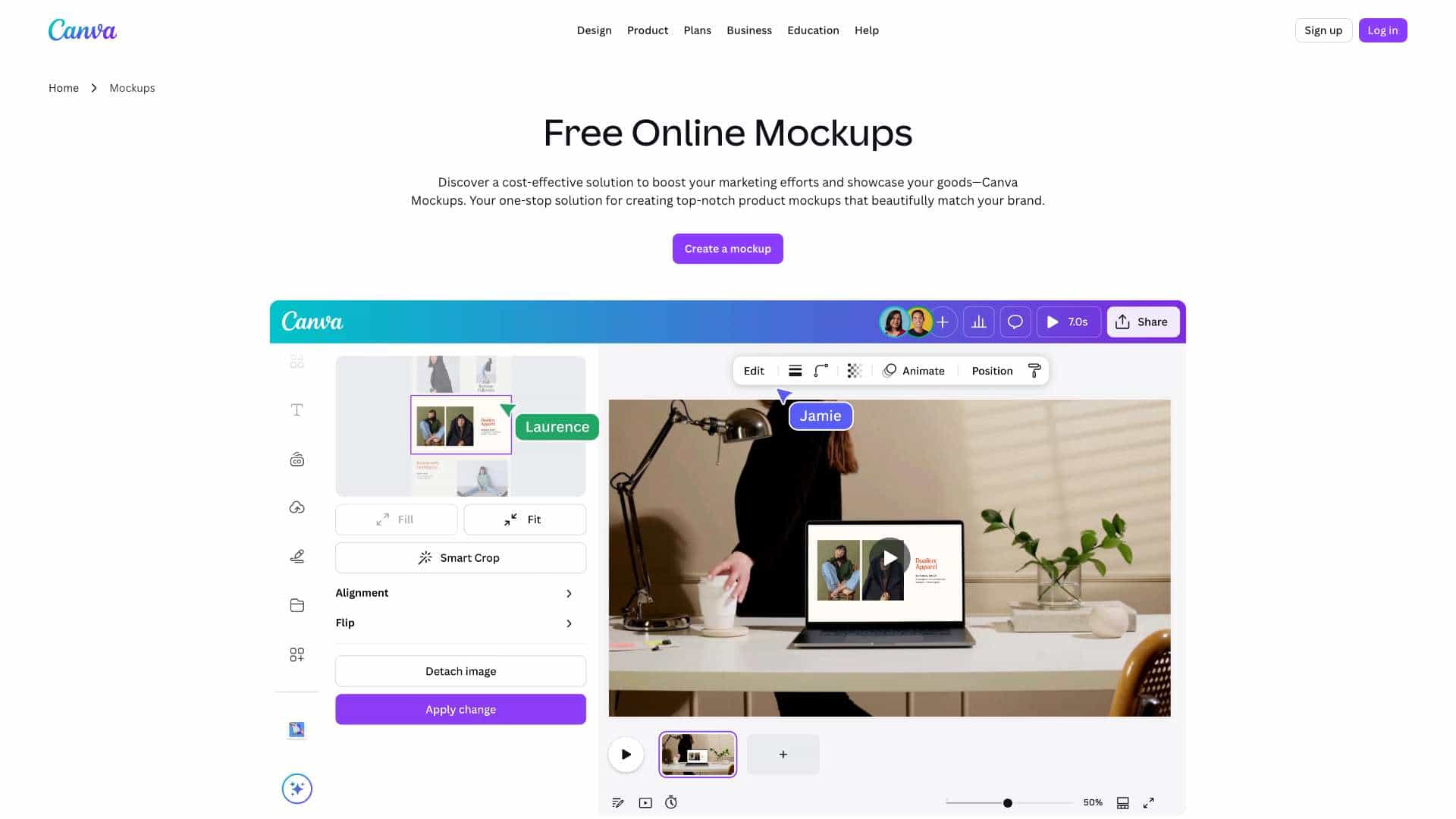
Top-Funktionen
- Large library of product and device mockups
- Browser-based editing
- Upload custom designs and images
- Customizable templates
- Quick download and export
Wie verwendet man Smart Mockups?
Open the Smart Mockups website, choose a mockup template from the library, upload your design or image, adjust positioning and effects, then download the finished mockup for use in portfolios, product pages, or marketing materials.
Alternative Tools
Keine alternativen Tools gefunden
Vorteile & Nachteile
Vorteile
- Easy to use with no design software required
- Wide variety of mockup templates
- Fast workflow for creating product visuals
- Works directly in the browser
Nachteile
- Limited advanced editing compared to full design suites
- Some templates may require a paid plan
- Internet connection required
Anwendungsfälle
- Creating product mockups for e-commerce listings
- Designing portfolio presentations
- Making social media marketing visuals
- Previewing branding on merchandise
Smart Mockups Preise
Kostenloser PlanAbonnement-Plan
Keine detaillierten Preisinformationen verfügbar
Benutzerbewertungen
1.0
von 5
1.0
Noch keine Bewertungen
Seien Sie der Erste, der dieses Tool bewertet!