


Wondershare Filmora
Powerful video editor with AI capabilities
User Rating
3.0
Score
60
Free/Trial Support
Supported
Features
7 Features
Last Updated
Feb 05, 2026
What is Wondershare Filmora?
Wondershare Filmora is an AI-based video editing software designed for users of all skill levels. It offers features like smart short clips, AI portrait cutout, auto subtitles, multi-camera editing, and a wide library of effects and transitions. Filmora aims to make video creation easy and fun.
How to use Wondershare Filmora?
Download and install the Filmora software. Import your video clips, images, and audio. Use the intuitive interface to edit your video, add effects, transitions, and text. Export your finished video in various formats.
Top Features
- AI-powered editing tools
- Smart short clip generation
- AI portrait cutout
- Automatic subtitles
- Multi-camera editing
- Extensive library of effects and transitions
- Text-based editing with AI
Pros & Cons
No Data
Use Cases
- Creating videos for YouTube, TikTok, and other social media platforms
- Editing video CVs and brand videos
- Producing video tutorials and explainer videos
- Creating marketing and promotional videos
- Editing event videos like weddings and New Year celebrations
User Groups
No Data
Wondershare Filmora Pricing
Free PlanSubscription Plan
No detailed pricing information available


Cover Preview
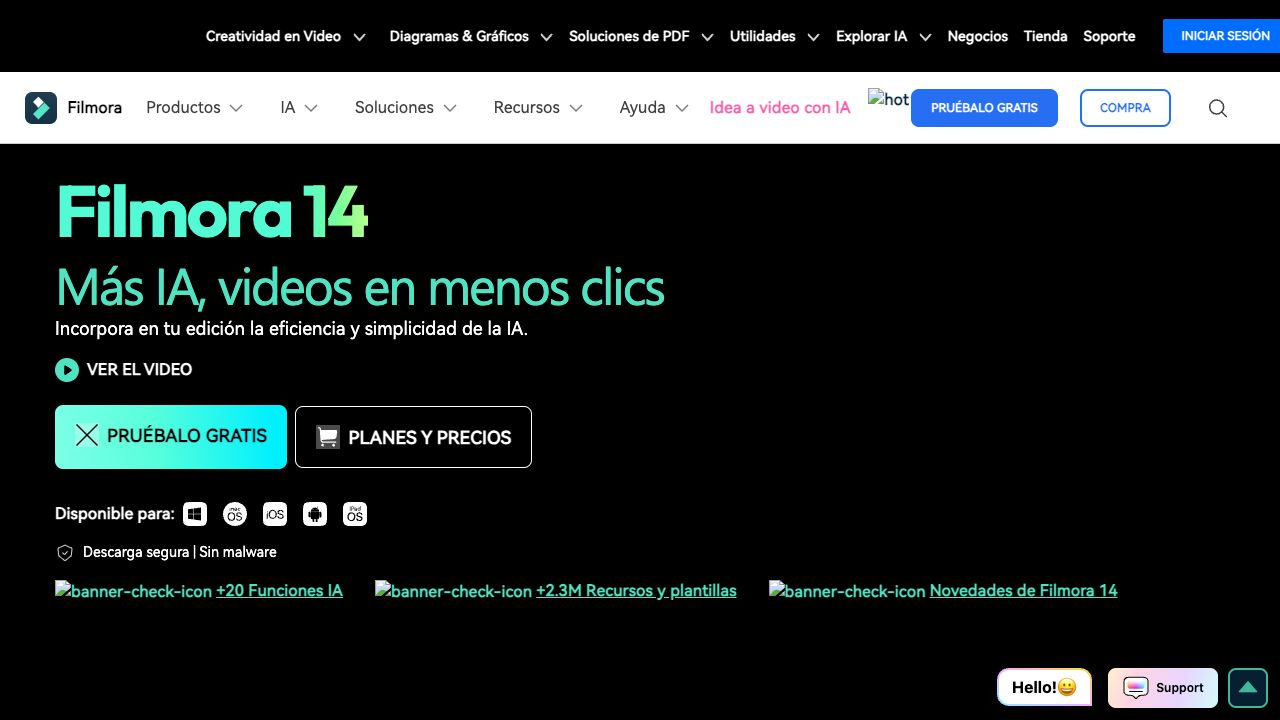
WONDERSHARE FILMORA Features
- Image to Video functionalityImage to Video
- AI Video Editor functionalityAI Video Editor
- AI Video Enhancer functionalityAI Video Enhancer
- Text to Video functionalityText to Video
- AI Music Generator functionalityAI Music Generator
- AI Text-to-Speech functionalityAI Text-to-Speech
- AI Subtitle Generator functionalityAI Subtitle Generator