


Pixelcut
Calificación de Usuario
3.0
Puntuación
60
Soporte Gratuito/Prueba
Soportado
Características
7 Características
Última Actualización
ene 30, 2026
¿Qué es Pixelcut?
Pixelcut is a free AI photo editor that provides easy-to-use AI tools to make photos stand out. It offers features like background removal, retouching, expanding, and upscaling images. Pixelcut also provides a virtual studio for creating product photos and thousands of curated templates designed to convert people to customers. It allows team collaboration for creating and sharing content.
¿Cómo usar Pixelcut?
Start by uploading a photo to Pixelcut. Then, use the AI-powered tools to remove the background, retouch the image, expand it, or upscale its resolution. You can also use pre-designed templates to create product photos or marketing materials.
Características Principales
- AI-powered background removal
- Magic Eraser for object removal
- Image Upscaling
- AI Image Generation
- Virtual Photo Studio
- Template-based design
Pros & Contras
Sin Datos
Casos de Uso
- Creating professional product photos with AI-generated backgrounds
- Designing marketing materials using curated templates
- Removing backgrounds from photos for various purposes
- Upscaling images for better resolution
- Generating AI images for vision boards
Grupos de Usuarios
Sin Datos
Precios de Pixelcut
Plan GratuitoPlan de Suscripción
No detailed pricing information available


Vista Previa de Portada
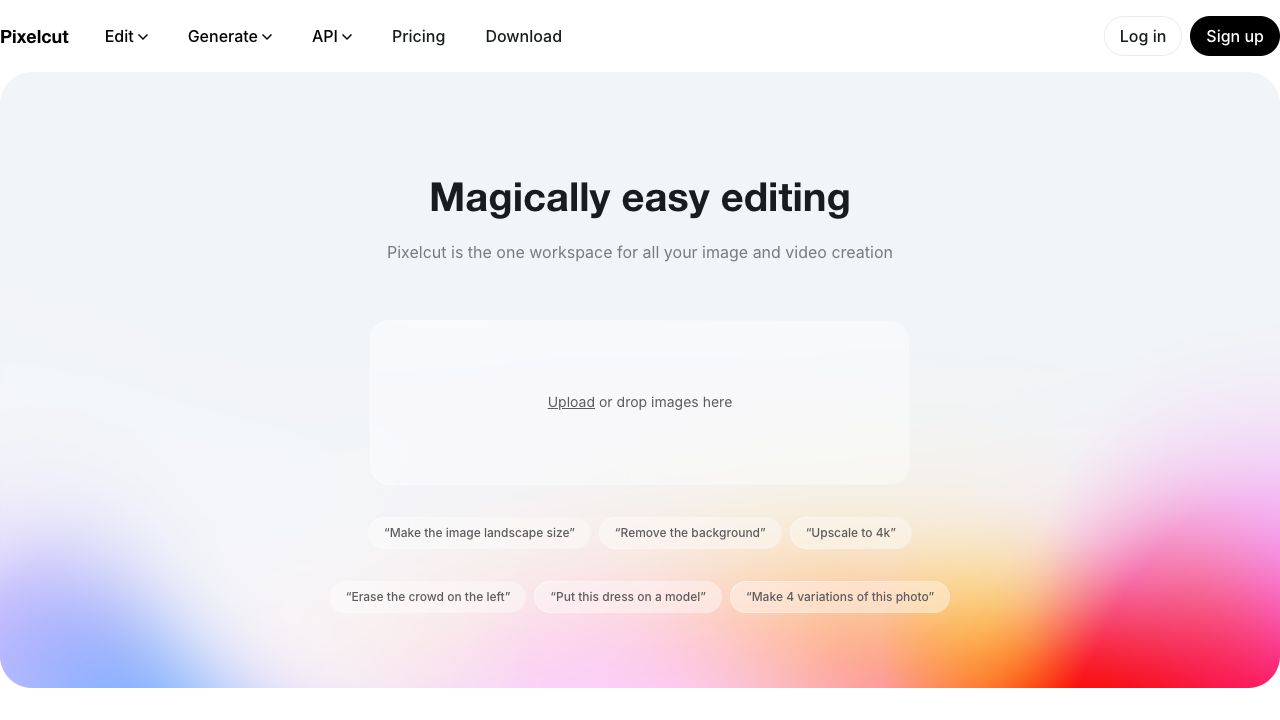
Características de PIXELCUT
- Funcionalidad de Generador de fondos IAGenerador de fondos IA
- Funcionalidad de Eliminador de fondos IAEliminador de fondos IA
- Funcionalidad de IA Generador de imágenesIA Generador de imágenes
- Funcionalidad de IA Editor de fotosIA Editor de fotos
- Funcionalidad de IA Mejorador de resolución de imágenesIA Mejorador de resolución de imágenes
- Funcionalidad de IA Fotografía de productosIA Fotografía de productos
- Funcionalidad de IA BorradorIA Borrador