


Zyng
User Rating
2.0
Score
65
Free/Trial Support
Supported
Features
8 Features
Last Updated
Feb 05, 2026
What is Zyng?
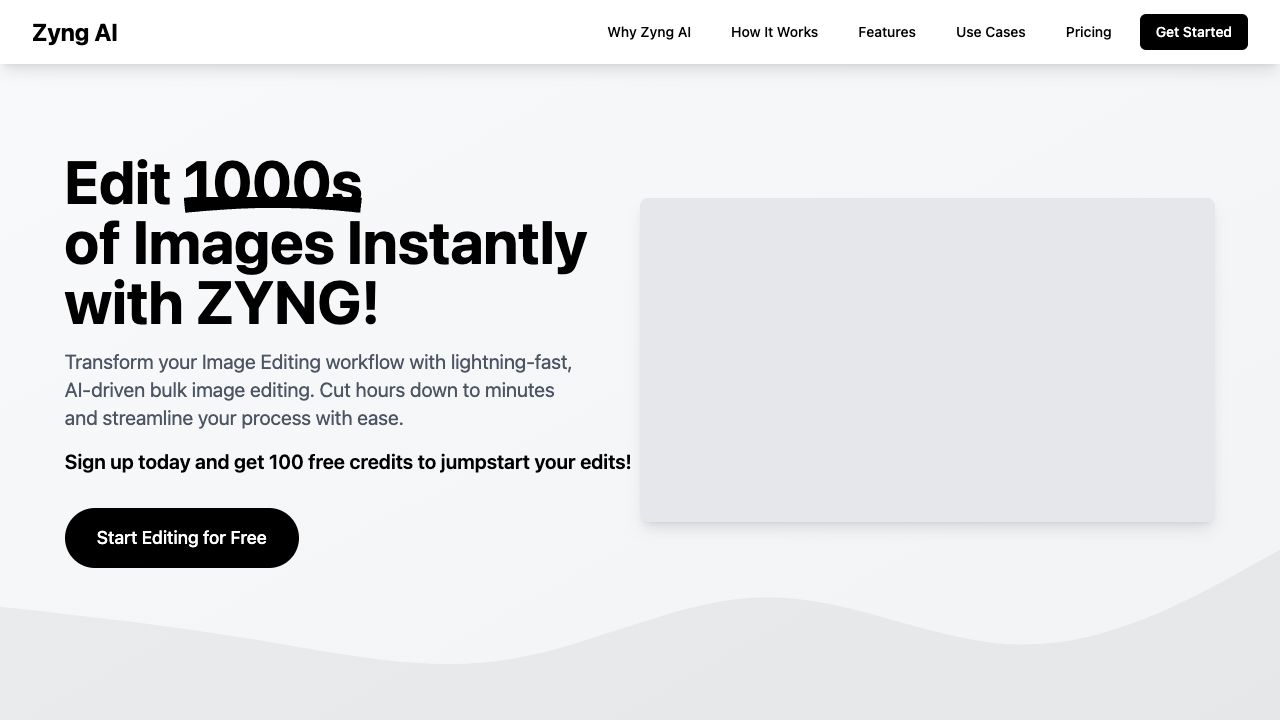
Zyng AI is an AI-powered image editing platform designed for e-commerce businesses, photographers, and creative professionals. It offers bulk image editing, automated background removal, AI photo retouching, and other advanced features to streamline image workflows and enhance visuals at scale. Zyng AI helps users automate repetitive tasks, save time, and create high-quality images for various platforms.
How to use Zyng?
To use Zyng AI, upload your images in JPG, PNG, or WEBP format, select a template or create a custom workflow, configure settings such as quality and resolution, and then batch process and download your edited images instantly.
Top Features
- Bulk image editing
- Automated background removal
- AI photo retouching
- Batch photo resizing
- AI-driven cropping
- Generative fill tools
- AI Color Grading
- Face/Model Swap
- Subject-Aware Outpainting
Pros & Cons
No Data
Use Cases
- E-commerce product enhancement: Create standardized, high-quality product images.
- Fashion photography refinement: Produce editorial-quality images for lookbooks and social media.
- Corporate headshot standardization: Generate consistent, professional headshots.
- AI-Generated Backgrounds: Transform your product photography with custom, high-quality AI-generated backgrounds.
User Groups
No Data
Zyng Pricing
Free PlanSubscription Plan
No detailed pricing information available


Cover Preview
ZYNG Features
- AI Background Generator functionalityAI Background Generator
- AI Image Enhancer functionalityAI Image Enhancer
- AI Background Remover functionalityAI Background Remover
- AI Face Swap Generator functionalityAI Face Swap Generator
- AI Workflow functionalityAI Workflow
- AI Photo Editor functionalityAI Photo Editor
- AI Outpainting functionalityAI Outpainting
- AI Crop Image functionalityAI Crop Image