Toolidx
Best Tools (By Scenario)
Best Tools (By Role)
  • Home
  • All Categories
  • Top Tools
Toolidx

Join our newsletter

Get the latest updates on new tools and in-depth comparisons delivered to your inbox.

AI Tool Deck Logo

On a mission to help you work smarter with the right tools. Helping you to choose the right tools for your job, your company & your needs with over 10+ years experience.

Company

  • About
  • Contact
  • Terms of Use
  • Privacy Policy

Top Reads

  • Best Project Management Tools
  • Best AI Daily Planning Software
  • Best AI Meeting Tools
  • Best CRM Software for Teams
  • Best AI Note-Taking Software
  • Best AI Email Management Tools
  • Best Productivity Tools for ADHD

Featured Tool

Notion

Notion

All-in-one workspace for notes, docs, wikis, projects, and collaboration. Perfect for teams and individuals.

Sponsored

© 2026 Tool IDX. All rights reserved.

Back to Home|HomeZeemo AI
Zeemo AI

Zeemo AI

Accurate caption generator - Zeemo. The best App and online software for individuals and entrepreneurs to automatically add subtitles to video. Try free now!

Visit Website
Score
65
User Rating
2.0
Free/Trial Support
Supported
Starting Price
--
Last Updated
Apr 23, 2026
OverviewTop featuresHow to usePros & consWho usesUse casesPricingAlternative toolsUser reviews0

Overview

What is Zeemo AI?

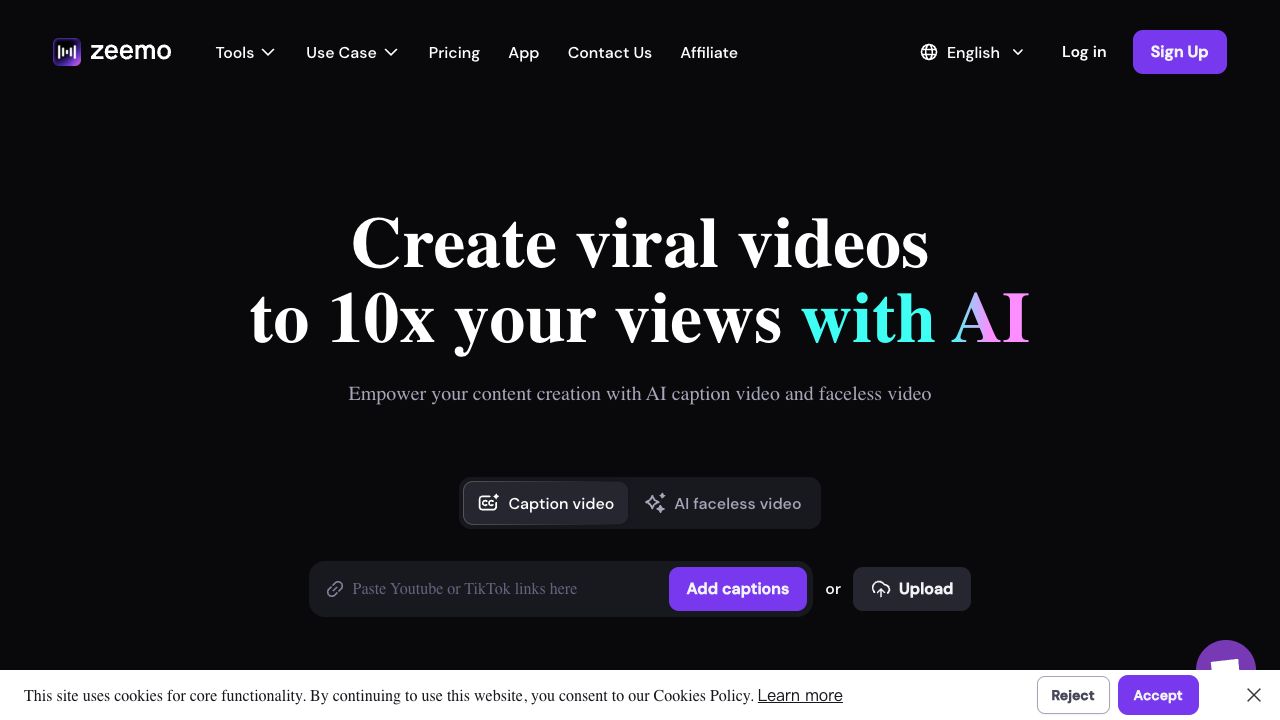
Zeemo is an AI-powered application and online software designed to automatically generate and translate video captions in multiple languages. It offers a fast, accurate, and versatile solution for content creators, educators, and businesses to add subtitles to videos, transcribe audio to text, and translate video content. Zeemo aims to enhance video accessibility, increase viewer engagement, and streamline the subtitling process.
What is Zeemo AI used for?

AI TranscriptionAI Video EditorAI Video GeneratorAI Speech-to-TextAI Subtitle GeneratorAudio To Text AIAI Caption GeneratorAI Video Translator
Zeemo AI cover

Top Features

  • Automatic subtitle generation
  • Video translation into multiple languages
  • Audio transcription to text
  • Online video editor
  • Secure cloud storage
  • Cross-platform accessibility (browser and app)

How to use Zeemo AI?

Users can upload videos to Zeemo through the browser or app, click the 'Caption' button to add, translate, or edit subtitles, and then export the fully captioned video or SRT caption file.

Alternative Tools

OpenAI
OpenAI
Similar tool
95.0
Sora
Sora
Similar tool
92.0
即梦 AI
即梦 AI
Similar tool
92.0
CapCut
CapCut
Similar tool
92.0
MiniMax
MiniMax
Similar tool
92.0
Runway
Runway
Similar tool
82.0

Pros & Cons

No Data

Who Uses Zeemo AI

Top industries

Based on 863 reviews

All Industries

  • All Industries

Frequency of use

Based on 863 reviews

Use this tool Daily 53%

53%
  • Daily53%
  • Weekly30%
  • Monthly17%

Top roles

Based on 863 reviews

  • Professional
    94%

Company size

Based on 863 reviews

Use Cases

  • Adding subtitles to YouTube videos to increase viewership
  • Creating educational videos with accurate subtitles for better learning outcomes
  • Translating marketing videos to reach a global audience
  • Transcribing legal or interview recordings
  • Generating subtitles for short videos on social media platforms like TikTok and Instagram

Zeemo AI Pricing

Free PlanSubscription Plan
No detailed pricing information available

User Reviews

2.0
out of 5
2.0

No reviews yet

Be the first to review this tool!