


Vance Video AI
Professional AI video enhancer, Enhance Every Frame, Restore the memory
User Rating
3.0
Score
60
Free/Trial Support
Supported
Features
4 Features
Last Updated
Jan 20, 2026
What is Vance Video AI?
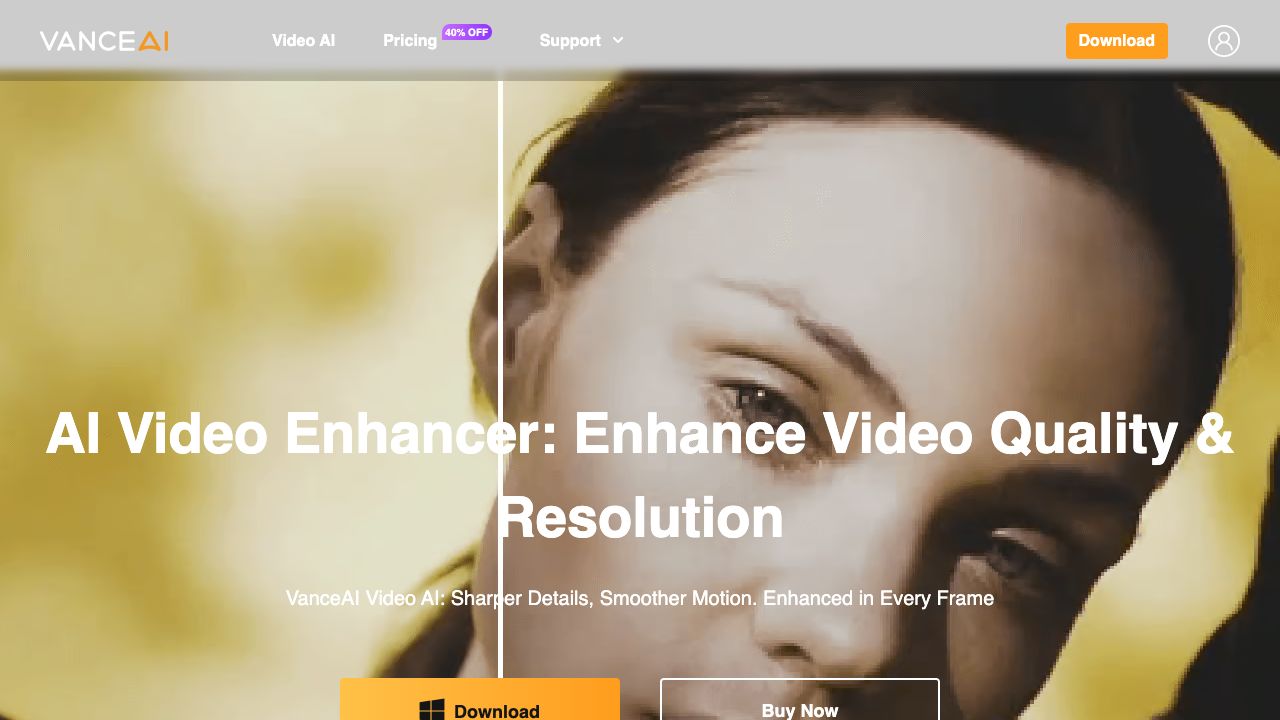
VanceAI Video AI is a one-stop professional AI video enhancer that offers a suite of tools, including video upscaling, smoothing, deinterlacing, denoising, stabilization, and SDR to HDR conversion. It allows users to enhance video quality and resolution, making footage look its best with AI-powered GPU acceleration, high automation, and easy operation.
How to use Vance Video AI?
Download the Video AI client, log in with a purchased account to authorize the client on your PC, and then use the various AI tools to enhance your videos. Free trials are available before buying.
Top Features
- Video Upscaling (up to 4K/8K)
- SDR to HDR Conversion
- Video Smoothing (up to 120FPS)
- Video Denoising
- Video Deinterlacing
- Video Stabilization
- Batch Processing
Pros & Cons
No Data
Use Cases
- Upscaling low-resolution videos to high-definition (4K or 8K)
- Converting SDR videos to HDR for a more immersive viewing experience
- Smoothing videos with low frame rates to 30, 60, or 120 FPS
- Removing noise and grain from old or low-light videos
- Deinterlacing older interlaced videos for modern HD screens
- Stabilizing shaky footage from handheld or action cameras
- Pre-editing videos with rotation, cropping, and color grading
User Groups
No Data
Vance Video AI Pricing
Free PlanSubscription Plan
No detailed pricing information available


Cover Preview
VANCE VIDEO AI Features
- AI Video Editor functionalityAI Video Editor
- AI Video Enhancer functionalityAI Video Enhancer
- AI Noise Cancellation functionalityAI Noise Cancellation
- AI Video Upscaler functionalityAI Video Upscaler