


Text2Color for Canva
AI-powered color transformation for Canva
User Rating
3.0
Score
60
Free/Trial Support
Supported
Features
2 Features
Last Updated
Feb 05, 2026
What is Text2Color for Canva?
Text2Color for Canva is a Chrome extension that adds a magical \"text-to-color\" feature to color pickers across Canva. It uses AI to transform words into stunning colors, streamlining your workflow by generating perfect colors in seconds. It integrates seamlessly within Canva's interface, allowing you to describe colors using natural language and watch the AI generate them.
How to use Text2Color for Canva?
Install the Text2Color for Canva Chrome extension from the Chrome Web Store or manually. Enter your API key after installation. Open Canva, and you'll see the Text2Color input field in Canva's color picker. Describe the color you want, and the AI will generate it.
Top Features
- AI-powered color generation from text descriptions
- Seamless integration with Canva's color picker
- Fast color generation
Pros & Cons
No Data
Use Cases
- Generating color palettes for Canva designs using natural language descriptions.
User Groups
No Data
Text2Color for Canva Pricing
Free PlanSubscription Plan
No detailed pricing information available


Cover Preview
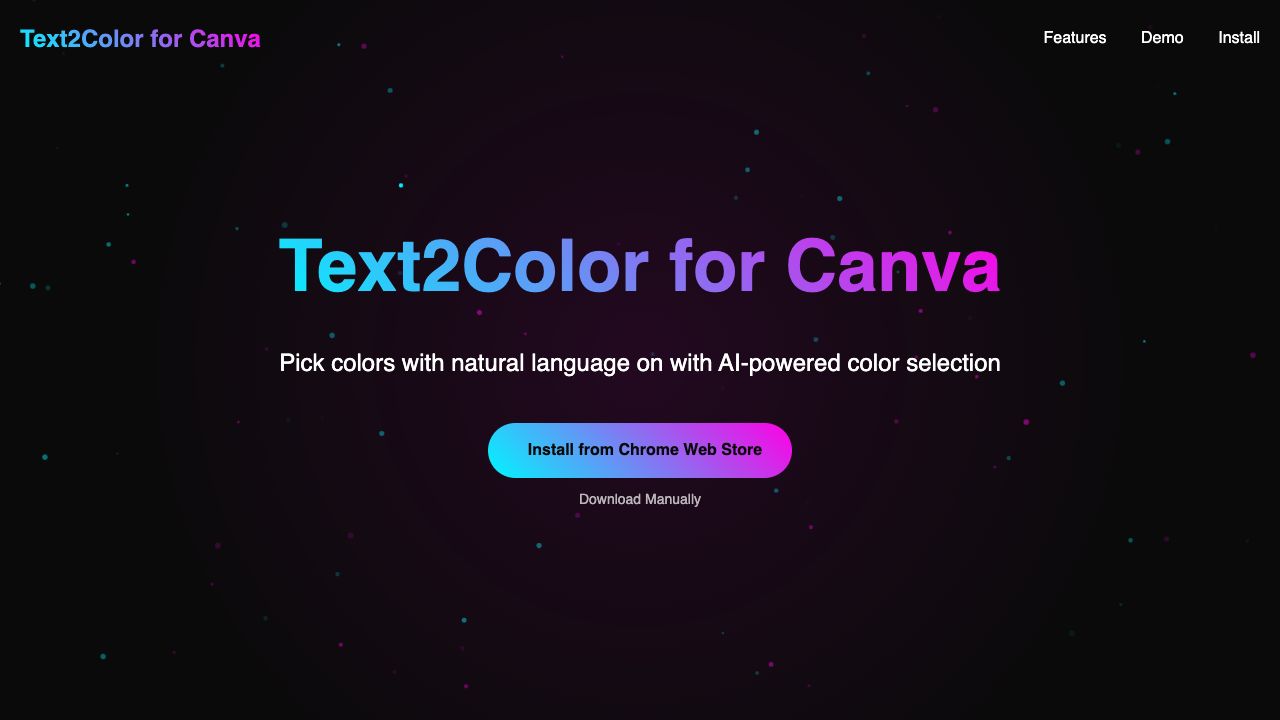
TEXT2COLOR FOR CANVA Features
- AI Design Assistant functionalityAI Design Assistant
- AI Color Palette Generator functionalityAI Color Palette Generator