


User Rating
3.0
Score
60
Free/Trial Support
Supported
Features
3 Features
Last Updated
Feb 05, 2026
What is Text to Calendar?
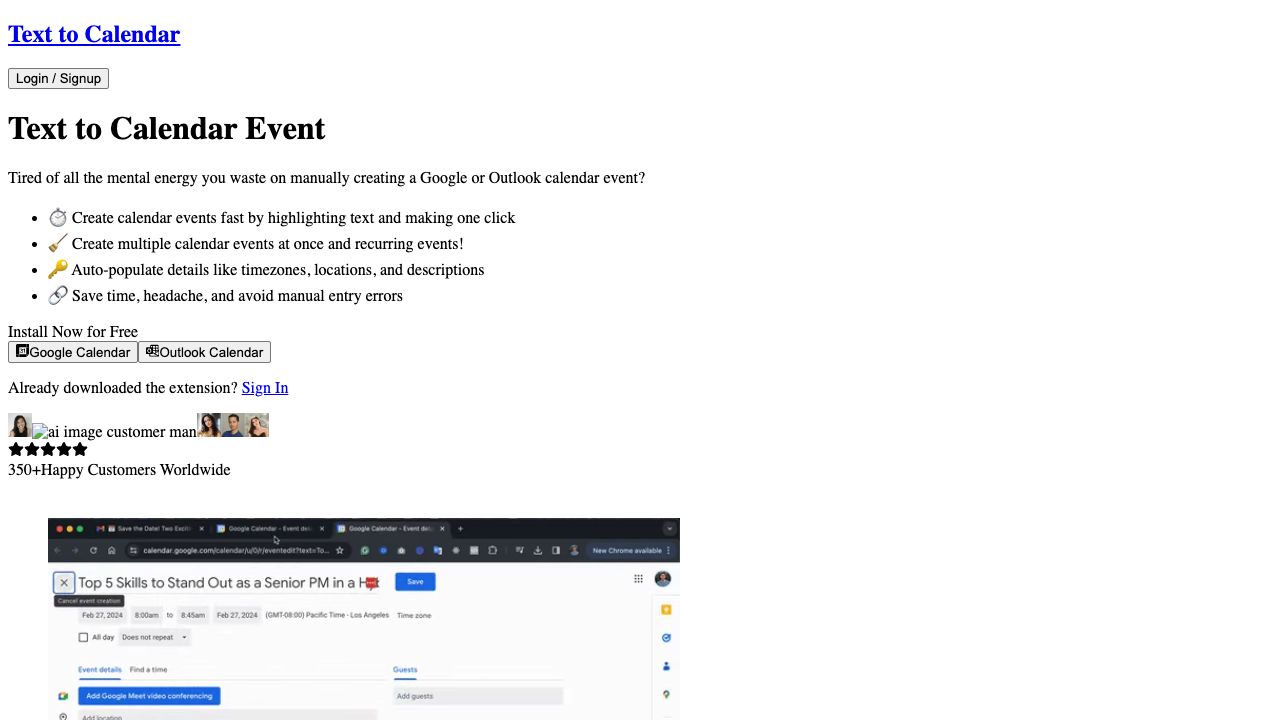
Text to Calendar is a browser extension designed to streamline the process of creating Google or Outlook calendar events. It allows users to highlight text containing event details and automatically populate the calendar event creation form, saving time and reducing manual entry errors. The extension supports creating single and recurring events, as well as populating location, timezone, and event descriptions.
How to use Text to Calendar?
Install the Text to Calendar extension. Highlight the text containing event details on any webpage or email. Click the extension icon to automatically populate a Google or Outlook calendar event creation form with the highlighted information. Adjust details as needed and save the event.
Top Features
- Create Google or Outlook calendar events from highlighted text
- Create multiple events at once
- Create recurring events
- Auto-populate event details (location, timezone, description)
Pros & Cons
No Data
Use Cases
- Quickly create calendar events from emails containing meeting details.
- Easily schedule events based on information found on websites or documents.
- Efficiently create multiple calendar events for a series of meetings or appointments.
User Groups
No Data
Text to Calendar Pricing
Free PlanSubscription Plan
No detailed pricing information available


Cover Preview
TEXT TO CALENDAR Features
- AI Productivity Tools functionalityAI Productivity Tools
- AI Scheduling functionalityAI Scheduling
- AI Calendar functionalityAI Calendar