
Toolidx
Best Tools (By Scenario)
Best Tools (By Role)
  • Home
  • All Categories
  • Top Tools
Toolidx

Join our newsletter

Get the latest updates on new tools and in-depth comparisons delivered to your inbox.

AI Tool Deck Logo

On a mission to help you work smarter with the right tools. Helping you to choose the right tools for your job, your company & your needs with over 10+ years experience.

Company

  • About
  • Contact
  • Terms of Use
  • Privacy Policy

Top Reads

  • Best Project Management Tools
  • Best AI Daily Planning Software
  • Best AI Meeting Tools
  • Best CRM Software for Teams
  • Best AI Note-Taking Software
  • Best AI Email Management Tools
  • Best Productivity Tools for ADHD

Featured Tool

Notion

Notion

All-in-one workspace for notes, docs, wikis, projects, and collaboration. Perfect for teams and individuals.

Sponsored

© 2026 Tool IDX. All rights reserved.

Back to Home|HomeStudio
Studio

Studio

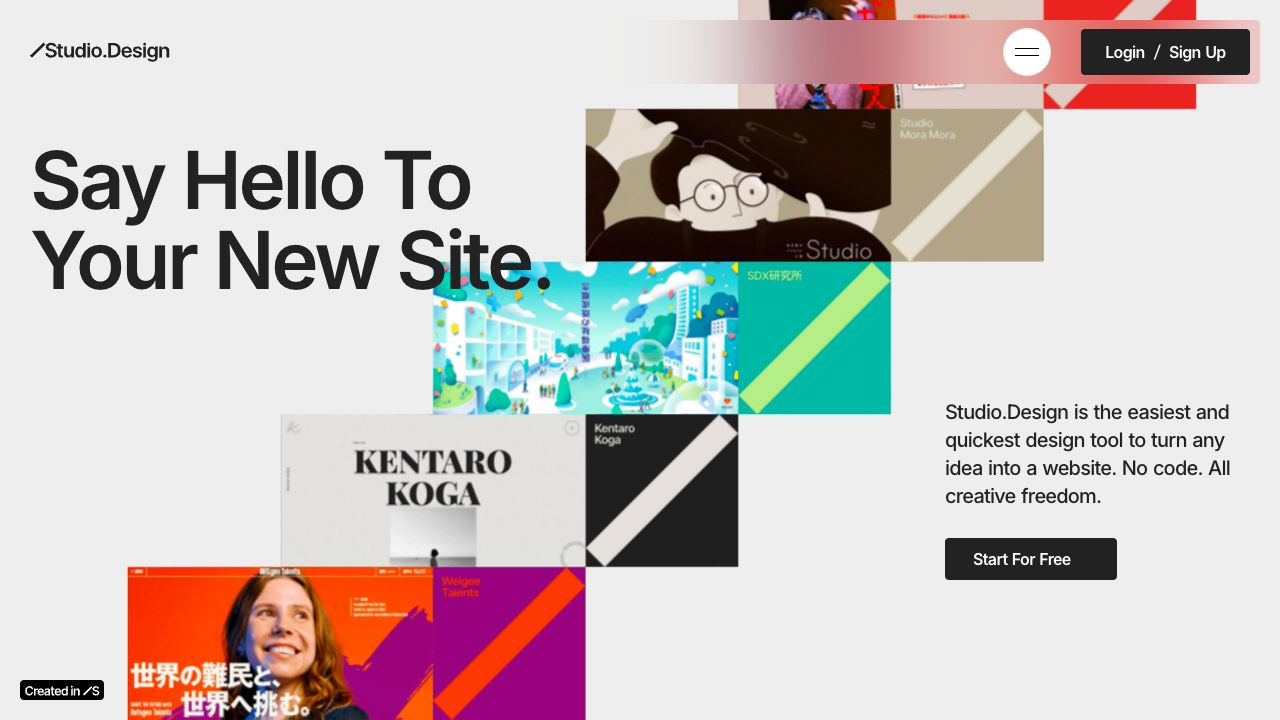
A no-code tool for building beautiful portfolio websites and landing pages quickly with full creative freedom.

Visit Website
Score
75
User Rating
3.0
Free/Trial Support
Supported
Starting Price
--
Last Updated
Apr 23, 2026
OverviewTop featuresHow to usePros & consWho usesUse casesPricingAlternative toolsUser reviews0

Overview

What is Studio?

Studio is a no-code platform that allows users to create portfolio websites, landing pages, and other web projects without coding, offering complete creative control.
What is Studio used for?

No-Code Website Builder
Studio cover

Top Features

  • no-code design
  • drag-and-drop editor
  • template library
  • responsive design
  • custom domains

How to use Studio?

Sign up, choose a template or start from scratch, drag and drop elements to design your site, and publish it online with no technical skills required.

Alternative Tools

Ycode
Ycode
Similar tool
70.0
UX Map
UX Map
Similar tool
60.0
DhiWise
DhiWise
Similar tool
60.0
Builder.io
Builder.io
Similar tool
60.0
Webullar
Webullar
Similar tool
60.0
Universe
Universe
Similar tool
60.0

Pros & Cons

Pros

  • easy to use
  • fast setup
  • creative freedom
  • no coding needed

Cons

  • limited advanced features
  • may require subscription for full access

Who Uses Studio

Top industries

Based on 534 reviews

Marketing

  • Marketing
  • Development
  • Startups

Top user groups

Based on 534 reviews

Creative Teams

  • Creative Teams
  • Budget Conscious Teams
  • Distributed Teams

Frequency of use

Based on 534 reviews

Use this tool Daily 47%

47%
  • Daily47%
  • Weekly26%
  • Monthly27%

Top roles

Based on 534 reviews

  • Designer
    95%
  • Developer
    80%
  • Marketer
    66%
  • Entrepreneur
    52%
  • Freelancer
    34%

Company size

Based on 534 reviews

Use Cases

  • portfolio creation for designers
  • landing page for startups
  • personal website for freelancers

Studio Pricing

Free PlanSubscription Plan
No detailed pricing information available

User Reviews

3.0
out of 5
3.0

No reviews yet

Be the first to review this tool!