


Roshi - Lessons in 1 Click
Generate summaries, vocabulary lists, questions, and activities for your students in just one click.
User Rating
1.0
Score
60
Free/Trial Support
Supported
Features
5 Features
Last Updated
Jan 29, 2026
What is Roshi - Lessons in 1 Click?
Roshi helps teachers craft interactive learning material in just a few clicks. It allows users to generate summaries, vocabulary lists, questions, and activities for students from YouTube videos or articles. It supports creating dialogues, visuals, and targeted activities based on specialized criteria.
How to use Roshi - Lessons in 1 Click?
Describe your desired learning material using prompts, watch Roshi generate your material using AI, and then share your content to Moodle, Google Classroom, and other learning platforms.
Top Features
- AI-powered lesson generation
- Dialogue creation with custom voices
- Visual creation (images, brochures, etc.)
- Targeted activity generation (e.g., CLB)
- Integration with Moodle and Google Classroom
Pros & Cons
No Data
Use Cases
- Generating summaries and vocabulary lists from YouTube videos.
- Creating interactive dialogues for language learning.
- Developing targeted activities based on specific learning criteria.
User Groups
No Data
Roshi - Lessons in 1 Click Pricing
Free PlanSubscription Plan
No detailed pricing information available


Cover Preview
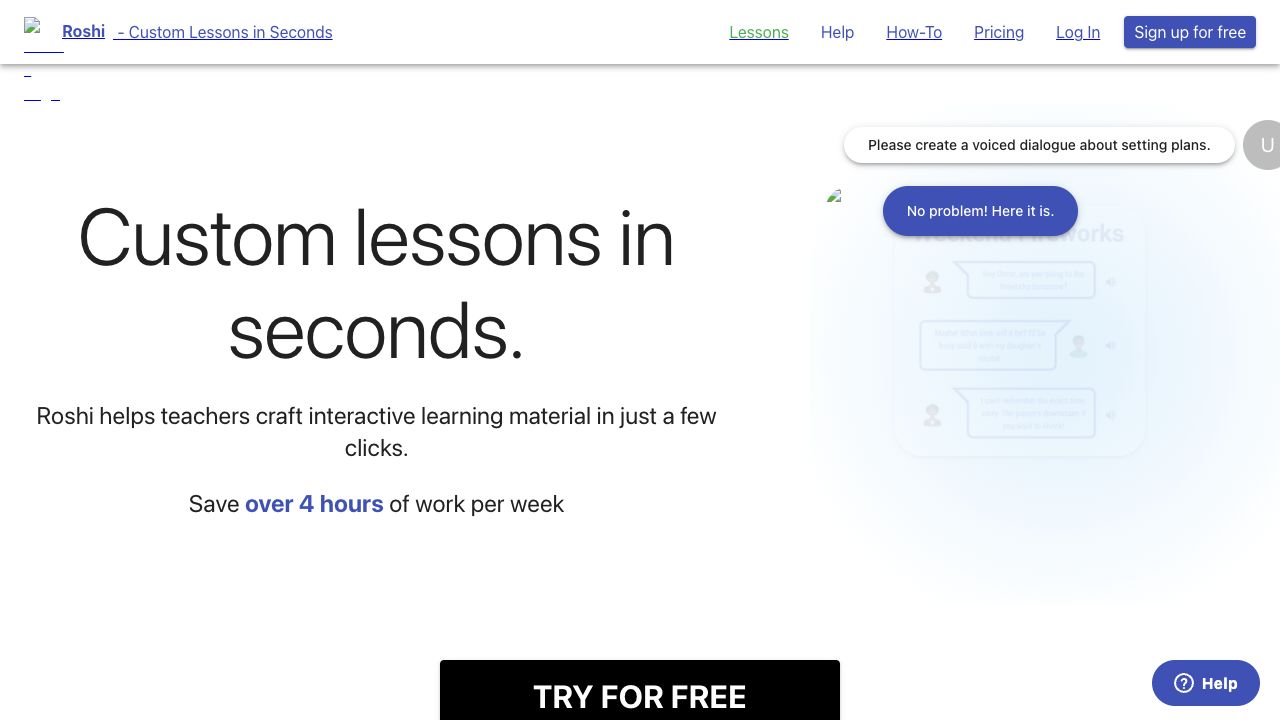
ROSHI - LESSONS IN 1 CLICK Features
- AI Design Generator functionalityAI Design Generator
- AI Text Generator functionalityAI Text Generator
- AI Voice Generator functionalityAI Voice Generator
- AI Lesson Plan Generator functionalityAI Lesson Plan Generator
- AI Dialogue Generator functionalityAI Dialogue Generator