


Rewrite.ly
What is Rewrite.ly?
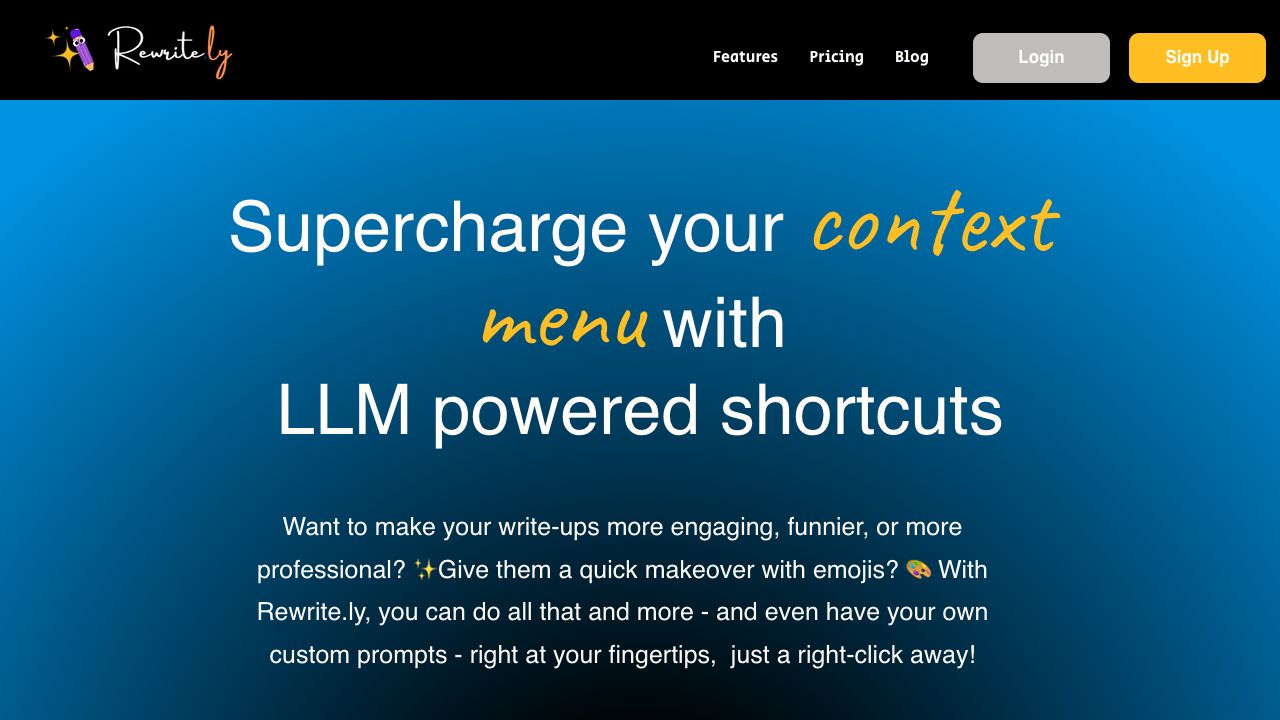
Rewrite.ly supercharges your right-click menu with LLM powered shortcuts such as simplifying language, summerize, add emojis etc. You can define custom prompts (eg: rewrite in my style) to build your dream productivity toolkit, right in the context menu. Rewritely enables you to supercharge your chrome context menu with LLM powered shortcuts such as simplifying language, summerize, add emojis etc. You can define your own custom prompts to build the dream productivity toolkit, right in your right click menu. Rewrite.ly offers a free trial for 14 days. Beyond that, for continued use, sign up for Pro Tier to get 2k rewrites a month, and Elite tier for 10K rewrites a month.
How to use Rewrite.ly?
Install the Rewrite.ly Chrome extension. Once installed, right-click on any text to access LLM-powered shortcuts like simplifying language, summarizing, or adding emojis. You can also define custom prompts to tailor the toolkit to your specific needs.
Top Features
- LLM-powered shortcuts in the right-click menu
- Customizable prompts for personalized workflows
- In-place editing of LLM results
- Text selection for fine-tuning rewrites
Pros & Cons
No Data
Use Cases
- Quickly rewrite text in different styles or tones
- Simplify complex language for broader audiences
- Summarize lengthy articles or documents
- Add emojis to make content more engaging
- Transform text into your personal writing style
User Groups
No Data
Rewrite.ly Pricing


Cover Preview
REWRITE.LY Features
- AI Rewriter functionalityAI Rewriter
- AI Summarizer functionalityAI Summarizer
- AI Writing Assistants functionalityAI Writing Assistants
- AI Emoji Generator functionalityAI Emoji Generator
- AI Productivity Tools functionalityAI Productivity Tools
- Large Language Models (LLMs) functionalityLarge Language Models (LLMs)
- AI Text Generator functionalityAI Text Generator